Newsletter
Join the Community
Subscribe to our newsletter for the latest news and updates

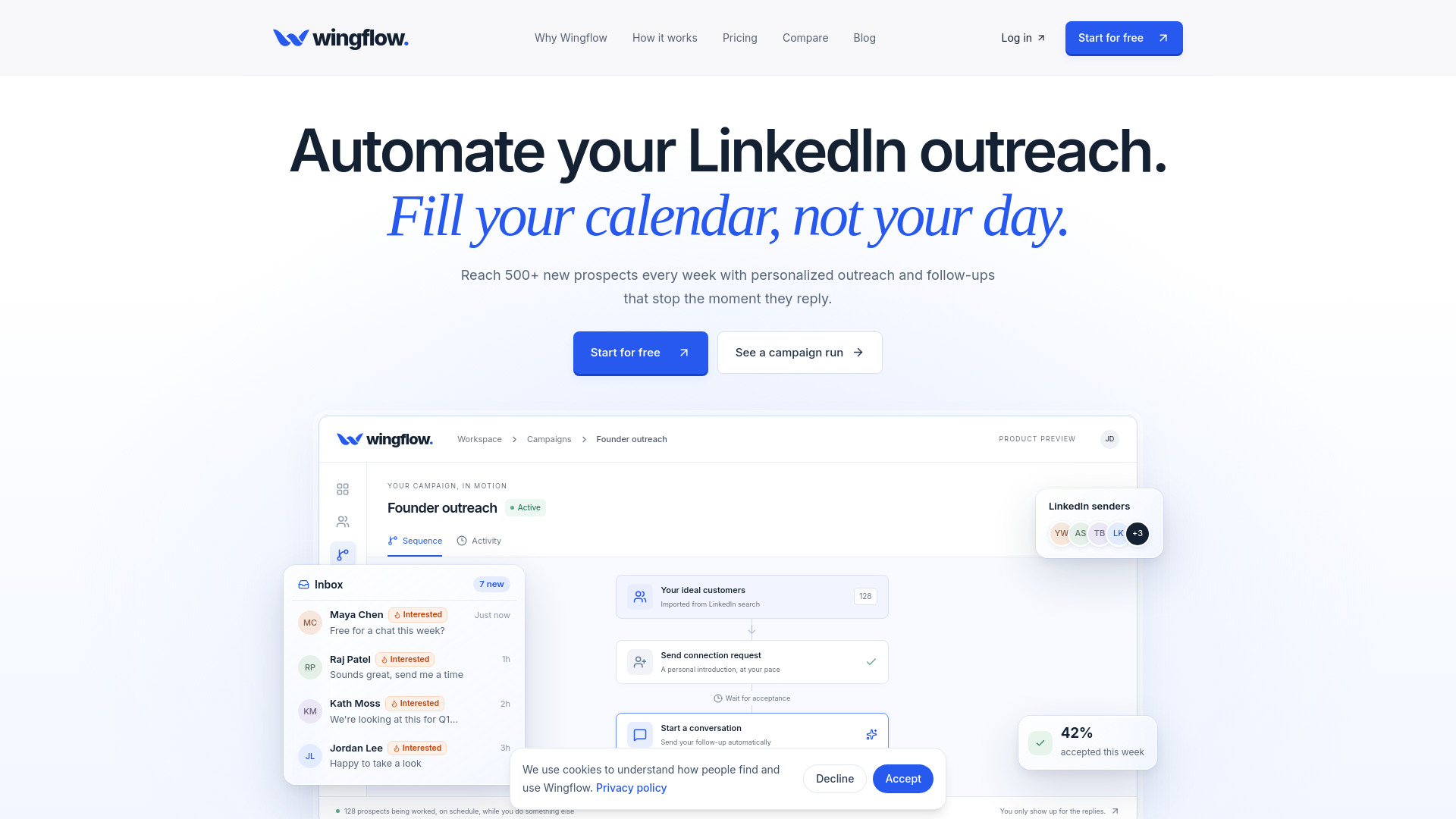
Wingflow is a cloud-based LinkedIn outreach tool that sends personalized connection requests and follow-ups, stops when people reply, and keeps every reply in one inbox.
Wingflow is a cloud-based LinkedIn outreach automation tool designed for founders, sales teams, and agencies. It imports prospects, sends personalized connection requests and follow-ups at a human pace, and consolidates every reply into a single inbox. The tool operates entirely in the cloud, requiring no browser extension or keeping your computer on. It costs $49 per LinkedIn account per month.
Wingflow costs $49 per LinkedIn account per month. This includes all features and unlimited campaigns. No additional costs for multiple accounts; each account is billed separately.
What is Wingflow?
Wingflow is a cloud-based LinkedIn outreach automation tool for founders, sales teams, and agencies. It imports prospects, sends personalized connection requests and follow-ups at a human pace, and puts every reply in one inbox. It costs $49 per LinkedIn account per month.
How many people can I reach?
Up to 30 connection requests a day on a regular LinkedIn account and up to 80 on Premium, per connected account, spread across your working days. Profile visits, likes, comments, and follow-up messages run on top of that. Connect more accounts and the reach multiplies.
How quickly will I see replies?
Usually within days. Your first invitations go out within hours of launching, at the next slot inside that account’s working hours. Follow-ups fire the moment someone accepts rather than days later, so conversations start while you’re still fresh in their mind and the first replies can land within days, not weeks.
Do I need LinkedIn Premium?
No. Wingflow works with regular LinkedIn accounts. Sales Navigator and other Premium products give you more ways to source prospects and a higher daily invitation limit, and InMail steps need Premium, but none of it is required.
Do I need to install anything or keep my computer on?
No. Wingflow runs entirely in the cloud. There’s no browser extension and nothing to leave running. Connect your LinkedIn account once and every step happens on our side, on schedule, whether your laptop is open or not.
Is it safe for my LinkedIn account?
Wingflow keeps the risk low, but no tool can promise zero risk. It's built to look like you, not like a bot: every account gets its own dedicated proxy in its home country, daily limits, local working hours, sends spread across days at random times, and follow-ups that wait for a real acceptance. These controls keep you well inside the patterns LinkedIn expects.
Will it keep messaging someone who has already replied?
No. The moment a reply comes in, every remaining step for that person is canceled across all of your campaigns. Nobody gets an automated follow-up after they’ve written back to you, so you never have to apologize for a script.
Can I personalize messages?
Yes. Use [FirstName], [Name], [Company], [Title] or [Location] anywhere in a note or message, with an optional fallback such as [Company|your team] for when a detail is missing. You see a live preview of exactly what each person will read before you launch.
What happens after I launch a campaign?
Wingflow runs your sequence on schedule and stops for anyone who replies. It plans the whole campaign up front and shows you the schedule before you press go. Then it follows your sequence: visiting profiles, liking or commenting on posts, sending invitations, waiting for acceptance, and delivering follow-ups on your timing. Replies land in your unified inbox and stop that person’s sequence.
What if someone hasn’t accepted my invitation?
Wingflow waits. As soon as they accept, the next step is scheduled. If they haven’t accepted by your deadline (seven days by default, up to ninety), you decide what happens: stop the sequence for them, skip the step, or carry on regardless.
Can I stop certain people or companies from ever being contacted?
Yes. Add companies, email domains or individual LinkedIn profiles to your do-not-contact list, or flag a single contact. Wingflow checks the list before every launch and every send, and it also won’t enrol the same person in two live campaigns at once.
Can I change a campaign after it’s live?
Yes. Pause and resume at any time, add or remove steps, or edit a message, and anyone still in the sequence picks up the change. No need to stop and rebuild.
Can I connect more than one LinkedIn account?
Yes. Manage multiple LinkedIn accounts, their campaigns and their conversations from one workspace. Each account keeps its own limits, timezone and proxy. Ideal for teams and agencies running outreach for several people.
Where can I find and import prospects?
Bring in prospects from LinkedIn Search, Sales Navigator, Recruiter, or the people commenting on and reacting to relevant posts. Role, company and location are filled in for you, and you can filter and bulk-add them to a campaign straight away.