What is worldmodel generate
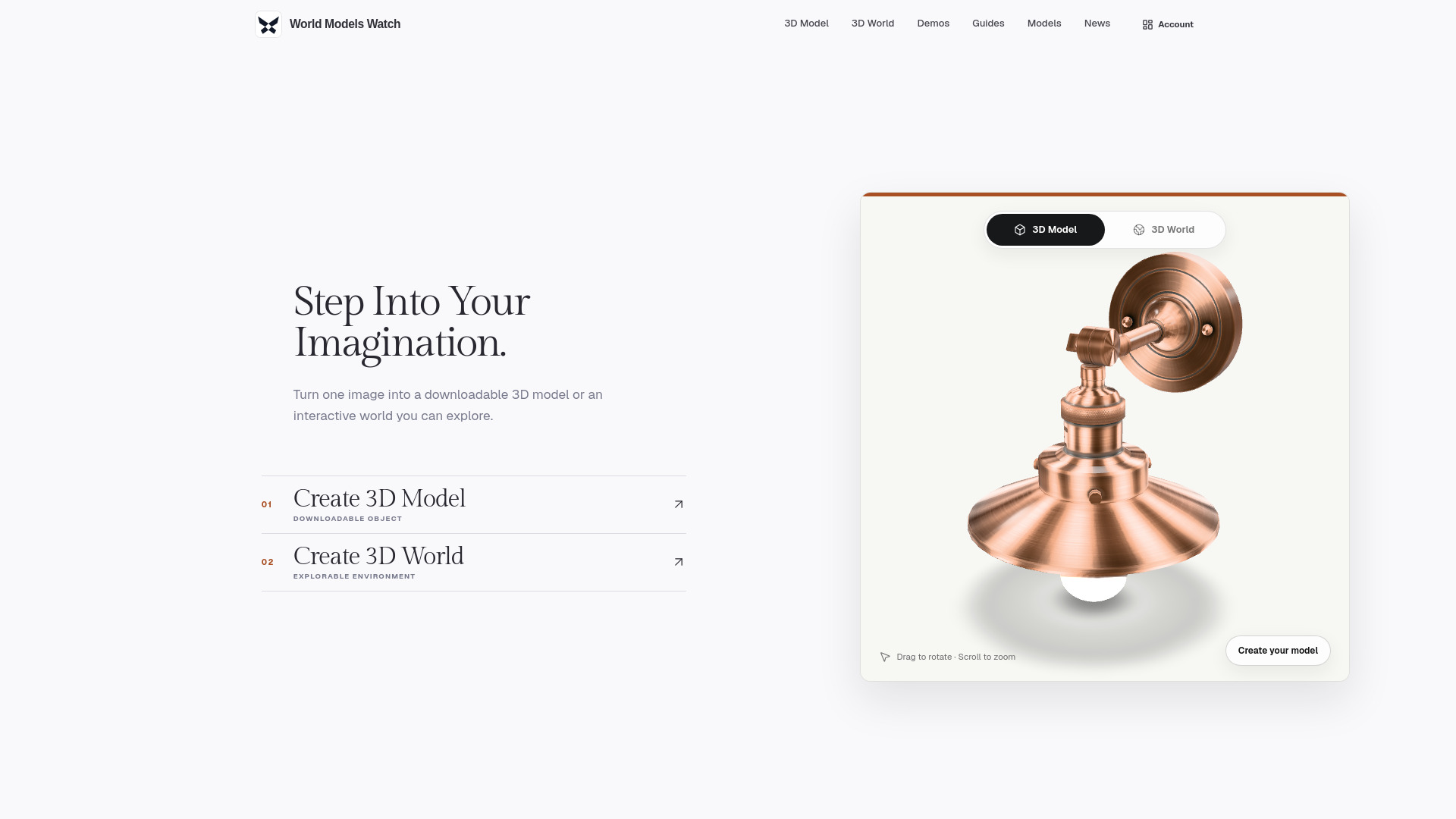
World Models Watch is an AI platform that converts a single image into either a downloadable 3D model or an explorable 3D world. It aggregates multiple generation engines, allowing users to compare and choose from various providers without learning separate workflows.
How to use worldmodel generate
- Choose the outcome: Decide between creating a 3D Model (for objects, characters, products) or a 3D World (for environments like rooms, streets, landscapes).
- Add a reference: Upload an image, or use text or multiple consistent views if the selected engine supports them.
- Pick the engine: Select from supported engines such as Tripo H3.1, Meshy 6, Hunyuan3D 3.1 Pro, Rodin 2.5 for models, and Marble 1.1, Skybox AI World Mesh, Hunyuan World 1.0, Echo 2 for worlds.
- Generate and download: Start the task, monitor progress from History, and download the result (GLB or other formats) within 7 days.
Features of worldmodel generate
- Flexible input: Start from an image, text, or multi-view references when supported.
- Two clear outcomes: Create a downloadable 3D model or an explorable 3D world.
- Multiple generation engines: Access 8 different engines for comparison.
- Useful 3D files: Download GLB for models; worlds may offer GLB, SPZ, SOG, PLY, DRC, or provider-specific files.
- Credits that recover: Credits are reserved at submission and returned automatically if generation fails or times out.
- Private by default: Inputs are private, scheduled for deletion within 24 hours, and result downloads expire after 7 days.
Use Cases of worldmodel generate
- Game assets: Create props, equipment, and environment-ready objects.
- Product visualization: Explore product concepts in 3D before prototyping.
- Film and VFX: Turn concept art into props and visual references.
- Architecture and interiors: Extend rooms and courtyards into explorable environments.
- Immersive experiences: Prototype worlds for XR, exhibitions, and virtual production.
- Simulation and learning: Use spatial scenes to communicate systems and ideas.
Pricing
World Models Watch offers credit-based plans with a 50% discount on continuous subscriptions. Plans include:
- Starter: $19.95/month (regularly $39.90) – 2,000 credits per month, up to 33 basic models.
- Creator: $29.95/month (regularly $59.90) – 3,000 credits per month, up to 50 basic models. Most popular.
- Studio: $49.95/month (regularly $99.90) – 5,000 credits per month, up to 83 basic models.
All plans include highest priority queue, no watermarks, and full privacy. Payments are opening soon; plans are shown for comparison.
FAQ
Should I create a 3D model or a 3D world? Choose 3D Model for one object, character, product, or prop. Choose 3D World for a room, street, landscape, or other surrounding environment you want to explore.
What kind of image works best? For a model, use one centered object with a clear silhouette and even lighting. For a world, use a wider scene with visible ground, depth, and a readable path through the space.
Can I generate from text or multiple images? Yes, when the selected engine supports that input. Input options update after you choose an engine, and multi-view references should show the same object or place from consistent angles.
Which formats can I download? Every current 3D model engine provides GLB. World providers can return GLB, SPZ, SOG, PLY, DRC, or a provider world file; the exact files appear when the task completes.
What happens to my credits if generation fails? The quoted credits are reserved when the task starts. They are returned automatically if the provider fails or the task times out.
Are my uploads private, and how long are files kept? Generation inputs stay private and are scheduled for deletion within 24 hours after completion. Successful result downloads expire after 7 days.