Newsletter
Join the Community
Subscribe to our newsletter for the latest news and updates

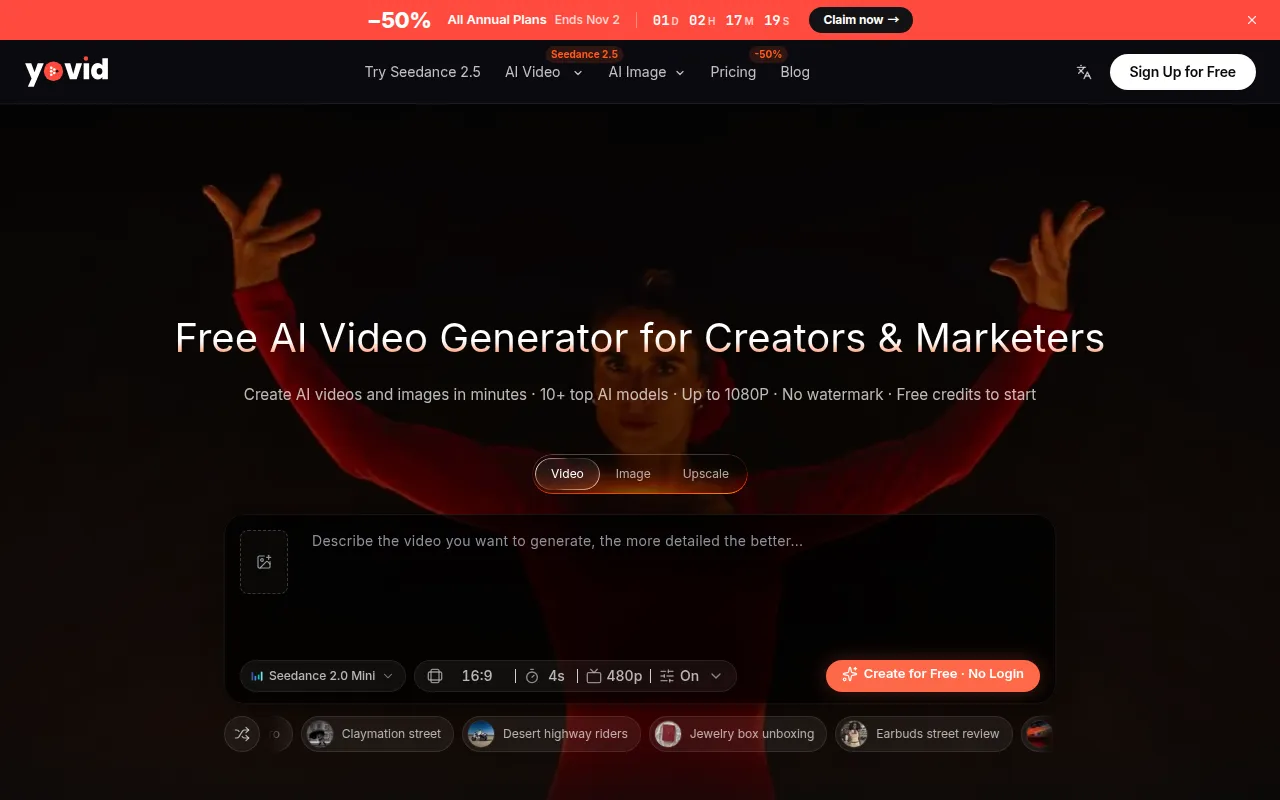
Yovid turns text prompts, photos, or existing clips into downloadable AI videos with model, duration, and resolution controls.
Yovid is a free AI video generator that allows users to create AI videos from text prompts, photos, or existing clips. It offers controls for model selection, duration, and resolution, and provides free credits to start with watermark-free downloads.
What is Yovid? Yovid is an online AI video generator that integrates leading AI video models like Seedance, Kling, Veo, Hailuo, and Wan. It allows users to create AI videos from text or images, generate and edit AI images, and upscale results without software installation.
What can I create with Yovid? You can create short films, ad creatives, product videos, social clips, trailers, and stylized animations. You can start from a text prompt, a photo, first and last frames, or an existing video, add AI sound on supported models, and upscale the result.
What is Seedance 2.5? What makes it stand out? Seedance 2.5 is ByteDance Seed's newest AI video model. It creates clips up to 30 seconds at 480p, 720p, or 1080p, with sound, from text, images, or image, video, and audio references, maintaining character consistency across scenes.
Which AI models can I use on Yovid? AI video models include Seedance 2.5 and 2.0, Kling, Veo, Hailuo (MiniMax), and Wan. AI image models include GPT Image 2.5, Nano Banana, and Seedream. The model picker displays supported lengths, resolutions, and inputs.
How is Yovid different from a single-model AI video generator? Yovid offers multiple AI video model families within a single platform with one credit balance, allowing users to compare outputs from different models without switching accounts or interfaces.
Which AI video model should I choose? Choose Seedance 2.5 for consistent characters across scenes, Kling 4.0 for expressive motion, and Veo 3.1 for dialogue and native audio. Entry models like Seedance 2.0 Mini are cost-effective for testing ideas.
Can I keep the same character across several AI videos? Yes. By starting each video from the same image or using reference images on supported models (like Seedance 2.5 and 2.0), the AI generator maintains character consistency across takes.
Is Yovid free to try? Yes. New users receive free credits to use entry AI video models (up to 720p, no watermark) and the AI image generator. Paid plans offer more credits and access to advanced models.
How do I create a video? Sign in, use the AI video generator, input a prompt or image, select an AI video model, and click 'Generate'. Images can serve as first frames, or first and last frames. Videos or more images can be used as references if supported by the model.
How do I write a good prompt for an AI video generator? Describe one shot at a time, including the subject, action, setting, camera movement, lighting, and mood. Use short, concrete sentences. If a result is unsatisfactory, modify a detail or use an image prompt for consistency.
Do I need editing skills to use an AI video generator? No. The AI video generator handles motion, camera, and lighting based on your text prompt or image. You can regenerate unsatisfactory takes and download the MP4. For longer pieces, clips can be edited together in any video editor.
How much does it cost to generate a video? Each generation uses credits based on the model, duration, and resolution. The AI video generator displays the credit cost before generation. Subscriptions and credit packs are available.
Does Yovid add watermarks to videos? No. Videos generated with the AI video generator are delivered without a Yovid watermark.
Can I use the videos commercially? Commercial use rights depend on your plan and terms shown at checkout. Refer to plan details and the Terms of Service for current usage rights.
How long does generation take? Most clips are ready within a few minutes, depending on the model, length, and system load. Progress can be monitored in your workspace.
Text-to-video or image-to-video: which should I use? Both modes are available in the same AI video generator. Use text-to-video for idea-based generation and image-to-video when subject or style consistency is crucial.
What formats and aspect ratios are supported? Videos download as MP4 files. Most models support 16:9, 9:16, and 1:1 aspect ratios. The model picker specifies options for each model.
Billing, refunds, and support Manage your plan and billing from your account. For refunds or assistance, contact support@yovid.ai.