What is Zenpa AI
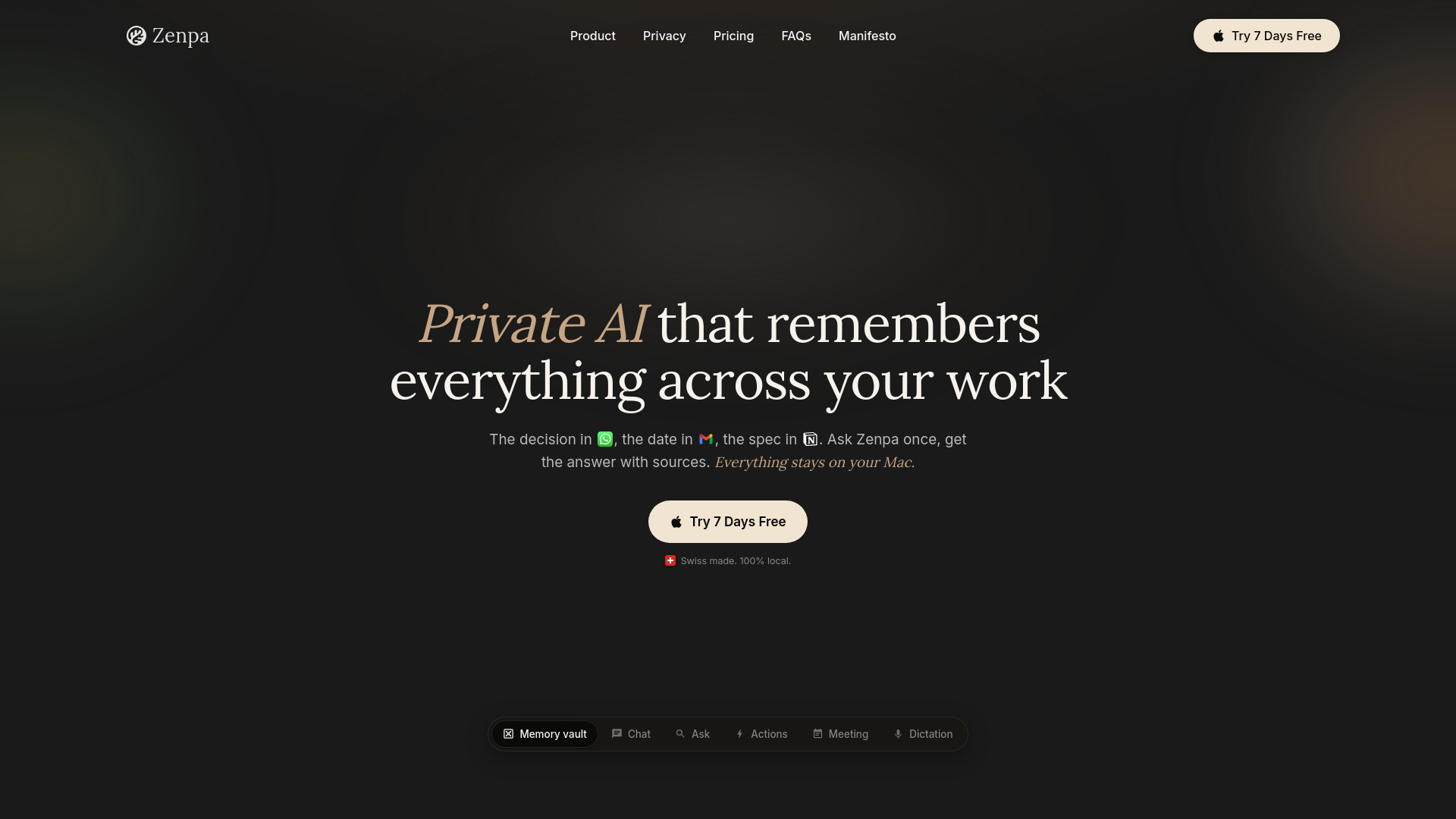
Zenpa is a private AI assistant for Mac that remembers everything across your work. It gathers your emails, chats, notes, and meetings into a single, local vault on your Mac. You can ask Zenpa questions and get answers with sources, all processed on-device. Your data never leaves your Mac, ensuring privacy by design.
How to use Zenpa AI
- Download and install Zenpa on your Mac.
- Connect your tools like Slack, Gmail, Notion, Google Calendar, Jira, GitHub, Apple Notes, and iMessage.
- Zenpa automatically indexes your work into a private vault.
- Use the vault to search memories by person, tool, or date.
- Ask Zenpa questions in natural language and get answers with sources.
- Chat with your memories to brainstorm or draft responses.
- Use Actions to turn decisions into Slack messages or email replies.
- Record meetings for automatic transcription and AI summaries.
- Use dictation by holding a key and speaking to type in any app.
Features of Zenpa AI
- Memory Vault: Automatically collects emails, chats, notes, and meetings into one searchable place.
- Chat: Chat with your memories to brainstorm and refine ideas.
- Ask: Get clear answers from your vault with sources.
- Actions: Draft messages in your tone and send when ready.
- Meeting: Record, transcribe, and summarize meetings entirely on your Mac.
- Dictation: Seamless speech-to-text in every app, 100% on-device.
- Privacy: All processing and storage happen locally on your Mac; no data leaves your device.
Use Cases of Zenpa AI
- Find information quickly: Ask Zenpa for a decision made in Slack, a date from Gmail, or a spec from Notion.
- Prepare for meetings: Review past conversations and notes before a meeting.
- Draft communications: Turn a decision into a Slack message or email reply.
- Never take notes: Automatically record and summarize meetings.
- Dictate emails and documents: Speak instead of typing in any app.
- Consolidate tools: Replace multiple subscriptions with one private assistant.
Pricing
Zenpa offers one plan with three payment options:
- Monthly: $9.99/month, cancel anytime.
- Annual: $99.99/year (save 17% vs monthly).
- Lifetime: $49.99 one-time payment, limited seats.
All plans include the full Zenpa with unlimited local use. A 7-day free trial is available.
FAQ
Who is Zenpa for? Zenpa is for professionals who want a private AI assistant that remembers their work across tools, without sending data to the cloud.
Does my work leave my Mac? No. All processing and storage happen locally on your Mac. Nothing is sent to the cloud.
Is there a free trial? Yes, Zenpa offers a 7-day free trial.
What does it cost? Zenpa has a single plan with monthly ($9.99), annual ($99.99), and lifetime ($49.99) options.
What happens when my trial ends? After the trial, you can choose a paid plan to continue using Zenpa.