What is AI 3D Model
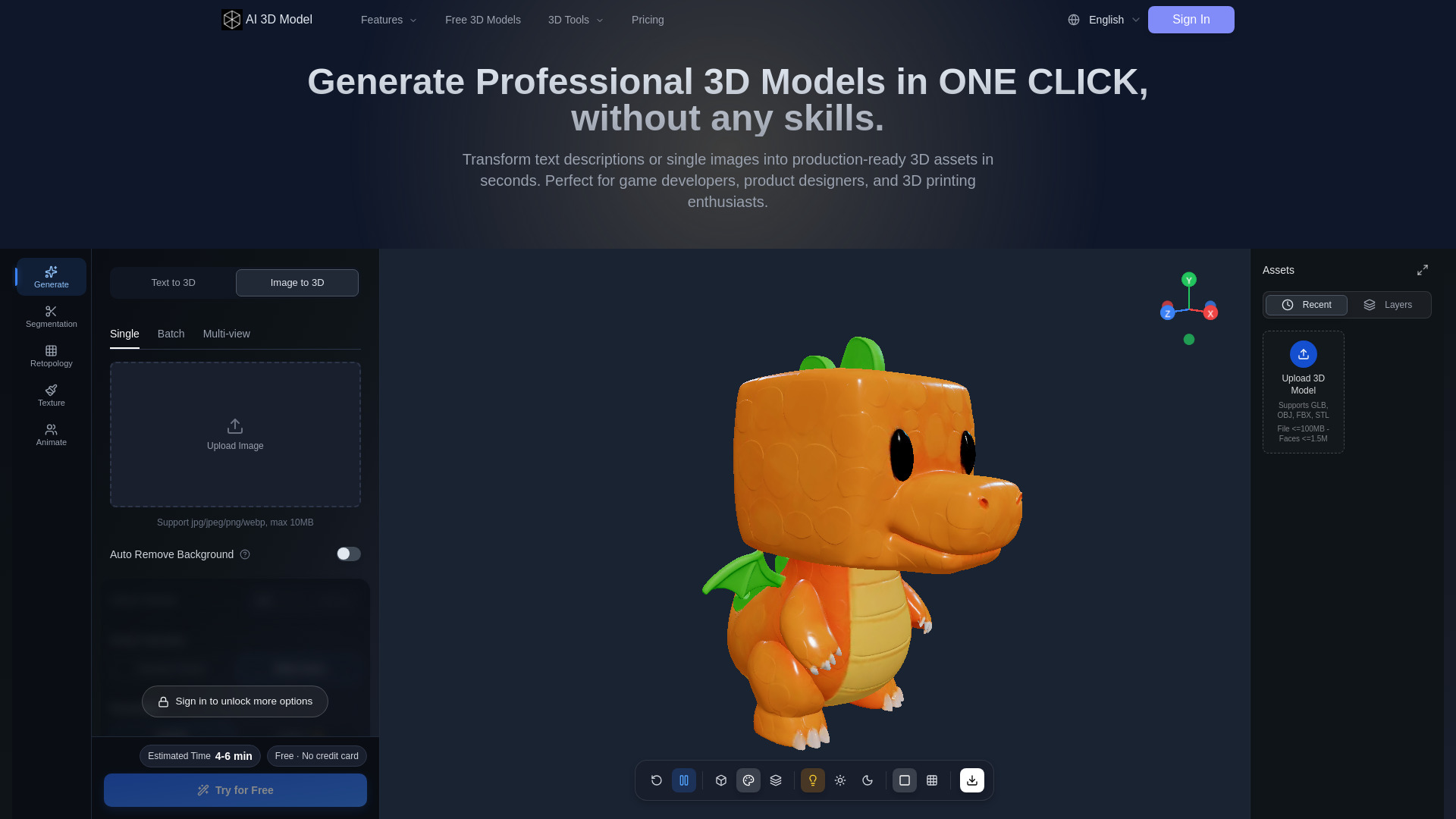
AI 3D Model is a free, AI-powered 3D model generator that turns text prompts, single images, or multi-view photos into production-ready 3D models. It allows users to texture, retopologize, split, and auto-rig models directly in the browser, without needing external software like Blender. Over 500,000 creators have generated more than 1,000,000 models using this tool.
How to use AI 3D Model
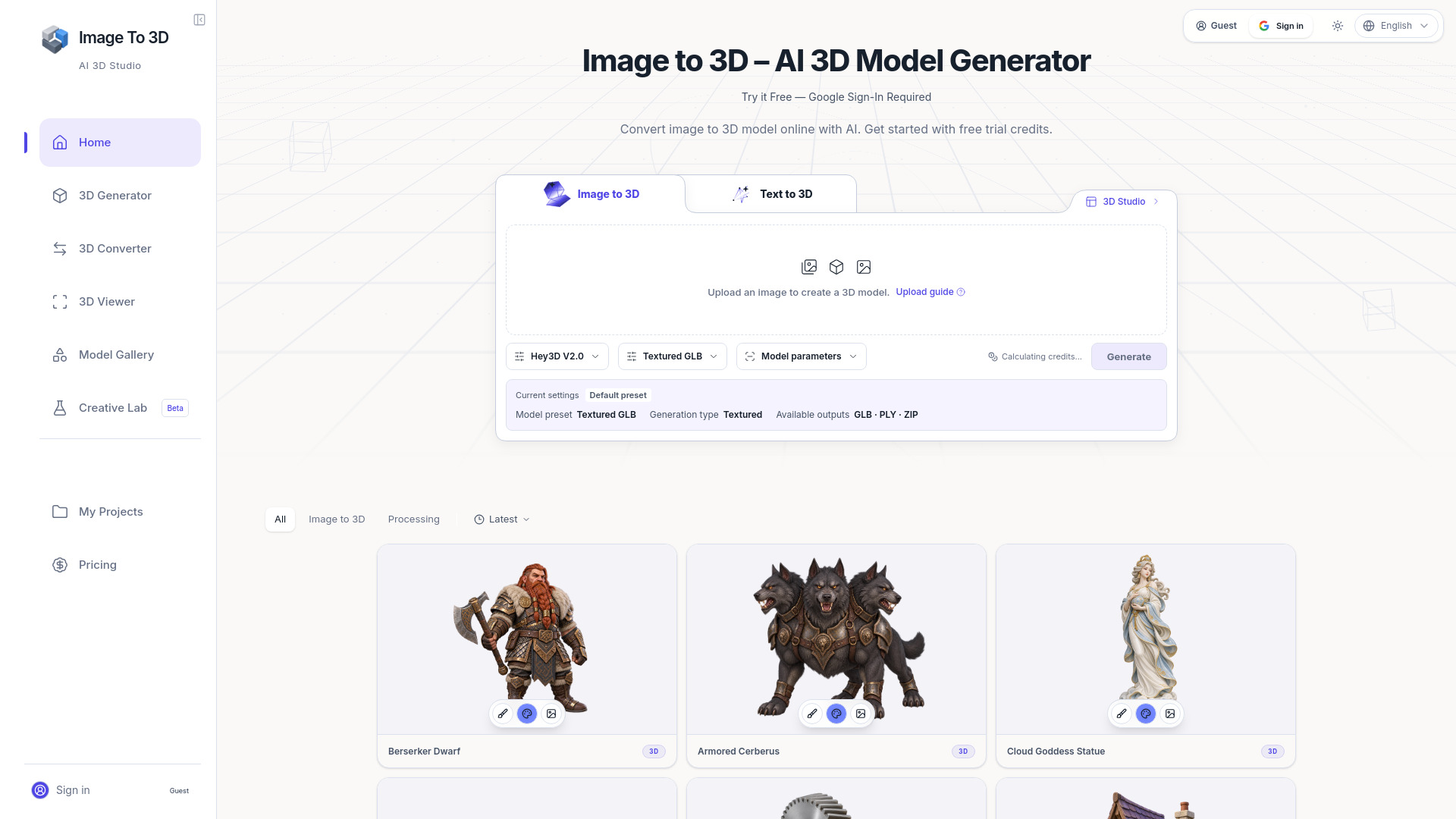
- Choose your input method: Select between "Text to 3D" or "Image to 3D" tabs. For image input, you can upload a single image, batch upload, or use multi-view images.
- Upload or describe: For image-to-3D, upload a JPG, PNG, or WebP file (max 10MB). For text-to-3D, type a detailed description of the model you want.
- Adjust settings: Optionally enable auto background removal, select the model version (Standard Texture or White Model), choose resolution (1024PX or 1536PX for subscribers), and set face limit (Auto or Custom).
- Generate: Click the "Create" button. The generation takes about 4-6 minutes and costs 10 credits.
- Preview and refine: Use the 3D viewer to inspect the model. You can switch between textured, white, and normal map views, adjust lighting, and change the background.
- Download: Once satisfied, download the model in your preferred format (GLB, OBJ, STL, FBX, etc.).
Features of AI 3D Model
- Text to 3D Model: Generate 3D models from text descriptions.
- Image to 3D Model: Convert single images, sketches, or illustrations into 3D models.
- Multi-view Image to 3D Model: Use multiple images for more accurate reconstruction.
- AI Texturing: Automatically generate PBR textures with rich details.
- AI Retopology: Optimize mesh topology for better performance.
- Auto Rigging: Automatically rig models for animation.
- Segmentation: Split models into separate parts.
- Smart Low-Poly Optimization: Reduce polygon count while preserving quality.
- White Model Generation: Create clean base meshes without textures.
- Multiple Format Export: Export to GLB, OBJ, STL, FBX, and other industry-standard formats.
- Free to start: No credit card required.
Use Cases of AI 3D Model
- Game Development: Quickly create character models, props, and environments.
- Product Design: Convert product photos into interactive 3D models for e-commerce.
- 3D Printing: Generate printable 3D models from images or text.
- Animation: Auto-rig characters for animation projects.
- Virtual Reality (VR): Create assets for VR experiences.
- Education: Visualize concepts in 3D for learning.
FAQ
Q: What file formats can I export?
A: You can export to GLB, OBJ, STL, FBX, and other industry-standard formats.
Q: How long does generation take?
A: Generation typically takes 4-6 minutes.
Q: How many credits does a generation cost?
A: Each generation costs 10 credits.
Q: Can I upload my own 3D models?
A: Yes, you can upload 3D models in GLB, GLTF, OBJ, FBX, or STL format (up to 100MB).
Q: Is there a free trial?
A: Yes, the tool is free to start with no credit card required.