Newsletter
Join the Community
Subscribe to our newsletter for the latest news and updates

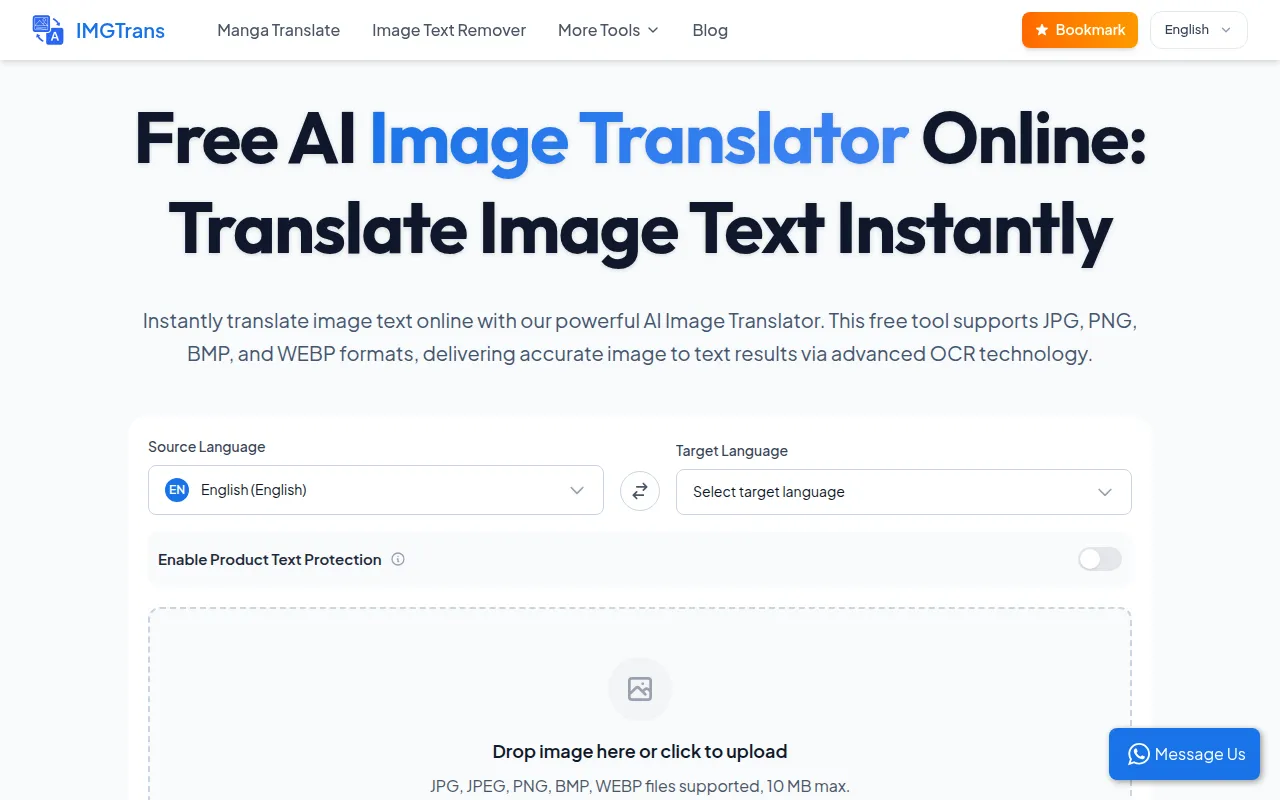
AI-powered image translation tool translating text within images instantly and accurately.
AI Image Translator is a free online tool that uses advanced OCR technology to instantly translate text within images. It supports various image formats including JPG, PNG, BMP, and WEBP, and aims to provide accurate text extraction and translation while preserving the original layout.
What image formats does your Picture Translator support? Our tool supports all major formats including JPG, PNG, WEBP, and HEIC.
Can I use this tool to Translate Manga or Raw Comics? Yes, our Manga Translator engine is optimized for reading speech bubbles and performs text in-painting to replace text while keeping the original artwork intact.
Is it possible to Translate Photo batches in Bulk? Yes, we offer a Batch Image Translator feature. You can drag and drop multiple files to process them simultaneously.
How does the AI Image Translator handle complex layouts? We use advanced Deep Learning OCR to detect text position. Our Layout Preservation technology ensures the translated text fits perfectly back into the original image context.
Is my data safe with your Secure Image Translator? Your privacy is our priority. Images are processed securely and deleted from our servers after translation. We do not store any of your files.
Can I use it on mobile for Menus or Signs? Yes, our platform is fully responsive. You can use it as a Camera Translator on your phone to instantly translate menus, road signs, or instruction manuals while traveling.
How many languages does the AI Image Translator support? Our AI Image Translator supports over 100 languages globally, providing high-accuracy translations for almost any region. This includes common languages and various regional dialects.