What is PhoText
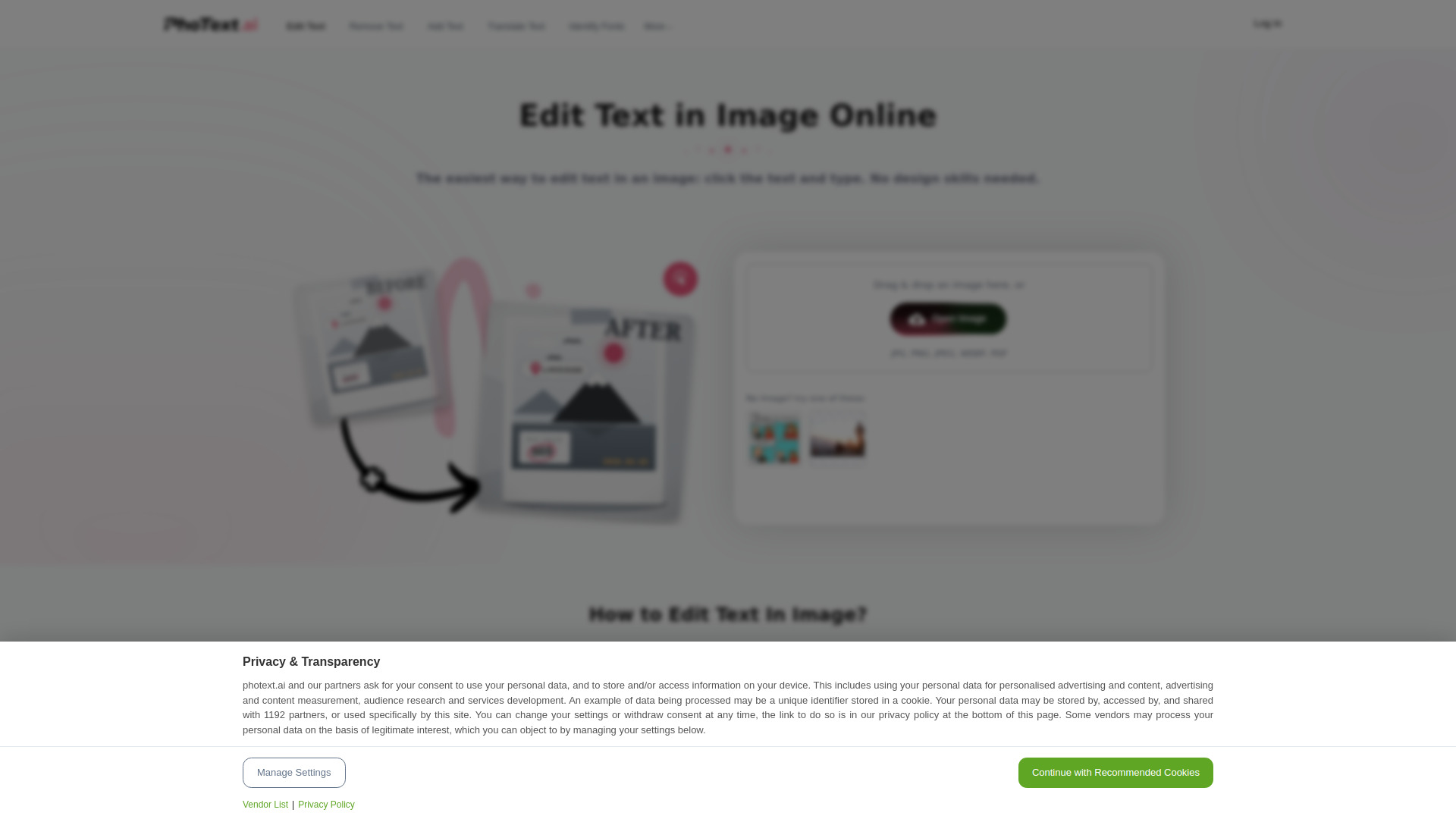
PhoText is an AI-powered online tool that allows users to edit text directly inside images and screenshots. It simplifies the process of modifying text in images by letting users click on any text and type to replace it, without requiring Photoshop skills. The tool supports common image formats such as JPG, PNG, JPEG, WEBP, and BMP.
How to use PhoText
- Visit the PhoText website.
- Upload an image or screenshot containing text you want to edit.
- Click on the text you wish to change.
- Type the new text.
- The AI automatically matches the font style and seamlessly restores the background.
- Download the edited image.
Features of PhoText
- AI Text Editing: Click on any text in an image to edit it.
- AI Font Matching: Automatically matches the font style of the original text.
- Background Seamless Restoration: Restores the background behind removed text seamlessly.
- Perfect Style Matching: Ensures the edited text blends perfectly with the image.
- High-Precision OCR: Uses advanced OCR to detect text accurately.
- Powerful Image Editing: Provides a range of editing capabilities.
- Minimalist Experience: Simple and intuitive interface.
- High Cost-Performance: Free to use with no design skills required.
- Privacy & Security: Ensures user data is protected.
- Free for Commercial Use: Can be used for commercial purposes without charge.
Use Cases of PhoText
- Editing Screenshots: Quickly fix typos or update information in screenshots.
- Updating Product Images: Change prices, labels, or text in product photos.
- Localizing Images: Translate or replace text in images for different languages.
- Creating Social Media Graphics: Modify text in images for posts and ads.
- Correcting Scanned Documents: Edit text in scanned documents or PDFs.
Pricing
PhoText is free to use, including for commercial purposes. There is no mention of paid plans or tiers on the webpage.
FAQ
Q: What image formats are supported?
A: PhoText supports JPG, PNG, JPEG, WEBP, and BMP formats.
Q: Do I need design skills to use PhoText?
A: No, PhoText is designed to be easy to use. You can edit text in images by simply clicking and typing.
Q: Is PhoText free?
A: Yes, PhoText is free to use, and it is also free for commercial use.
Q: How does PhoText match the font style?
A: PhoText uses AI to automatically match the font style of the original text, ensuring the edited text looks natural.
Q: Can I use PhoText for commercial purposes?
A: Yes, PhoText is free for commercial use.