What is Any Doc to MD
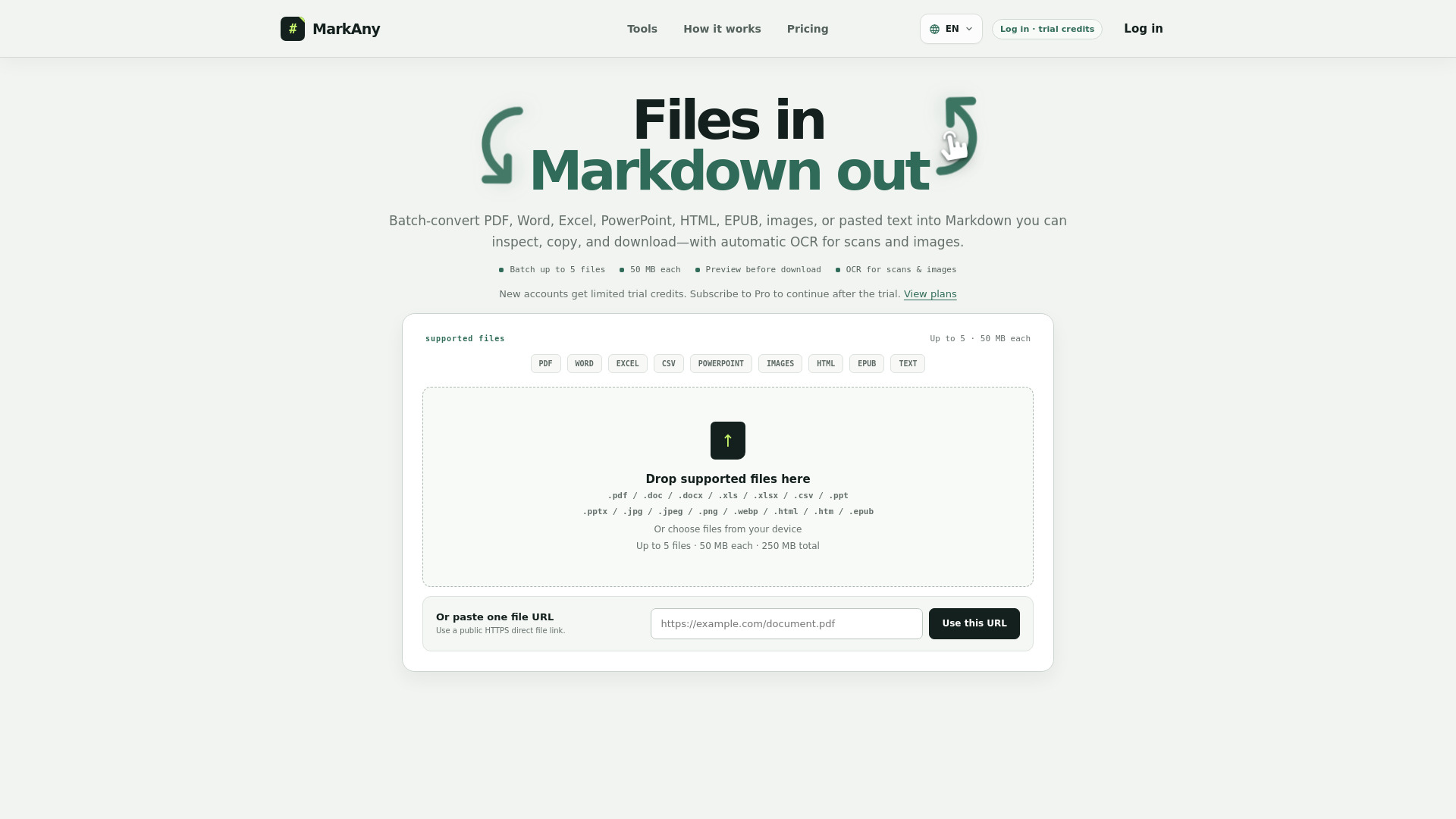
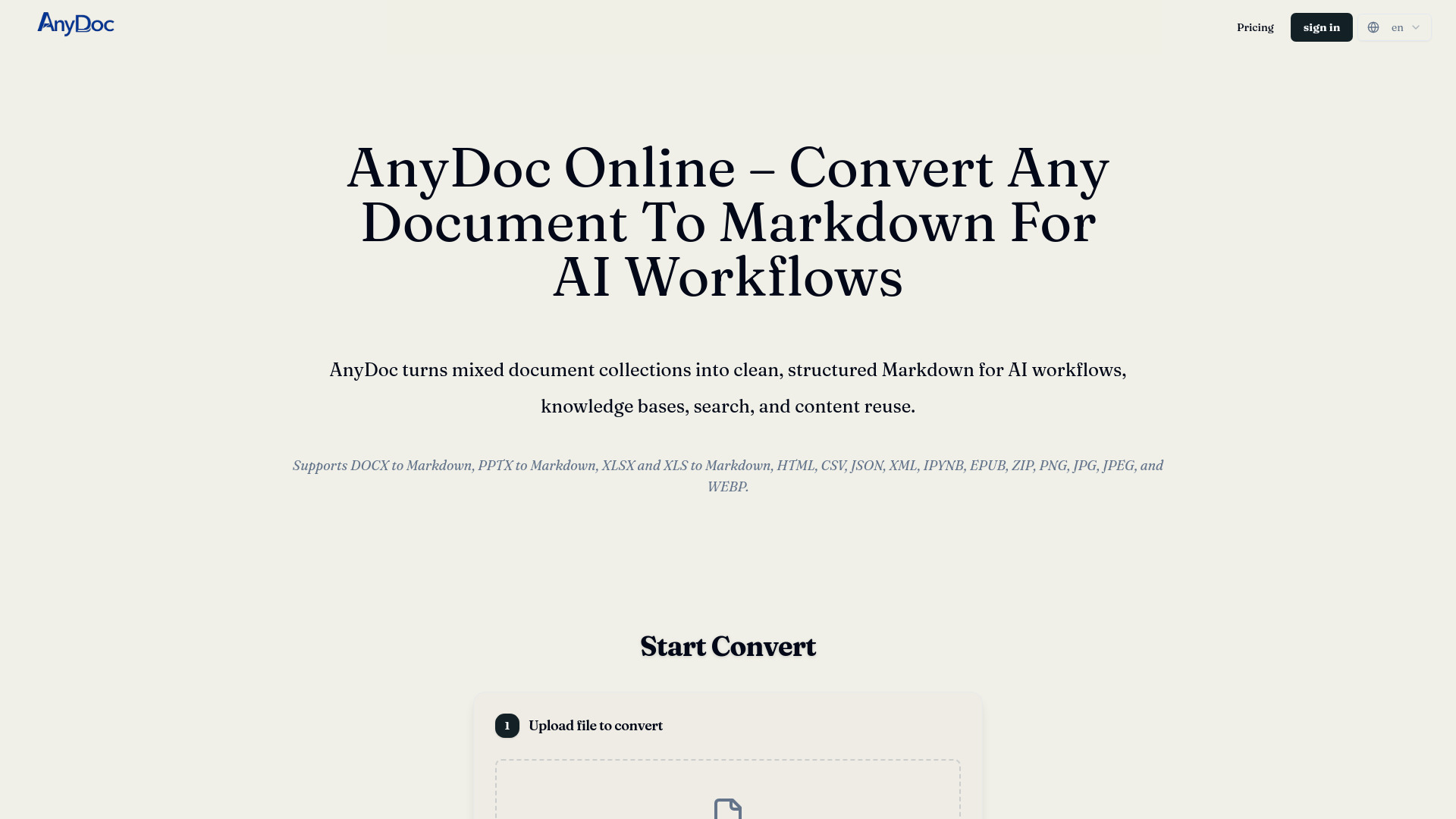
AnyDoc Online is a web-based tool that converts various document formats into clean, structured Markdown. It supports DOCX, PPTX, XLSX, XLS, HTML, CSV, JSON, XML, IPYNB, EPUB, ZIP, PNG, JPG, JPEG, and WEBP files. The tool is designed for AI workflows, knowledge bases, search, and content reuse, offering batch processing and optional OCR for scanned PDFs and images.
How to use Any Doc to MD
- Add Your Documents: Upload files from your device or provide a public file URL. You can select multiple supported files at once for batch conversion.
- Enable OCR When Needed: Turn on Automatic OCR for PDFs that may contain scanned or image-only pages. Supported image files are read with OCR automatically.
- Convert the Entire Batch: AnyDoc routes each file through the appropriate conversion path and turns its content into consistent, structured Markdown.
- Review and Download: Use the preview to check important details against the source, then download one Markdown file or package all completed files in a ZIP.
Features of Any Doc to MD
- Multi-format support: Converts documents, presentations, spreadsheets, web and data files, notebooks, ebooks, PDFs, archives, and images.
- Batch processing: Queue several supported files, process them in sequence, and keep each result associated with its original filename.
- OCR for scanned content: Extracts text from PNG, JPG, JPEG, and WEBP files, and offers optional OCR for PDF pages without dependable embedded text.
- Preserves structure: Retains headings, paragraphs, lists, links, emphasis, code, and tables in Markdown where the source format provides enough structure.
- Browser-based privacy: File processing runs entirely in your browser, so files are not uploaded to the service.
- Preview and download: Review each Markdown result and download individual files or a ZIP of all completed files.
Use Cases of Any Doc to MD
- AI Workflows: Transform file content into a text-based format that is easier to chunk, index, retrieve, and provide as context to AI assistants or RAG pipelines.
- Knowledge Bases: Convert mixed document collections into consistent Markdown for easier search, edit, version, and publish.
- Content Reuse: Turn reports, slide decks, spreadsheets, web exports, notebooks, ebooks, PDFs, and scanned content into a familiar workflow for documentation or publishing.
- Batch Migrations: Convert multiple files in one queue and download the completed set together, making migrations and recurring content work less repetitive.
- Sensitive Material: Process files locally in the browser, helping you convert sensitive material without uploading it to the service.