Newsletter
Join the Community
Subscribe to our newsletter for the latest news and updates

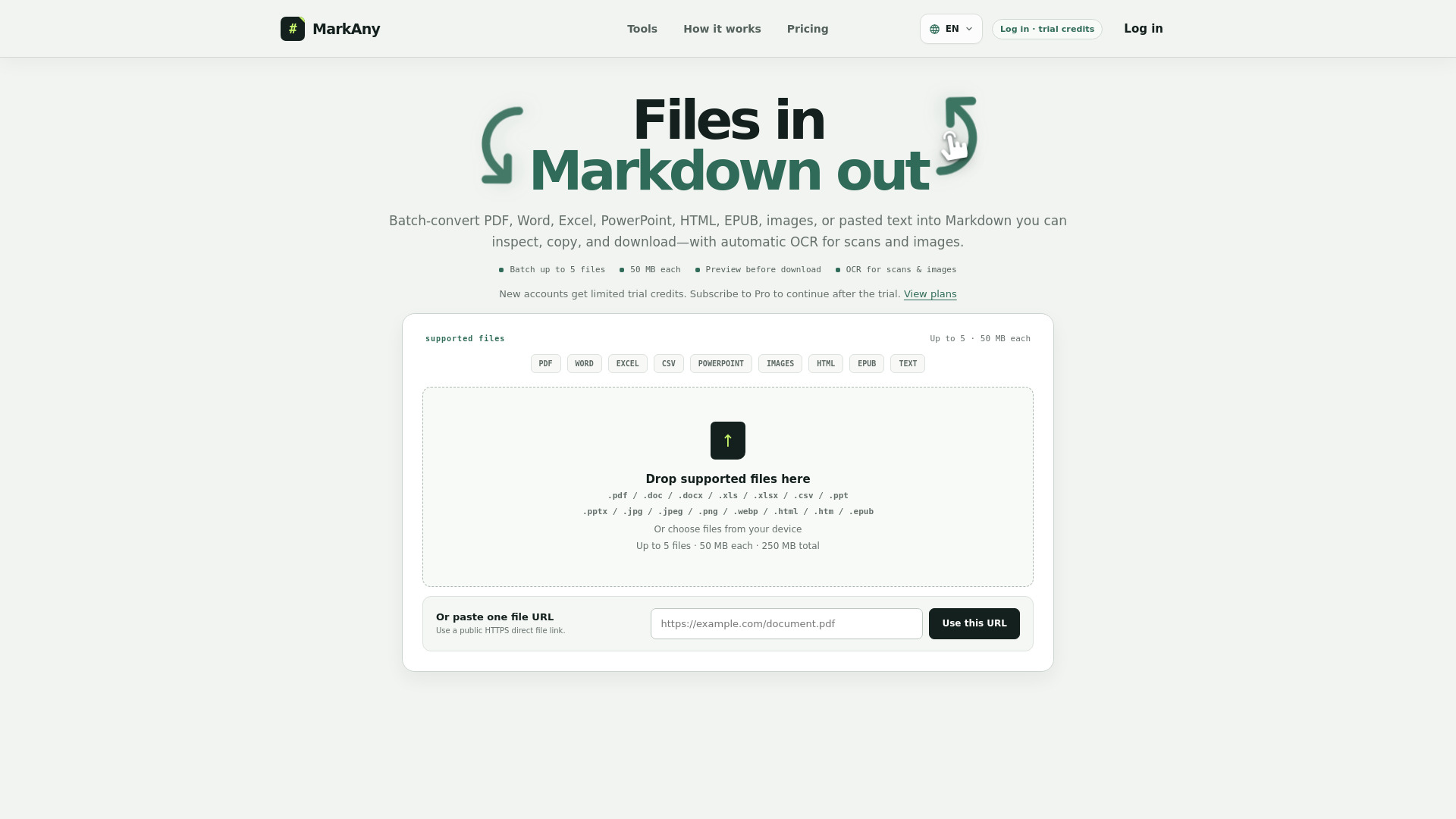
Convert PDFs, documents, and images to Markdown, and Markdown to files.
MarkAny is a web-based Markdown converter that enables bidirectional conversion between various file formats and Markdown. It converts PDF, Word, Excel, PowerPoint, HTML, EPUB, images, and pasted text into structured Markdown, and also converts Markdown into DOCX, PDF, HTML, images, EPUB, PPTX, and XLSX. The service includes automatic OCR for scanned documents and images, batch processing, and an editable preview before download.
Which files can I convert to Markdown?
Use dedicated converters for PDF, DOC, DOCX, XLS, XLSX, PPT, PPTX, HTML, HTM, EPUB, JPG, JPEG, PNG, and WebP, or paste plain and rich text directly.
Can I convert multiple files at once?
Yes. Add up to five files of one supported type, with a 50 MB limit per file and a 250 MB total selection limit. Up to two conversions run at the same time.
Does MarkAny use OCR for scans and images?
Yes. Scanned PDF pages and supported images use OCR automatically; there is no language-selection step. Clear, straight, high-contrast sources generally need fewer corrections.
Will headings, tables, links, and images be preserved?
MarkAny maps supported source content to the closest Markdown structure where possible. Multi-column pages, complex tables, text boxes, diagrams, and visually positioned content still need review.
What is included when a result has extracted images?
The individual .md file and copied text contain Markdown only. When the service returns images, the complete ZIP keeps the Markdown, image directories, and relative image paths together.
What happens if one file fails in a batch?
Successful results remain available. Failed or cancelled items can be retried individually, and Download all successful creates a ZIP that excludes failed and cancelled files.
Does Completed mean the Markdown is accurate?
No. Completed means processing ended. Review each result—especially OCR text, table structure, heading levels, list markers, reading order, and extracted images—before reuse.
What happens to uploaded files?
File conversion uses MarkAny’s cloud storage and conversion infrastructure. No guaranteed deletion timeframe is currently published, so do not upload confidential, sensitive, or regulated material.
What can I convert Markdown to?
Convert Markdown to Word DOCX, PDF, HTML, PNG, JPG, WebP, EPUB, PowerPoint PPTX, or Excel XLSX from the same editable result.
How do I open and preview an MD file?
Paste Markdown, open a .md or .markdown file, import a ZIP containing relative images, or use a public HTTPS direct file link. MarkAny renders an editable formatted preview.
Can I edit the result before downloading?
Yes. Edit the formatted preview rather than switching back to raw Markdown. Every supported download is generated from the latest edited version.
Is my Markdown uploaded?
No. Markdown parsing, document preview, editing, and supported exports run locally in the current browser tab.
How do I include local images?
Import one Markdown file and its relative image assets in a ZIP. Remote images are not fetched during export; unresolved images remain clearly labeled instead of being silently downloaded.
Will every format preserve the same structure?
No. Word stays editable, PDF uses fixed pages, EPUB reflows, PowerPoint splits content into slides, and only Markdown tables become Excel data sheets. Review the destination file before sharing.
Will exported files use the MarkAny green theme?
No. Generated documents use clean neutral defaults rather than inheriting the website theme. For PDF and Word, you can deliberately choose a different font style and document color theme before download.