What is CinLink
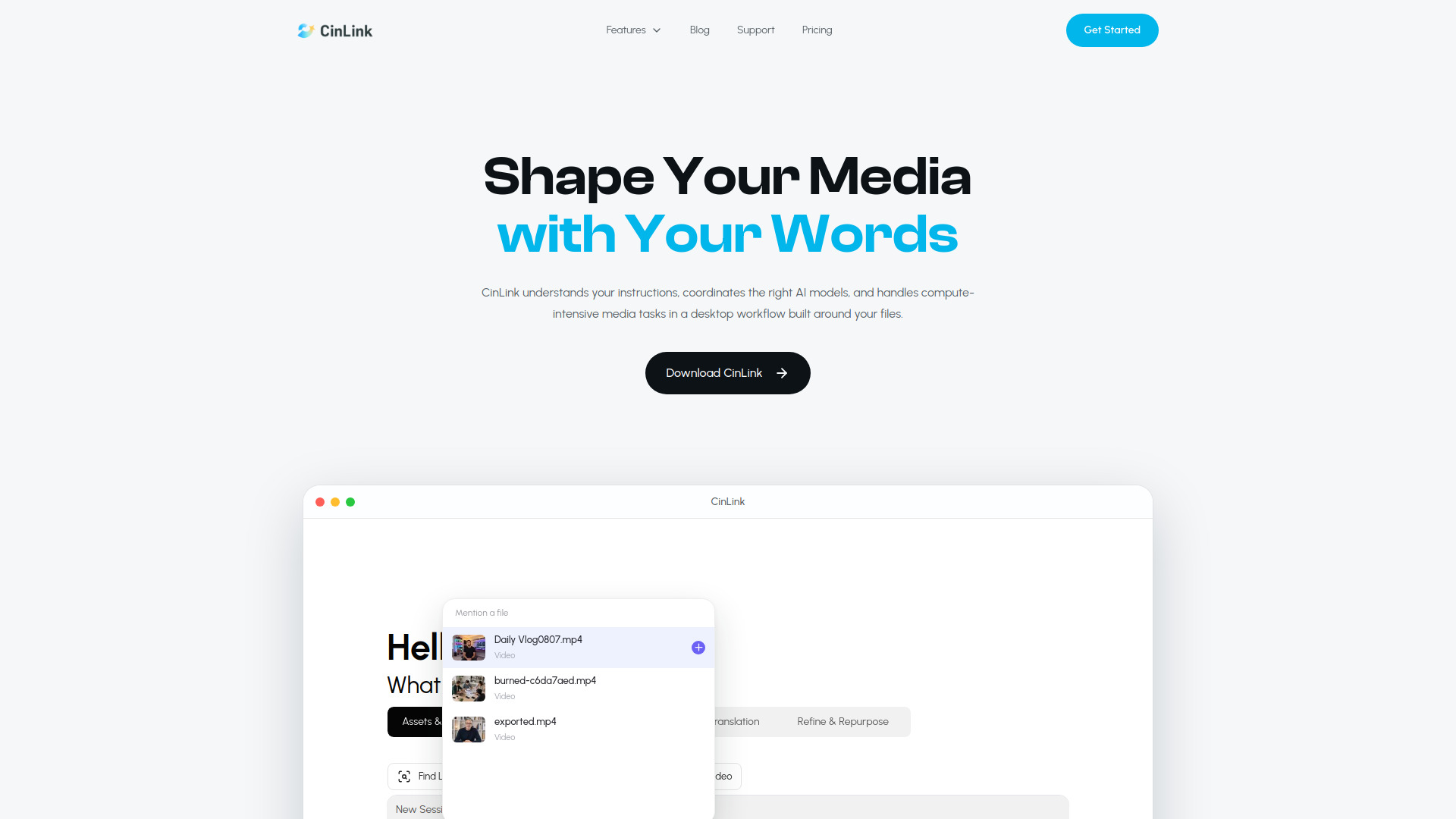
CinLink is an AI-powered desktop workspace for creating, editing, translating, dubbing, and repurposing media. It understands natural-language instructions and coordinates the right AI models to handle compute-intensive media tasks, all within a workflow built around your local files.
How to use CinLink
- Start a new session – Open CinLink and create a new session from the sidebar.
- Attach media – Mention or attach a video, audio, or image file from your local storage.
- Type your instruction – Use natural language to describe what you want, such as "Focus on showcasing the product’s key features" or use slash commands like
/shorten or /translate.
- Review the plan – CinLink analyzes your media and presents a workflow plan with segments and scores. You can confirm, plan another version, or cancel.
- Render and export – Once confirmed, CinLink processes the media and delivers the final output, ready for export.
Features of CinLink
- Natural-language instructions – Turn plain language into complete media workflows.
- AI model coordination – Automatically selects and orchestrates the right AI models for each task.
- Transcription and subtitles – Generate subtitles, burn them into videos, and create SRT files.
- Translation and dubbing – Translate speech, subtitles, or both, and dub videos into other languages.
- Video editing and repurposing – Shorten long videos into highlights, enhance quality, add watermarks, and more.
- Project-wide understanding – Brings speech, visuals, on-screen text, scripts, and timecodes together in one searchable project.
- Desktop workflow – Built around your local files, with a familiar interface for creators and teams.
Use Cases of CinLink
- Content creators – Repurpose long videos into short clips for social media.
- Marketers – Translate and dub product videos for global audiences.
- Educators – Add subtitles to lectures and create summaries.
- Teams – Collaborate on media projects with a shared workspace.
Pricing
CinLink offers a free plan with 1000 points, and an upgrade option for more features and capacity. Specific pricing tiers are not detailed on the page.
FAQ
What types of media can I work with?
You can work with video, audio, and image files.
Can I translate videos into other languages?
Yes, CinLink supports video translation, including speech and subtitles.
Is CinLink available on mobile?
The page mentions mobile environments (iOS and Android), but the primary experience appears to be desktop-focused.
How does CinLink handle my files?
CinLink processes media locally on your desktop, keeping your files in your control.