Newsletter
Join the Community
Subscribe to our newsletter for the latest news and updates
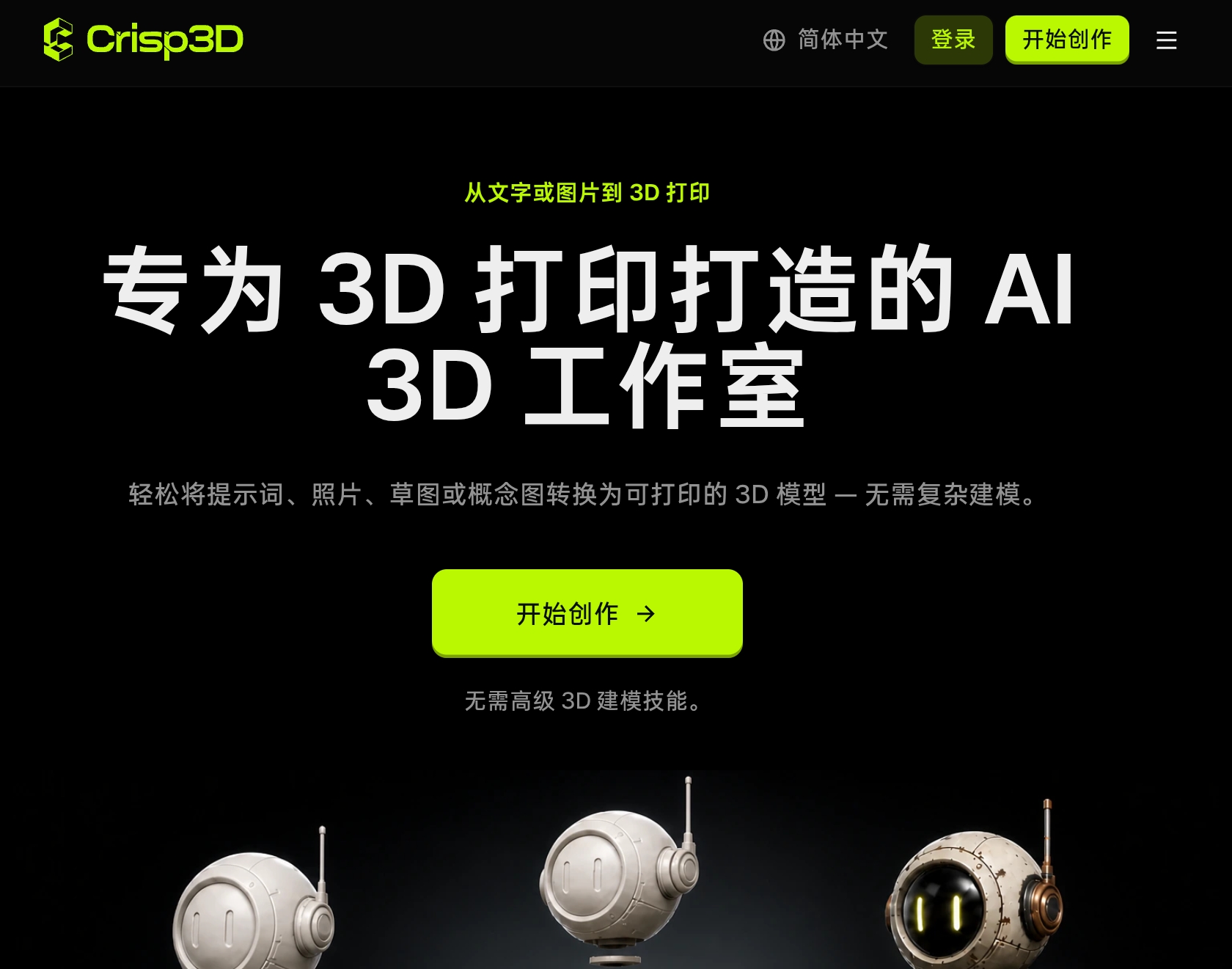
Crisp3D: Turn Text and Images into 3D Models for Printing
Crisp3D is an AI-powered 3D model generator designed specifically for 3D printing. It allows users to create 3D models from text prompts, photos, sketches, or concept images without requiring complex 3D modeling skills. The platform provides a complete toolkit for preparing models for printing, including AI texturing, 3D segmentation, and AI retopology.
Pricing information is not explicitly detailed on the page, but there is a pricing page linked in the navigation. The page mentions that paid users can use generated models commercially, indicating a subscription or paid tier exists.
Who is Crisp3D for? Crisp3D is built for 3D printing. It is ideal for hobbyists, miniature makers, collectible designers, cosplay creators, model sellers, product designers, educators, and professional print studios.
Do I need 3D modeling experience? No. The workflow is beginner-friendly, so you can generate and refine 3D assets without learning complex 3D software first.
Can I use generated models commercially? Yes, paid users can use generated models for commercial projects, as long as your use complies with the applicable license, platform terms, and any rights related to your input materials.
What can I create for 3D printing with Crisp3D? You can create miniatures, figurines, collectibles, toys, decorative objects, cosplay props, concept models, and other original designs for 3D printing.
Can I split large or complex models into printable parts? Yes. AI 3D Segmentation can divide characters and general objects into separate parts. You can also add ball joints, dovetail joints, or use no joint depending on how you plan to print and assemble the model.
Are generated models ready to print immediately? Generated models may still require final checks based on your printer, material, and intended size. Review scale, wall thickness, part connections, orientation, supports, and other print settings in your slicer before printing.
Can I send my model directly to my slicer? Yes. You can send your model from Crisp3D to supported slicers including Bambu Studio, OrcaSlicer, Creality Print, ElegooSlicer, and Snapmaker Orca.
Can I use Crisp3D with a model I already have? Yes. Upload an existing supported 3D model to explore colors and finishes, split it into parts, add joints, or simplify dense geometry before printing.