What is Deckary
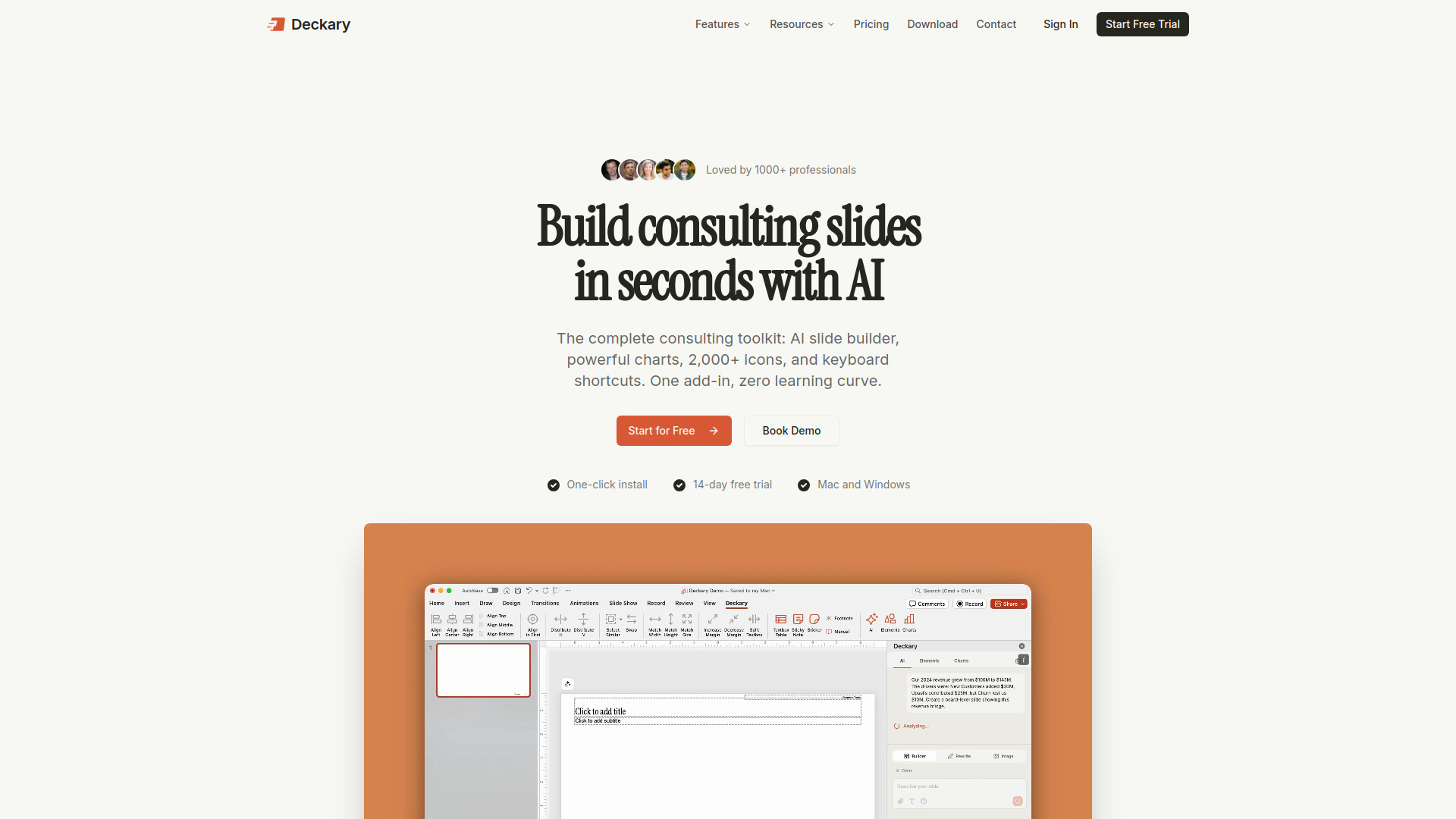
Deckary is an AI consulting toolkit for PowerPoint, designed to help users create professional presentations faster. It functions as a PowerPoint add-in, integrating AI slide building, consulting-grade charts, over 2,000 icons, and keyboard shortcuts directly within PowerPoint.
How to use Deckary
- Describe your business problem and optionally attach data.
- Answer any follow-up questions from the AI.
- The AI generates polished slides with charts and visuals.
- Insert the generated slides into your presentation.
Features of Deckary
- AI Slide Builder: Generates slides from text descriptions and data.
- Consulting Charts: Offers waterfall, Mekko, Gantt, and other charts that link to Excel and update with data.
- Icons, Flags & Images: Provides over 2,000 icons, country flags, and AI-generated custom images.
- Timelines: Creates Gantt charts, project timelines, and roadmaps.
- Keyboard Shortcuts: Includes shortcuts for alignment, distribution, swapping, and selecting similar objects.
- Ready-to-Use Templates: Offers curated PowerPoint templates for productivity and polish.
- Works on Mac and Windows: Supports PowerPoint on both operating systems.
Use Cases of Deckary
- Creating consulting-grade decks quickly.
- Automating the creation of slides with charts and visuals.
- Utilizing professional business icons and templates.
- Applying industry-standard keyboard shortcuts for efficiency.
- Generating various types of charts like waterfall, Mekko, and Gantt.
Pricing
- Starter: $49/year (includes shortcuts and icons).
- Premium: $119/year (includes AI Slide Builder, charts, and AI text polish).
- Lifetime: $199 (includes all features forever).
FAQ
- What is Deckary? Deckary is an AI-native consulting toolkit for PowerPoint that combines AI slide building with charts, icons, and keyboard shortcuts within a single add-in.
- How does the AI Slide Builder work? Users describe a business problem, optionally attach data, and the AI generates a slide with structure, charts, bullets, and icons.
- How do I get started? Download and install the add-in, open PowerPoint, and sign in. A 14-day free trial is available.
- Does Deckary work on Mac and Windows? Yes, Deckary supports PowerPoint on both Windows and macOS.
- How is this different from Gamma or Beautiful.ai? Deckary works inside PowerPoint, keeping slides in .pptx format and fully editable, unlike standalone tools.
- What charts can I create? Waterfall, Mekko/Marimekko, Gantt, and stacked bar charts are available, all linking to Excel.
- What plans do you offer? Starter ($49/yr), Premium ($119/yr), and Lifetime ($199) plans are available.
- Can I cancel anytime? Yes, users can cancel at any time and retain access until the end of their billing period.
- How do I contact support? Support is available via email at hello@deckary.com, with priority support for Premium users.