What is Design.com
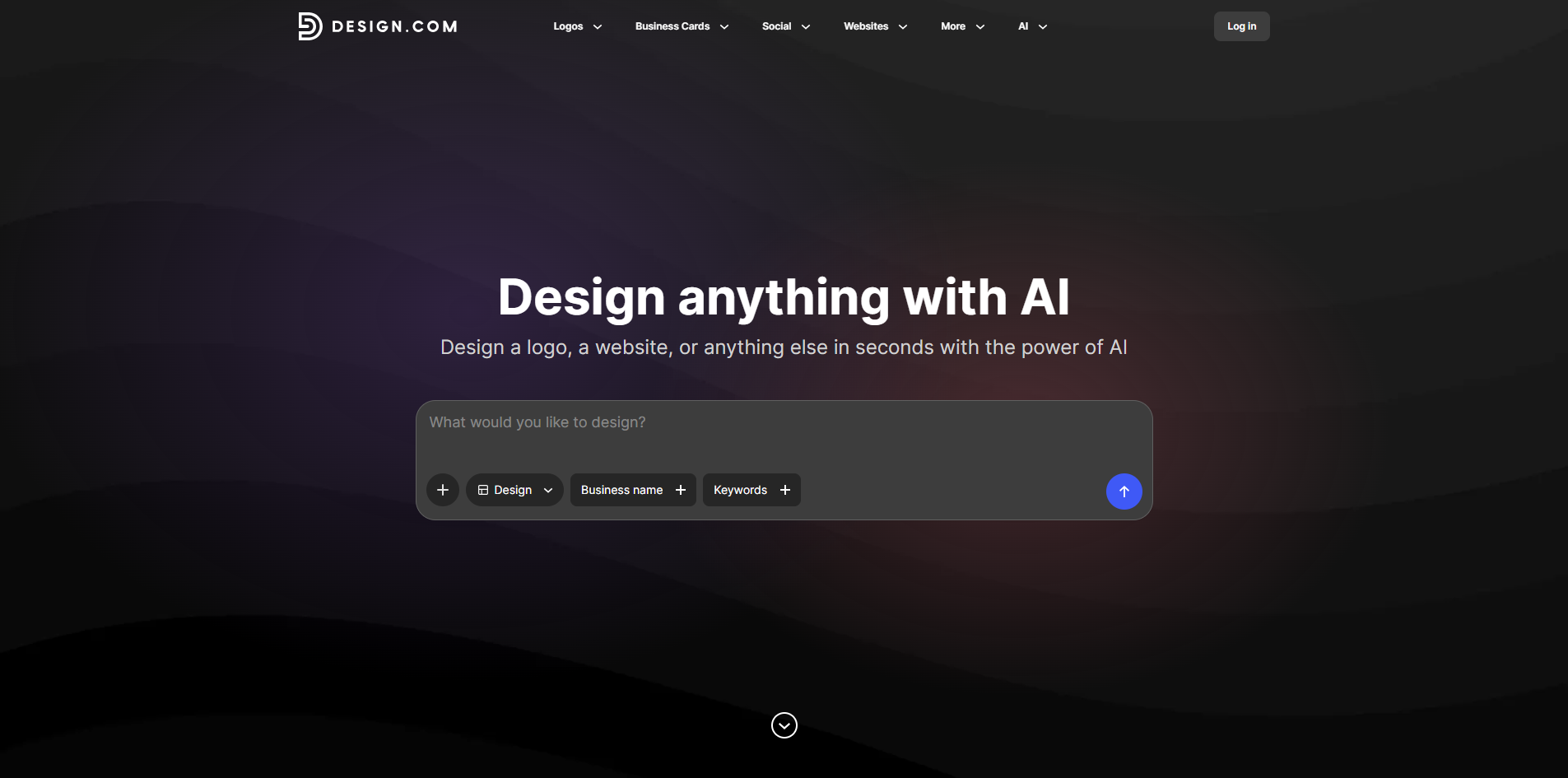
Design.com is an AI-powered design platform that enables users to create logos, websites, business cards, social media posts, presentations, and more in seconds. It is positioned as a leading AI design tool for businesses and individuals.
How to use Design.com
- Visit the Design.com website.
- Choose the type of design you want to create (e.g., logo, website, business card).
- Use the AI-powered tools to generate designs based on your inputs.
- Customize the generated designs to fit your brand.
- Download or publish your final designs.
Features of Design.com
- AI-powered logo maker
- Brand asset creation (business cards, social media posts, presentations)
- Website creation tools
- Fast design generation in seconds
- Customization options for branding
Use Cases of Design.com
- Creating a professional logo for a new business
- Designing matching brand assets for consistent branding
- Generating social media posts for marketing campaigns
- Building a simple website for a small business
- Preparing presentations for business pitches
FAQ
- What can I create with Design.com? You can create logos, websites, business cards, social media posts, presentations, and more.
- Is Design.com suitable for non-designers? Yes, the AI-powered tools are designed to be user-friendly and accessible to everyone.
- Can I customize the designs? Yes, you can customize the generated designs to match your brand.