What is PixEditor AI – Free AI Photo Editor Online
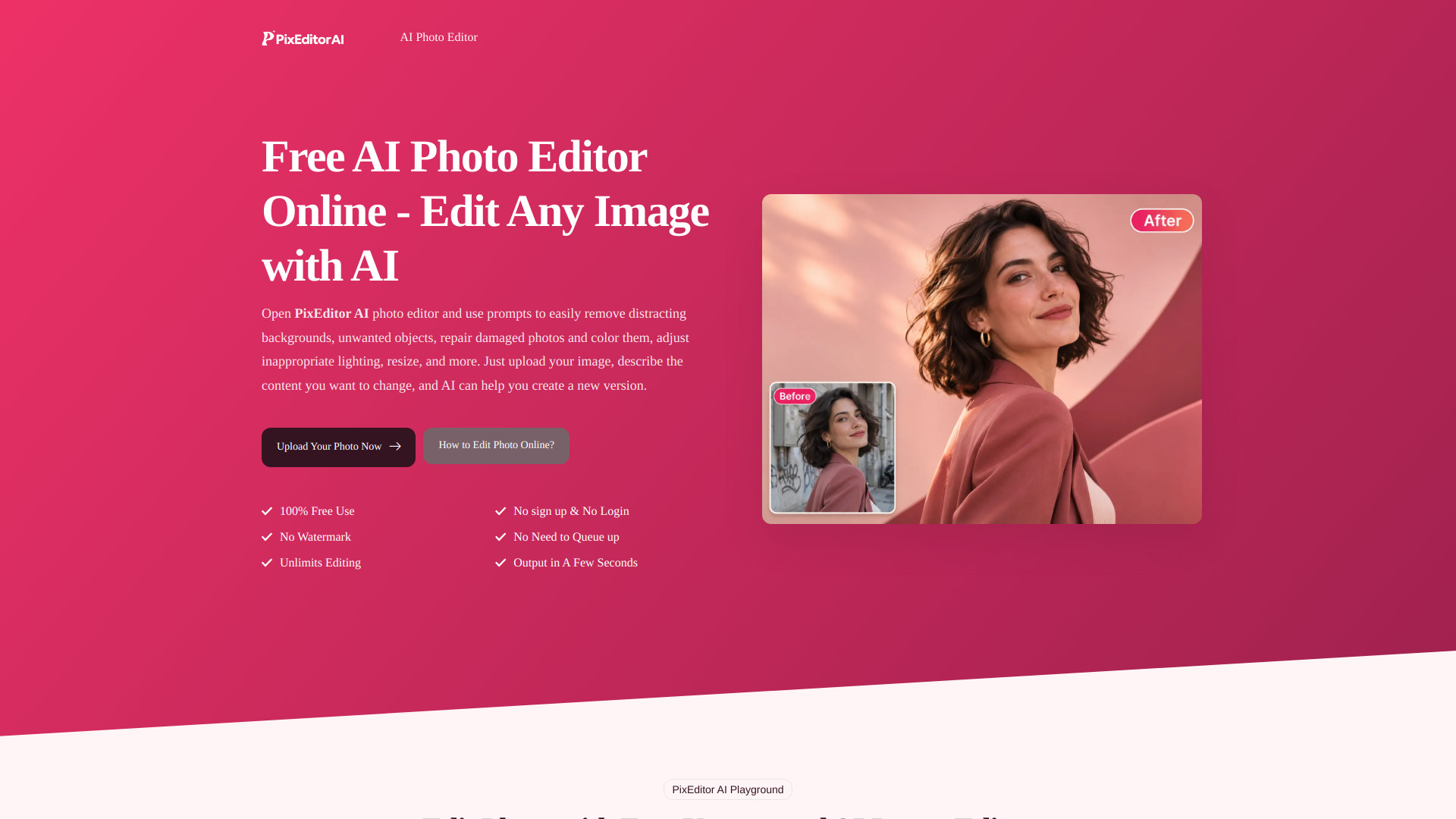
PixEditor AI is a free online AI photo editor that allows users to edit images using text prompts. It enables users to remove backgrounds, unwanted objects, repair damaged photos, adjust lighting, resize images, and more by simply describing the desired changes. The tool is completely free, requires no sign-up or login, and produces results in seconds without queues or watermarks.
How to use PixEditor AI – Free AI Photo Editor Online
- Upload Your Photo: Choose the photo you want to edit and open the AI photo editor.
- Describe the Change: Write what you want to change and what you want to keep. Start with one clear prompt.
- Review and Download: Check the edited photo, including small details. Adjust your instruction if needed, then download and use it.
Features of PixEditor AI – Free AI Photo Editor Online
- 100% free to use
- No watermark on output
- Unlimited editing
- No sign-up or login required
- No queues – instant processing
- Output in a few seconds
- AI-powered editing via text prompts
- Remove backgrounds, objects, logos, text, and watermarks
- Repair damaged photos and colorize them
- Adjust lighting, color, and atmosphere
- Resize images
Use Cases of PixEditor AI – Free AI Photo Editor Online
- Store Product Photo Editing: Create cleaner product backgrounds and adapt product lists for different activities.
- Removing Cluttered Objects: Remove scattered objects, logos, or text from photos to eliminate distractions.
- Photo Reconstruction: Adjust lighting, color, or atmosphere to reconstruct photos with one click.
- Background Removal for Product Images: Reset backgrounds to fit brand marketing.
- Old Photo Restoration: Repair and colorize damaged photos.
FAQ
Is PixEditor AI really free?
Yes, it is 100% free to use with no hidden costs.
Do I need to sign up or log in?
No, you can use the editor without any registration.
Will there be a watermark on my edited image?
No, the output is watermark-free.
How long does it take to edit a photo?
The AI processes your image and delivers results in a few seconds.
Are there any limits on editing?
No, you can edit unlimited photos.
What types of edits can I make?
You can remove backgrounds, objects, logos, text, and watermarks; repair and colorize damaged photos; adjust lighting, color, and atmosphere; resize images; and more using text prompts.