What is Doclific
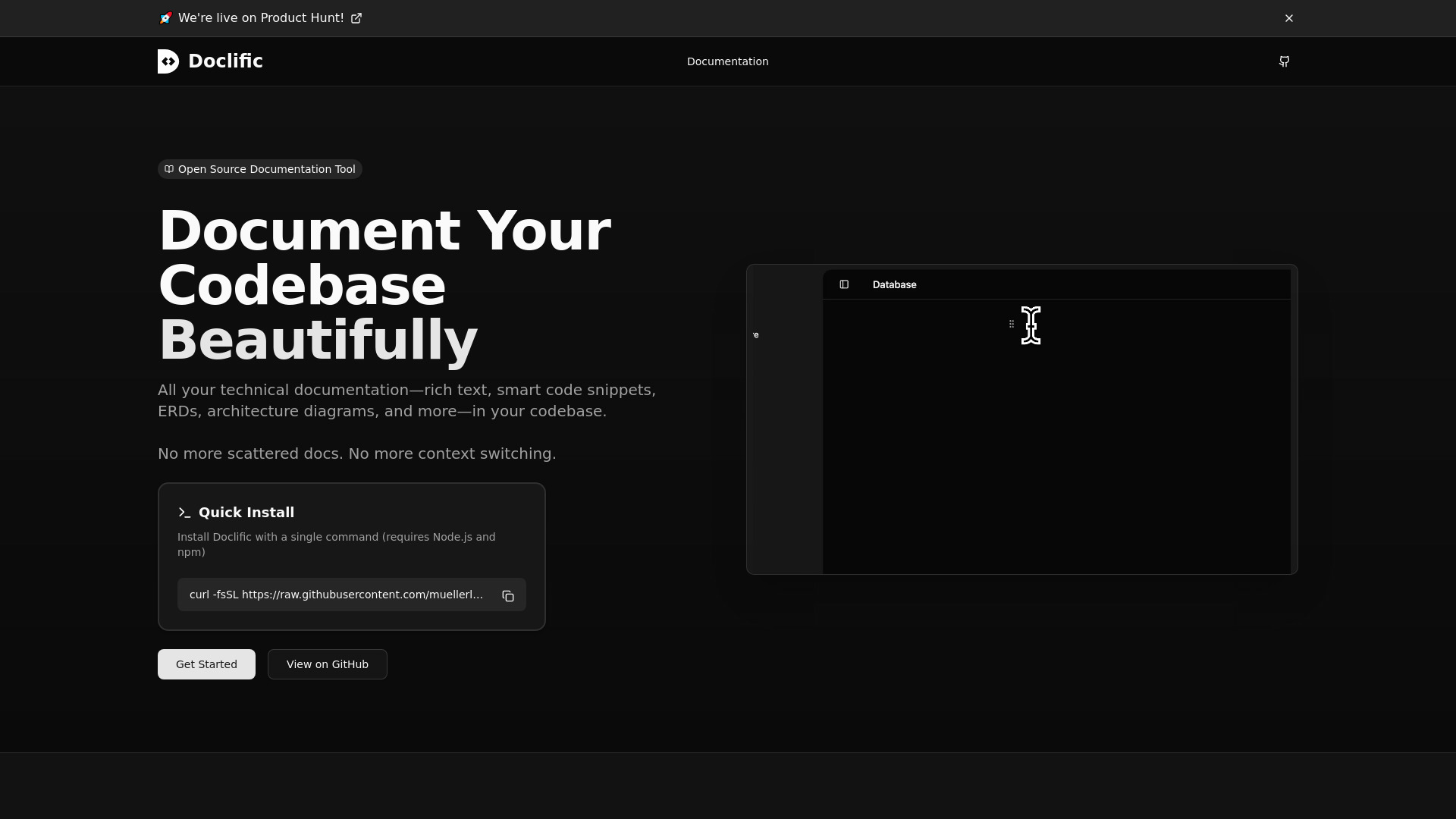
Doclific is an open-source internal documentation tool that integrates AI, diagrams, and code snippets directly into your codebase. It offers a Notion-like rich text editor with blocks for diagramming architecture, code snippets, and more. It also features built-in AI support for generating documentation from your codebase.
How to use Doclific
- Install Doclific: Run the following command in your terminal:
curl -fsSL https://raw.githubusercontent.com/muellerluke/doclific/main/scripts/install.sh | bash - Get Started: Navigate to the documentation section to begin.
Features of Doclific
- Notion-like Editor: A rich text editing experience with support for headings, lists, code blocks, and more.
- AI Integration: Enables AI-powered documentation creation and editing through assistants.
- Codebase Integration: Reference code snippets directly from your repository.
- ERD Diagramming: Create Entity Relationship Diagrams to visualize your database schema.
- Whiteboarding: Document architecture and system designs with an interactive whiteboard.
- Fast & Local: Runs entirely on your machine with no external services required.
- CI Integration (Coming Soon): Automated documentation synchronization with your codebase.
- Dynamic Code Snippets: Inserts code snippets that automatically pull from your files.
- CI Workflow Integration: Checks if referenced code snippets have changed during CI workflows.
- Smart Detection & Auto-Updates: Detects changes and can auto-update snippet line numbers.
Use Cases of Doclific
- Documenting codebases with rich text, code snippets, ERDs, and architecture diagrams.
- Visualizing database schemas with ERD diagrams.
- Planning architecture and system designs using an interactive whiteboard.
- Leveraging AI for automated documentation creation and editing.
Pricing
Pricing information is not available on the provided webpage content.
FAQ
FAQ information is not available on the provided webpage content.