What is DocTools Pro
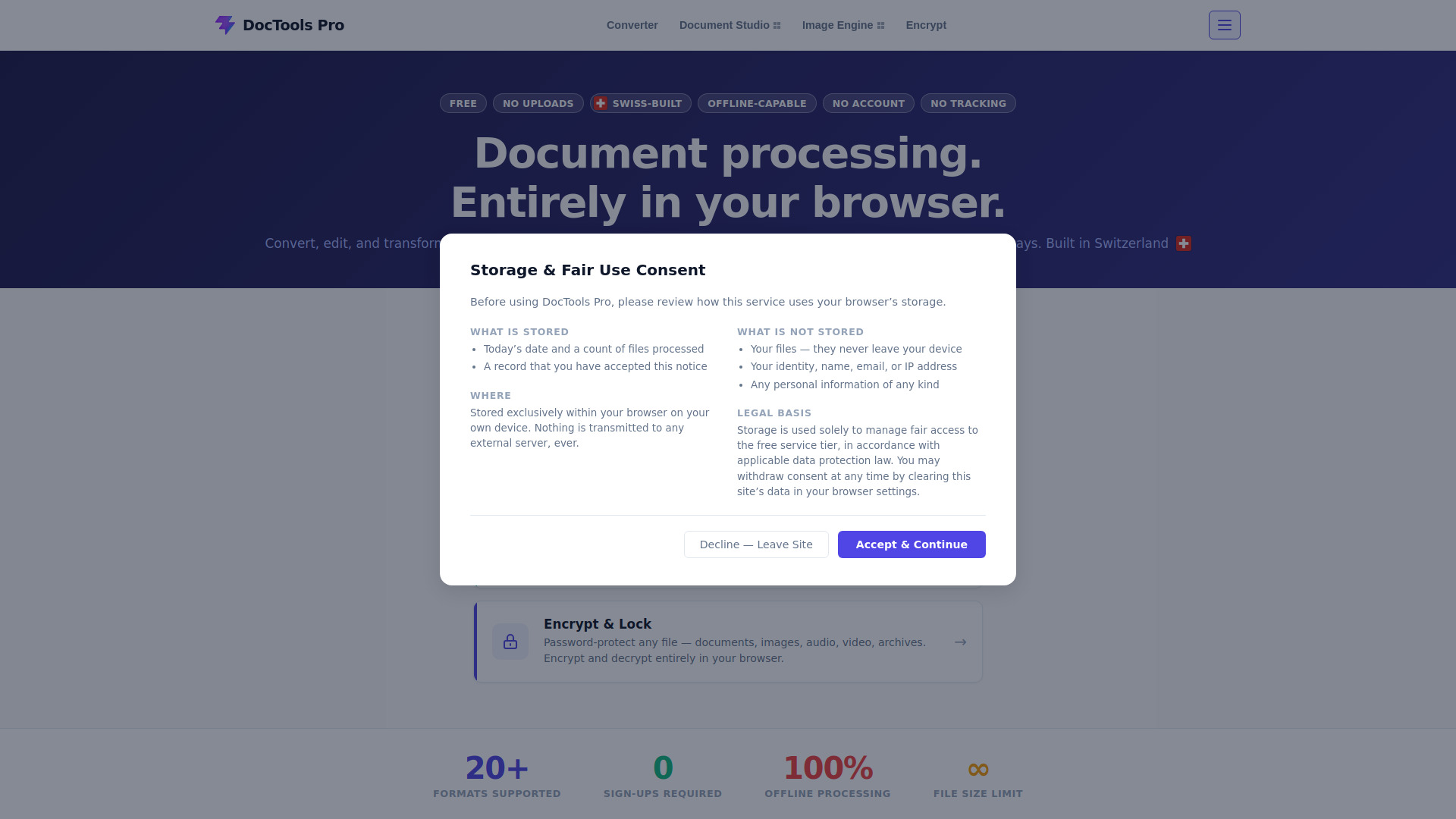
DocTools Pro is a free, all-in-one workspace for document and image processing tasks that runs entirely in your browser. It offers tools to convert, edit, merge, split, compress, protect, and transform documents and images without uploading anything to a server. Your files stay on your device, ensuring 100% privacy. Built in Switzerland, it requires no account, no installation, and works offline after the initial page load.
How to use DocTools Pro
- Drop your files: Drag files onto the tool or click to browse. Any format, any size. Mix different file types in a single batch.
- Choose your output: Select the format you need. Apply one setting to all files at once, or configure each file individually.
- Files save instantly: Processed files save directly to your device. Nothing leaves your browser. Close the tab and it's all gone.
Features of DocTools Pro
- Universal Converter: Cross-convert 20+ file types including documents, images, and spreadsheets. Fully offline.
- Document Studio: Merge, split, rotate, reorder, watermark, compress, protect and OCR PDF & Word documents.
- Image Engine: Resize, crop, compress, remove backgrounds and encrypt images. Supports HEIC, JPG, PNG, WebP and more.
- Encrypt & Lock: Password-protect any file — documents, images, audio, video, archives. Encrypt and decrypt entirely in your browser.
- 100% local processing: Files never leave your device. No uploads to servers.
- Works offline: Once the page loads, most tools keep working even if your connection drops.
- No account required: No sign-ups, no subscriptions.
- No file size limits: Process files of any size.
- Zero tracking: No analytics, no retargeting.
- Supports 20+ formats: Including PDF, DOCX, ODT, PPTX, EPUB, RTF, TXT, HTML, JPG, PNG, WebP, HEIC, SVG, BMP, TIFF, GIF, CSV, XLSX, ODS, XLS.
Use Cases of DocTools Pro
- Combine PDF pages into one file.
- Split a long document into smaller ones.
- Shrink files so they fit in an email.
- Convert between dozens of formats (e.g., DOCX to PDF, PNG to JPG).
- Clean up photos by resizing, cropping, or removing backgrounds.
- Add a password to private files.
- Process sensitive documents without worrying about data leaks.
Pricing
DocTools Pro is completely free. Every tool is free to use with no account or subscription required.
FAQ
Is DocTools Pro really free? Yes. Every tool is free to use with no account or subscription required.
Are my files uploaded anywhere? No. All processing happens locally in your browser. Your files never leave your device.
Do I need to install anything? No installation is required. DocTools Pro runs entirely in modern browsers like Chrome, Firefox, Edge and Safari.
Does DocTools Pro work on mobile devices? Yes. Most tools work on phones and tablets, though larger files are easier to handle on a desktop or laptop.
Do I need an internet connection to use the tools? You need a connection to load the page initially, but most tools keep working afterwards even if your connection drops.
Will my files be deleted automatically? There is nothing to delete — your files are never sent anywhere, so nothing is stored on our end in the first place.