What is EasyScribe
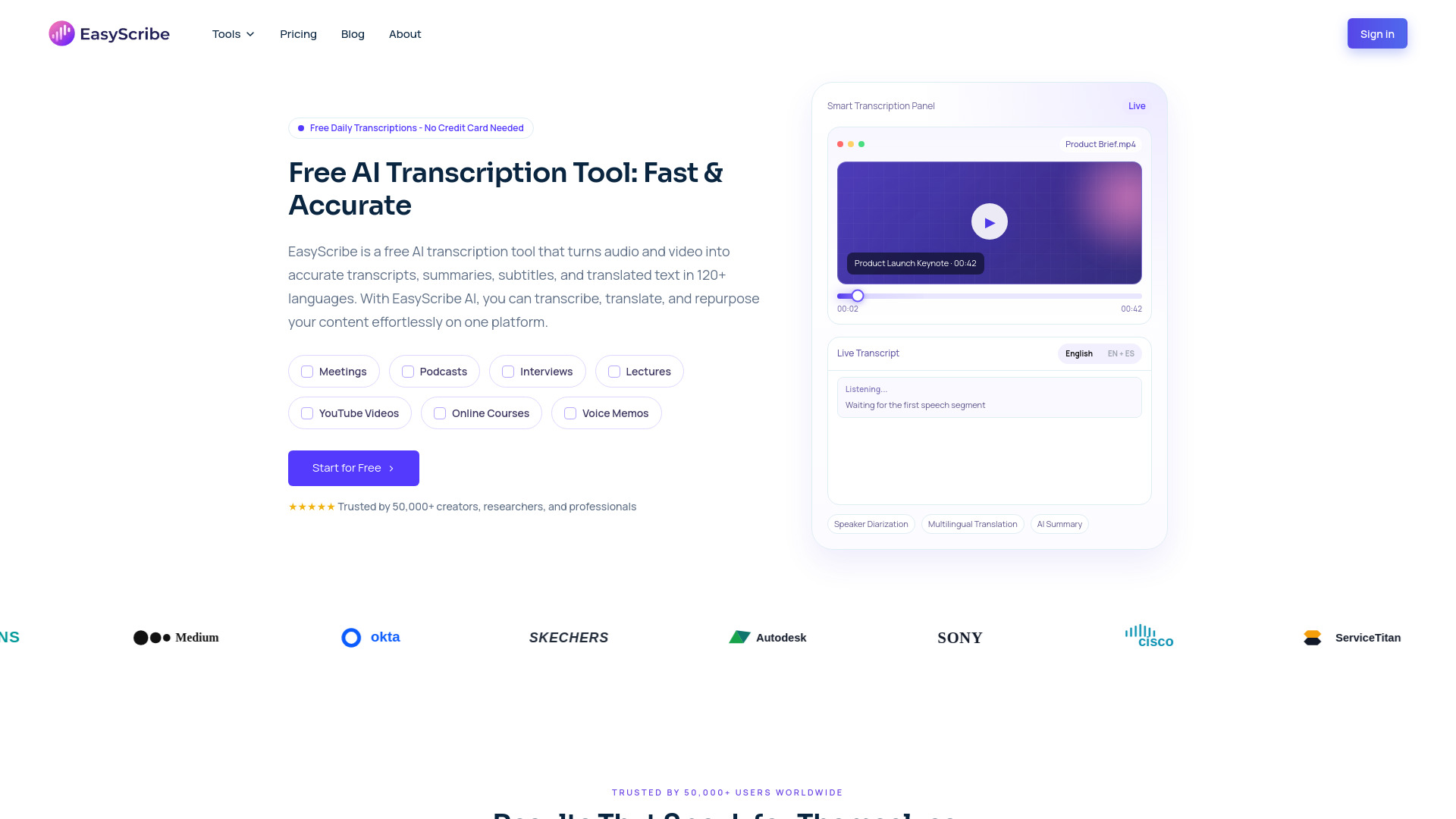
EasyScribe is an AI transcription and localization platform that transforms audio and video into accurate transcripts, multilingual translations, subtitles, and summaries in minutes. It offers a free AI transcription tool that provides high-precision video and audio to text transcription with free AI summaries and multilingual support.
How to use EasyScribe
- Upload: Drag and drop your audio or video file. EasyScribe supports MP3, MP4, WAV, M4A, MOV, WebM, and over 20 other formats.
- Transcribe: Choose the source language, add translation if needed, and start transcription in one click. Transcripts are saved automatically.
- Export & Share: Edit transcripts, captions, and subtitles in the workspace. Export files as TXT or DOCX, or share them publicly.
Features of EasyScribe
- 99.5% Accuracy: Delivers high-quality transcripts from audio or video using AI.
- Speaker Identification: Identifies and separates speakers in multi-speaker audio with AI diarization.
- Subtitle & Transcript Modes: Offers flexible options for video captions or turning podcasts into articles.
- 120+ Languages & Dialects: Supports transcription and translation in a wide range of languages.
- Multi-Language Output: Generate translated versions in multiple languages from a single upload.
- Accent & Dialect Aware: Supports accurate transcription across different accents and dialects.
- AI Summaries & Notes: Automatically turns transcripts into structured summaries and notes.
- Chat with Your Content: AI assistant answers questions by pulling details from transcripts.
- Timestamped Editing: Manage and edit transcripts and subtitle lines directly in the browser.
Use Cases of EasyScribe
- Students: Transcribe lectures, seminars, and recorded lessons into transcripts and study notes.
- Educators: Create transcripts, recap notes, and translated materials from recorded lessons and webinars.
- Professionals: Generate accurate records of client calls, internal debriefs, interviews, and training sessions.
- Researchers: Convert interviews, discussions, and recorded observations into organized transcripts.
- Creators: Turn YouTube videos, podcasts, and voice recordings into transcripts, subtitles, and summaries.
FAQ
- How accurate is EasyScribe's AI transcription? EasyScribe achieves up to 99.5% accuracy on clear audio. Accuracy depends on audio quality, background noise, and speaker clarity.
- How long does it take to transcribe a 1-hour recording? The webpage content does not specify the exact time for transcribing a 1-hour recording, but it states that transcripts are generated in minutes.
- What file types can I upload for transcription? EasyScribe supports MP3, MP4, WAV, M4A, MOV, WebM, and over 20 other formats.
- Can EasyScribe identify different speakers? Yes, it can identify and separate speakers in multi-speaker audio with AI diarization.
- What languages does EasyScribe support? EasyScribe supports transcription and translation in over 120 languages and dialects.
- Is there a free plan? Yes, EasyScribe offers free daily transcriptions with no credit card needed, and provides 3 free transcriptions daily.
- Is EasyScribe secure? How is my data protected? The webpage content does not provide specific details on data protection and security measures.