Newsletter
Join the Community
Subscribe to our newsletter for the latest news and updates

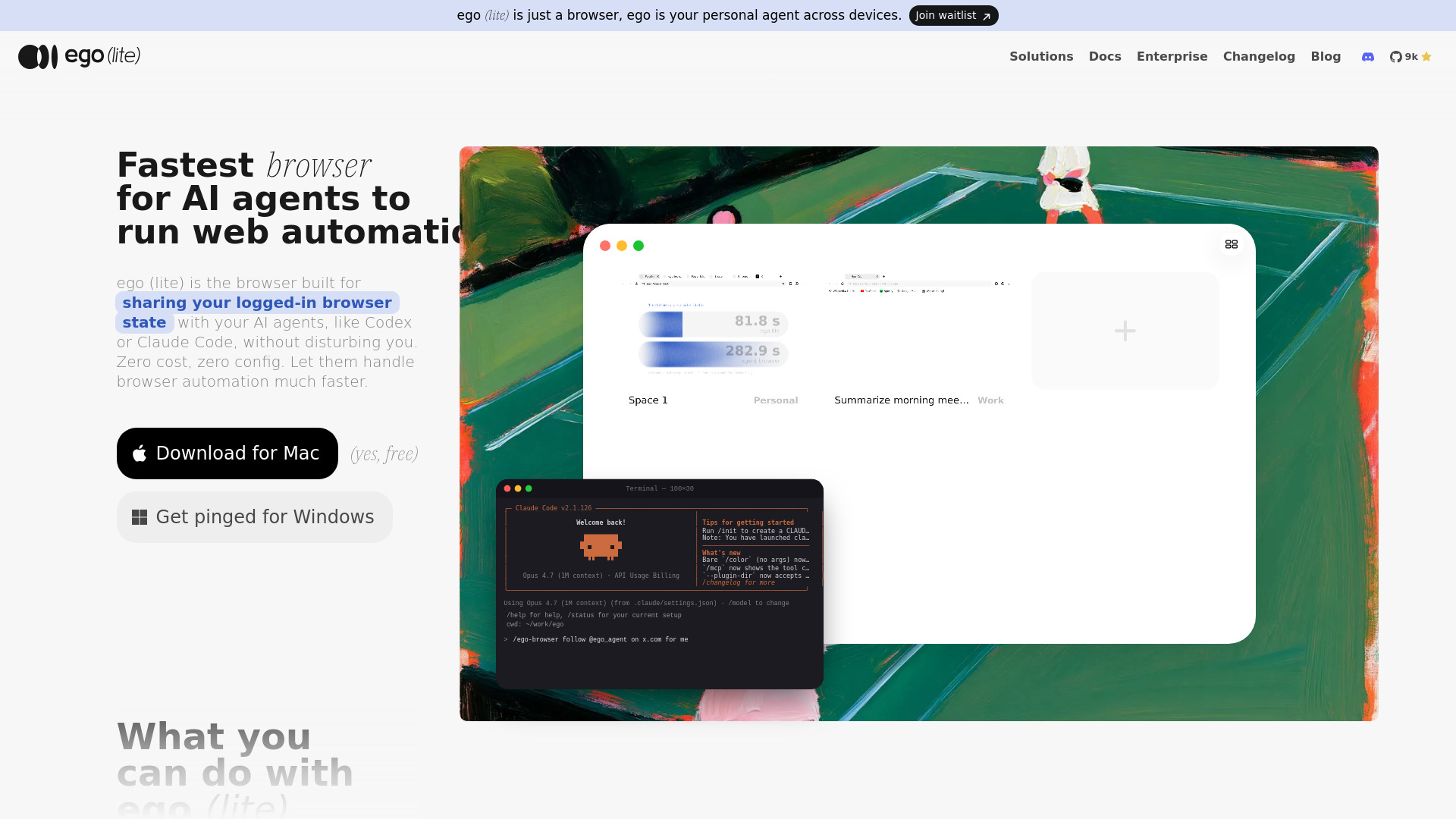
Free browser for parallel AI-powered web automation
ego (lite) is a free, agent-native browser built on Chromium that allows AI agents like Claude Code, Codex, and Cursor to run web automation tasks directly in the same browser you use daily. It is designed to share your logged-in browser state with AI agents without disturbing your work, offering zero cost and zero configuration.
/ego-browser in your agent and give it a task. The agent will run browser automation tasks in its own isolated Space.What is an agent browser? An agent browser is a browser built to be driven by an AI agent instead of only a human. The agent gets a real window, tabs, and your logins, rather than a headless instance it has to configure from scratch.
How is ego (lite) different from Playwright or Puppeteer? Playwright and Puppeteer are browser automation libraries that drive pages through CSS selectors, which break when sites change. ego (lite) is a real browser plus ego-browser, which exposes in-page JavaScript tools (snapshot, fill, click, wait, navigate, capture) that the agent can compose in one pass, reducing round trips and token usage.
How is ego (lite) different from Browser Use or Vercel's agent-browser? Browser Use is an autonomous agent framework that drives a separate browser instance and has its own pricing. agent-browser is a CLI that controls a browser but doesn't ship its own browser, so it doesn't share your daily browser session. ego (lite) is a real browser that shares your logged-in state and works with any agent.
Does ego (lite) work with Claude Code, Codex, and Cursor? Yes. Any agent that can run a shell command can drive ego (lite) through ego-browser. It installs as a skill and works with ego, Claude Code, Codex, Cursor, Continue, Gemini CLI, Hermes Agent, OpenClaw, OpenCode, and custom agents.
Can ego (lite) replace Chrome as my main browser? Yes. It is built on Chromium, so it behaves like Chrome with address bar, tab groups, bookmarks, profiles, extensions, downloads, and incognito mode. The difference is Space, an isolated workspace for AI agents.
Can I bring my Chrome bookmarks, passwords, and extensions into ego (lite)? Yes. Onboarding migrates tabs, tab groups, bookmarks, saved passwords, extensions, cookies, login sessions, and browser profiles from Chrome in one click.
Can I keep using my browser while the agent runs tasks? Yes. The agent runs inside Space, an isolated workspace. It doesn't take over your mouse or steal focus, and your tabs stay untouched unless you hand one over.
How does ego (lite) reduce token usage for browser automation? The agent can run several actions in a few lines of JavaScript instead of one tool call at a time. Combined with compressed semantic input, complex tasks complete faster and on fewer tokens overall.
Is my data safe when an AI agent uses ego (lite)? Yes. ego (lite) doesn't upload your browsing data. Your history, cookies, login sessions, and anything the agent reads stay on your computer. The only thing recorded during setup is whether you opted into Chrome data migration.