What is Floor Plan Maker
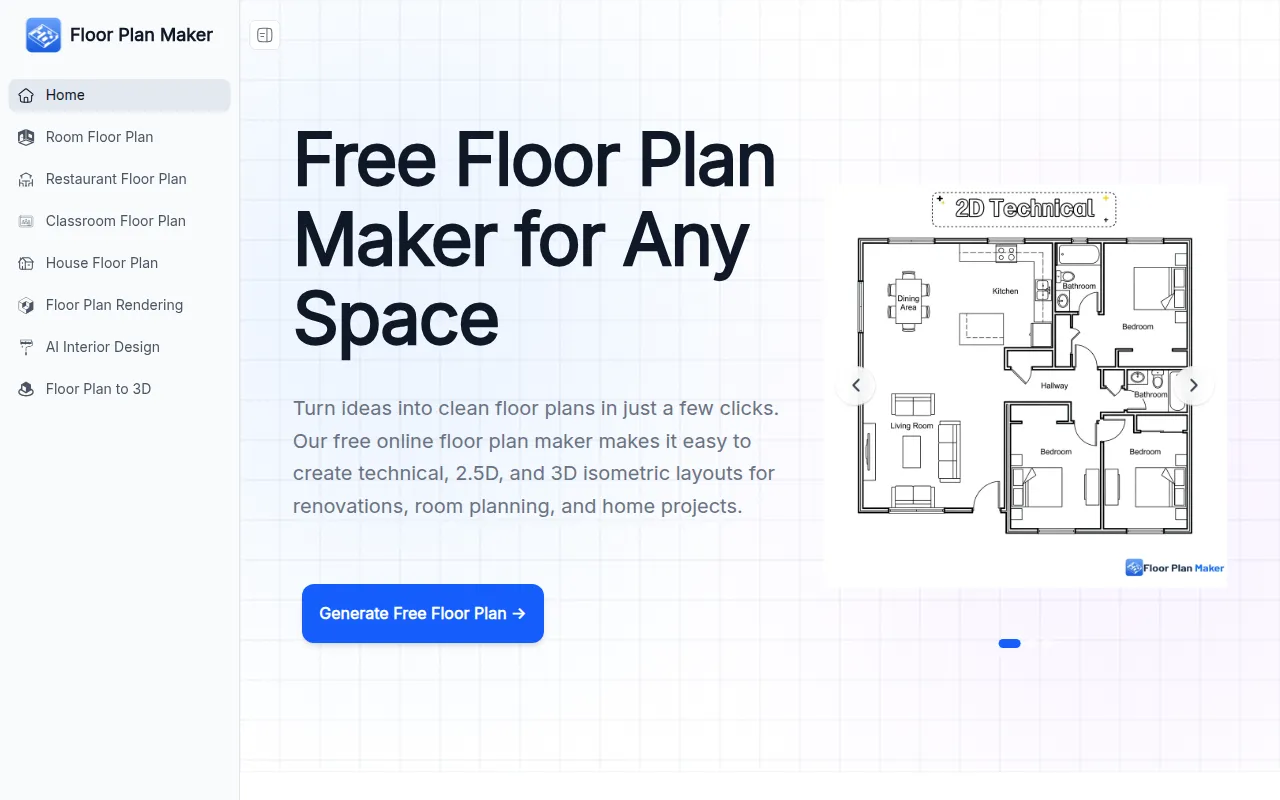
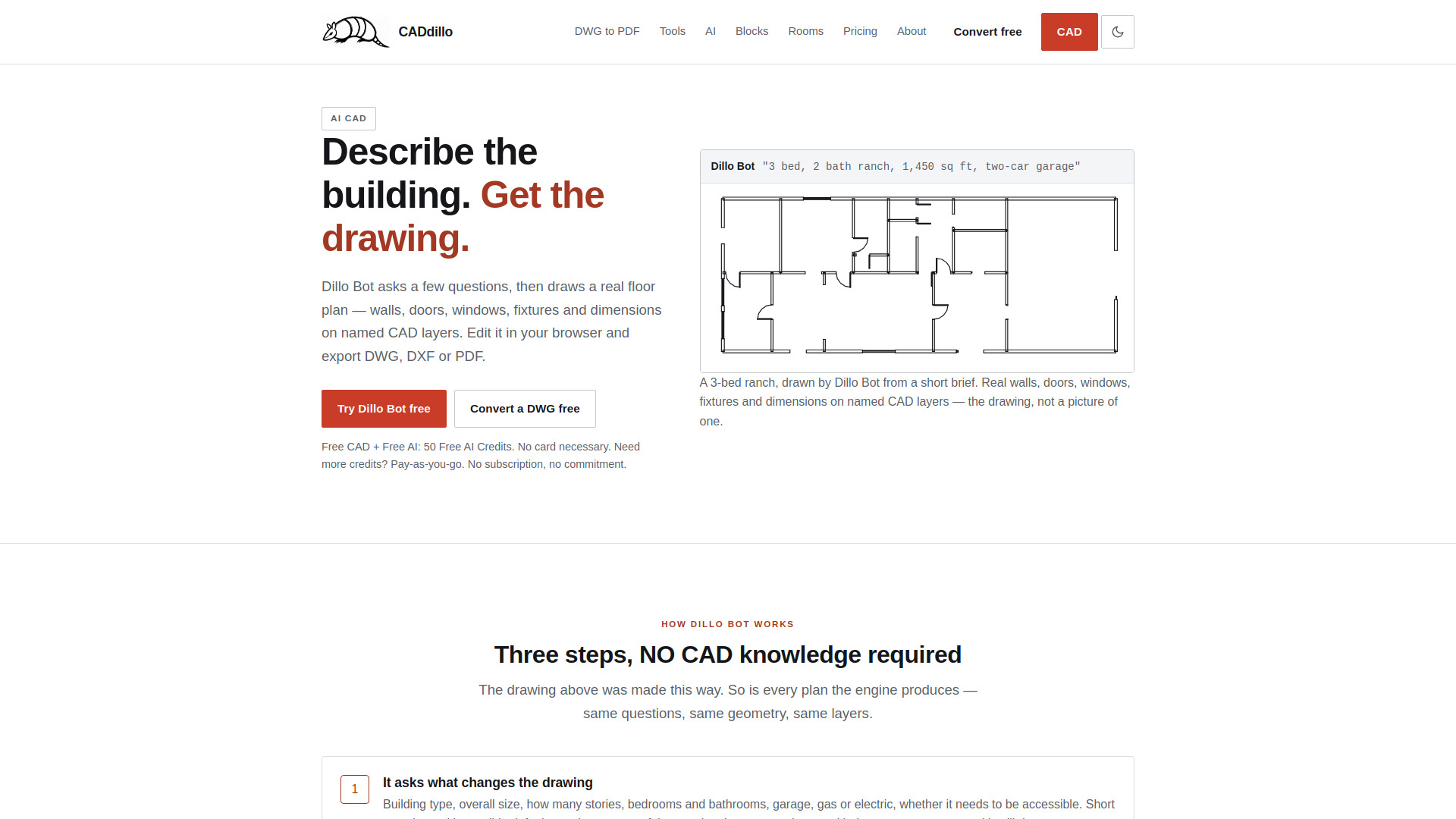
Floor Plan Maker is a free online AI-powered tool that helps you create technical, 2.5D, and 3D isometric floor plans for home design, renovations, room planning, and presentations. It allows you to customize rooms, choose a layout style, and generate floor plans in minutes without any design experience.
How to use Floor Plan Maker
- Set Your Room Preferences – Choose the number of bedrooms, bathrooms, kitchens, dining rooms, and living rooms based on your project needs.
- Choose a Floor Plan Style – Pick from Technical, 2.5D, or 3D Isometric views depending on whether you need planning, inspiration, or presentation.
- Generate and Refine Your Layout – Let AI create your floor plan instantly, then compare layouts and explore better room arrangements.
Features of Floor Plan Maker
- Flexible Room Setup – Adjust bedrooms, bathrooms, kitchens, dining areas, and living rooms to match different home layouts.
- Multiple Floor Plan Styles – Generate clean Technical, immersive 2.5D, or detailed 3D Isometric floor plans.
- Adjustable Space Size – Set gross area and fine-tune dimensions using metric or imperial units.
- Fast AI Floor Plan Generation – Create floor plans in seconds without manual drawing.
- Built for Any Space Type – From apartments and studios to family homes and renovations.
- No Design Skills Needed – Beginner-friendly interface designed for homeowners, creators, and professionals.
Use Cases of Floor Plan Maker
- Plan Home Renovations – Test ideas before construction begins. Redesign kitchens, add bathrooms, or adjust room sizes and compare layouts in minutes.
- Create Smarter Layouts for Small Living Spaces – Experiment with room placement for studio apartments or compact homes to maximize comfort.
- Present Clear Layouts for Clients and Listings – Generate technical plans, 2.5D previews, or 3D isometric views for real estate, home staging, or client presentations.
- Explore Interior Layout Ideas – Try different room setups and compare ideas visually before moving furniture or starting renovations.
Pricing
Floor Plan Maker is free for personal use. No sign-up is required to use the tool instantly online. Clean exports with no watermark are included.
FAQ
Do I need design experience to use Floor Plan Maker?
No. The tool is designed for beginners and professionals alike. You simply set your preferences and let AI generate the layout.
What styles of floor plans can I create?
You can create Technical (blueprint-style), 2.5D, and 3D Isometric floor plans.
Is Floor Plan Maker really free?
Yes, it is free for personal use. There are no watermarks on exports.
Do I need to sign up or download anything?
No sign-up is required, and the tool works entirely online in your browser.