What is Fudge MCP
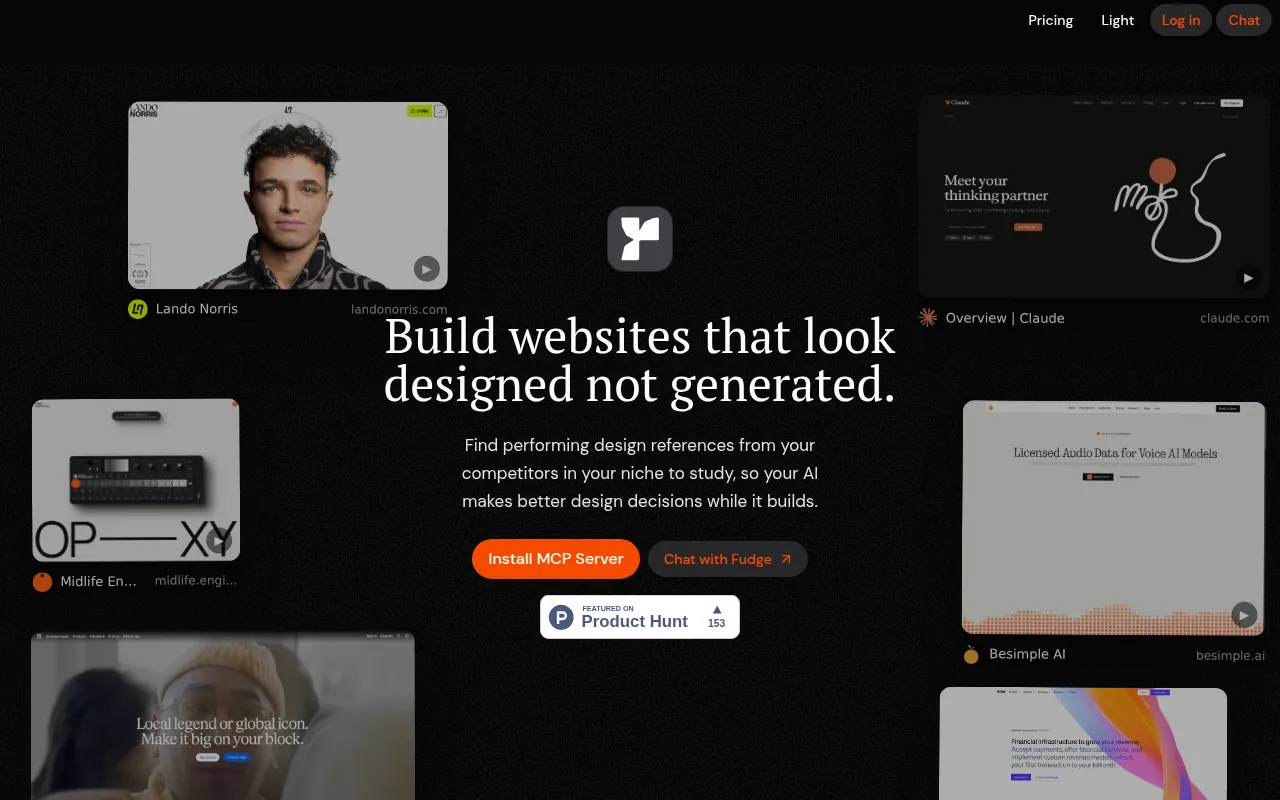
Fudge MCP is a design context engine for AI agents. It provides real website references, typography, colors, and layout context to help AI agents generate better-designed interfaces. It is available as an MCP (Model Context Protocol) server that can be installed for AI tools.
How to use Fudge MCP
- Install Fudge: Sign in or subscribe, then run the setup command shown for your account.
- Configure another MCP client: Subscribers can reveal manual configuration for another supported client.
- Start with a real design question: Ask for a design outcome and Fudge brings back relevant website references and details.
Features of Fudge MCP
- Search real websites: Find pages by industry, page type, layout, color, font, screenshot, URL, or visual idea.
- Inspect design systems: See a website's screenshot, typography, colors, spacing, radii, shadows, layout, media, and exact rendered styles.
- Extract or generate color palettes: Check contrast between selected text and background colors.
- Identify fonts: Check font families, stacks, sizes, weights, line heights, and where each style appears.
- Find similar fonts: Compare visually similar typefaces, preview matches, and narrow by license or availability.
- Compare references: Compare how different websites approach layout, hierarchy, typography, color, and page structure.
- Get grounded advice: Share a page or screenshot to uncover hierarchy and styling problems, with relevant references.
- Turn websites into files: Create a DESIGN.md or export design details for use in projects.
- Save references: Capture websites with the Chrome extension and keep screenshots and design details for later work.
Use Cases of Fudge MCP
- Design research: Find performing design references from competitors in your niche to study.
- AI-assisted development: Give AI agents real website references before they generate an interface.
- Design system analysis: Inspect the design system behind a live website.
- Color and typography selection: Extract palettes, check contrast, and identify fonts for design decisions.
- Project organization: Save references into collections for each project.
FAQ
- What is Fudge MCP? It is a design context engine for AI agents, providing real website references and design details.
- How do I install it? Sign in or subscribe, then run the setup command shown for your account.
- Can I use it with other MCP clients? Yes, subscribers can reveal manual configuration for another supported client.
- What can I do with it? Search websites, inspect design systems, extract palettes, identify fonts, compare references, get advice, and turn websites into build files.