LogoTop AI Hubs
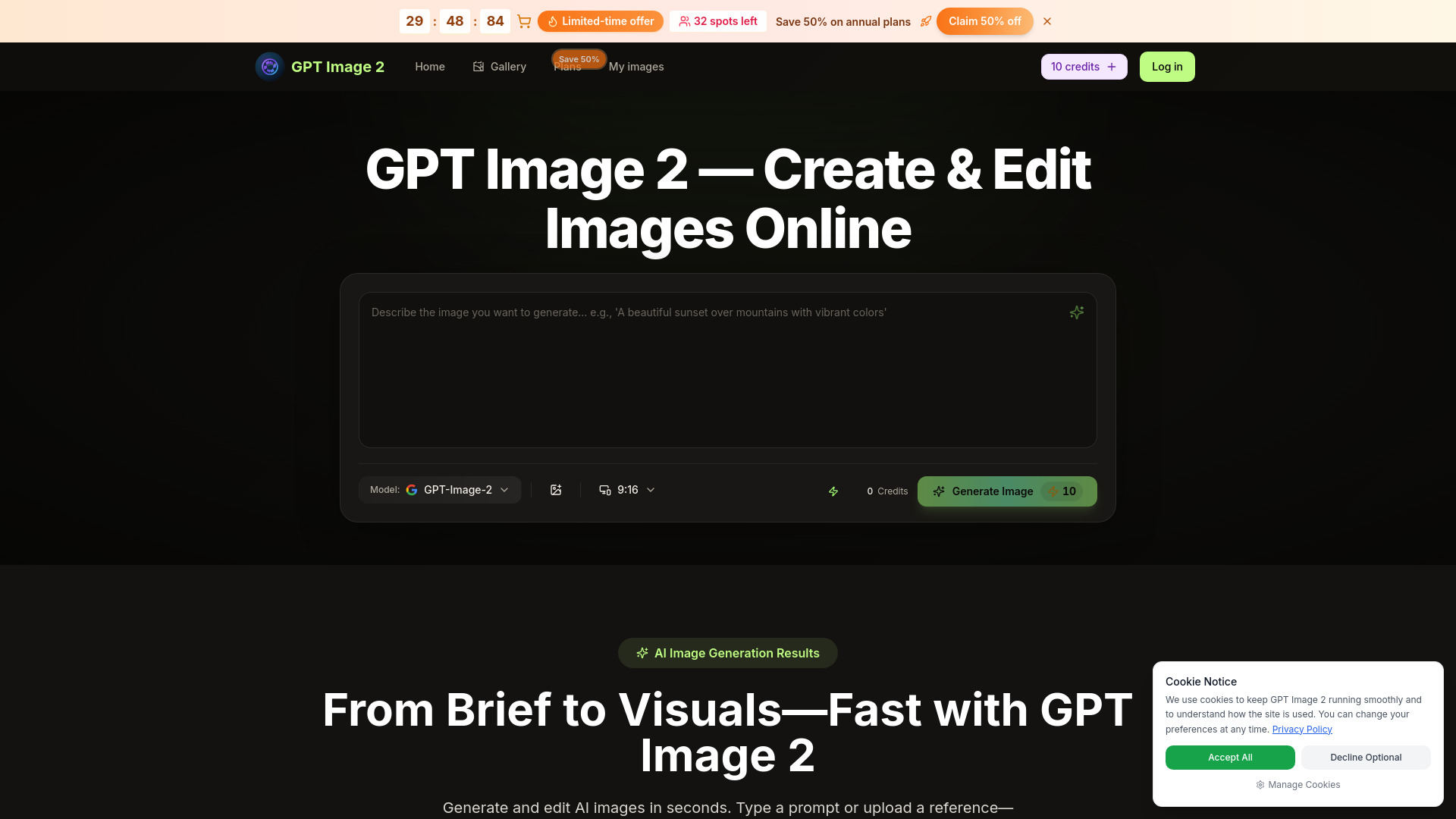
Logo of GPT Image 2

GPT Image 2

AI image editing platform for generation, editing, and enhancement.

Introduction

What is GPT Image 2

GPT Image 2 is a powerful AI image editing platform designed for generating, editing, and enhancing professional images. It leverages cutting-edge AI technology to transform creative visions into reality.

How to use GPT Image 2
  1. Describe your vision: Start by typing what you want to create in natural language. The platform understands complex descriptions for product photos, artistic illustrations, or photo edits.
  2. GPT Image 2 creates: The AI analyzes your request and generates professional-quality results in seconds, offering multiple variations.
  3. Refine and perfect: Use intuitive editing tools to fine-tune images. You can ask GPT Image 2 to adjust colors, change elements, or apply different styles.
  4. Export and share: Download your creations in multiple formats (PNG, JPG, WebP) and resolutions, and share them directly to social media or integrate with design tools.
Features of GPT Image 2
  • AI Generation: Create stunning images from text descriptions.
  • High-resolution output: Generates images up to 4K.
  • Multiple artistic styles: Offers various styles for image creation.
  • Smart Editing: Edit existing photos using natural language commands.
  • Object Removal: Remove unwanted objects from images.
  • Background Tools: Remove backgrounds with one click or replace them.
  • Style Transfer: Apply hundreds of artistic styles to images.
  • Fast Generation: AI-powered image generation in seconds.
  • Multiple Variations: Provides several options for each generated image.
  • Export Options: Supports PNG, JPG, and WebP formats.
Use Cases of GPT Image 2
  • Creating product photography and enhancing online store visuals.
  • Generating custom thumbnails, social media posts, and illustrations for content creators.
  • Offering unique artistic variations of images for clients.
  • Marketing material creation.
  • Professional design workflows.
FAQ
  • What is GPT Image 2 and how does it work? GPT Image 2 is an advanced AI image editing platform that uses cutting-edge machine learning to generate, edit, and enhance images. Simply describe what you want in natural language, and our AI creates professional-quality results in seconds. Whether you need to generate images from scratch, edit existing photos, or apply artistic styles, GPT Image 2 handles it all.
  • What types of images can GPT Image 2 create? GPT Image 2 can create virtually any type of image including product photos, illustrations, digital art, portraits, landscapes, abstract designs, and more. Our AI understands complex descriptions and can generate images in various styles—from photorealistic to artistic and everything in between.
  • Is GPT-Image-2 suitable for commercial use? Yes, all images created with GPT-Image-2 can be used for commercial purposes. You retain full rights to your generated content, making it perfect for marketing materials, product listings, social media content, and professional projects.
  • How does GPT Image 2 compare to other AI image generators? GPT Image 2 stands out with its exceptional image quality, natural language understanding, and comprehensive editing capabilities. Unlike basic generators, GPT Image 2 offers advanced features like precise object editing, intelligent background removal, and style transfer—all accessible through simple text commands.
  • Can I edit existing photos with GPT Image 2? Absolutely! GPT-Image-2 excels at editing existing photos. Upload any image and describe the changes you want—remove objects, change backgrounds, enhance colors, add elements, or apply artistic effects. Our AI handles complex edits that would take hours in traditional software.
  • What image formats does GPT-Image-2 support? GPT-Image-2 supports all major image formats including PNG, JPG, JPEG, and WebP for both input and output. You can export your creations in various resolutions up to 4K, optimized for web, print, or social media use.

Newsletter

Join the Community

Subscribe to our newsletter for the latest news and updates