Newsletter
Join the Community
Subscribe to our newsletter for the latest news and updates

AI tool that turns images or text prompts into editable 3D models in minutes.
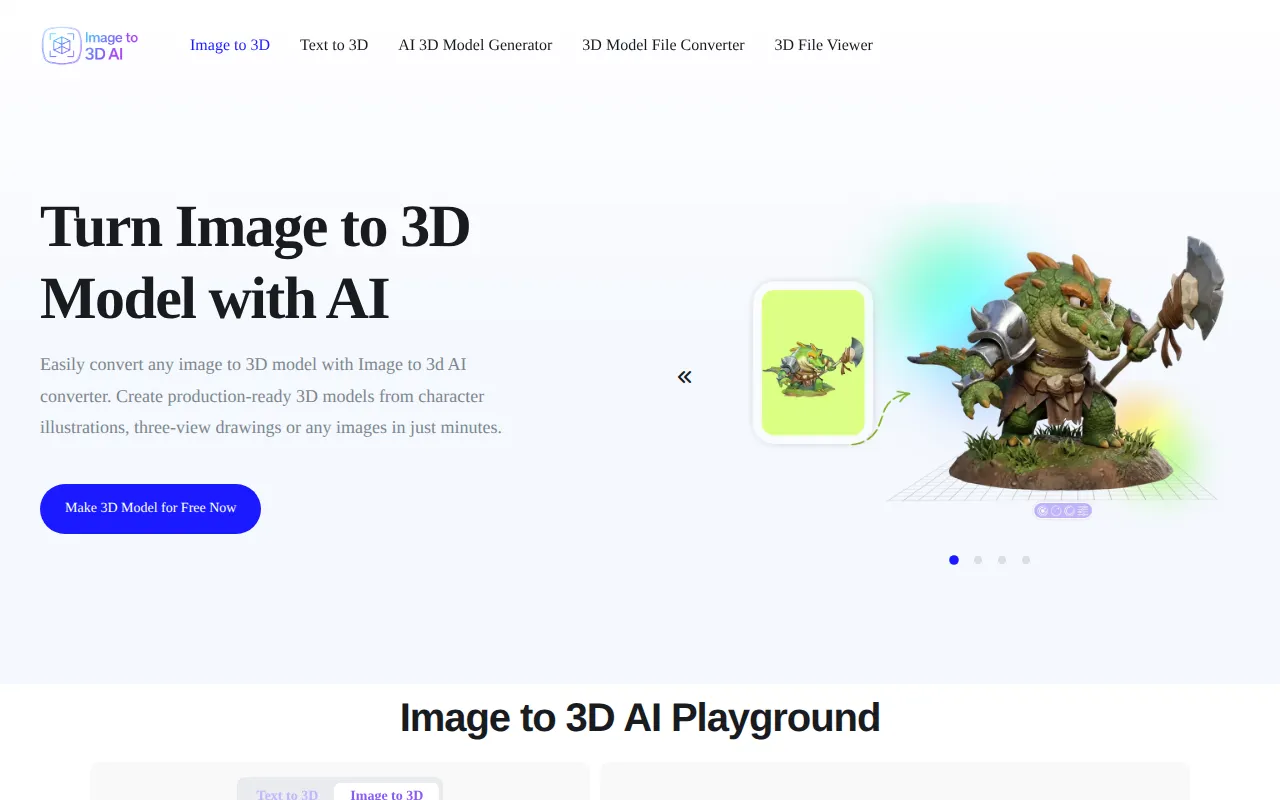
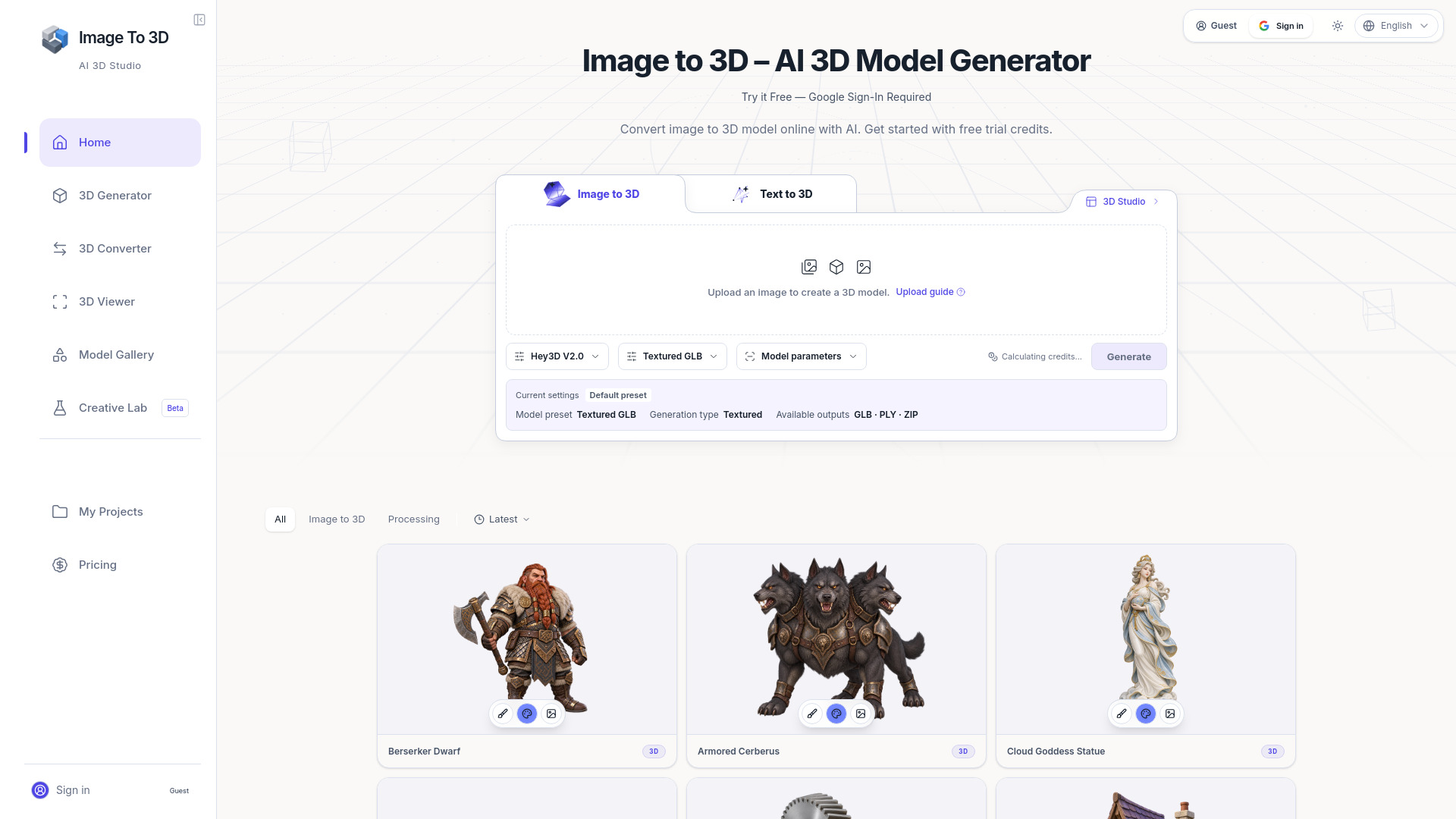
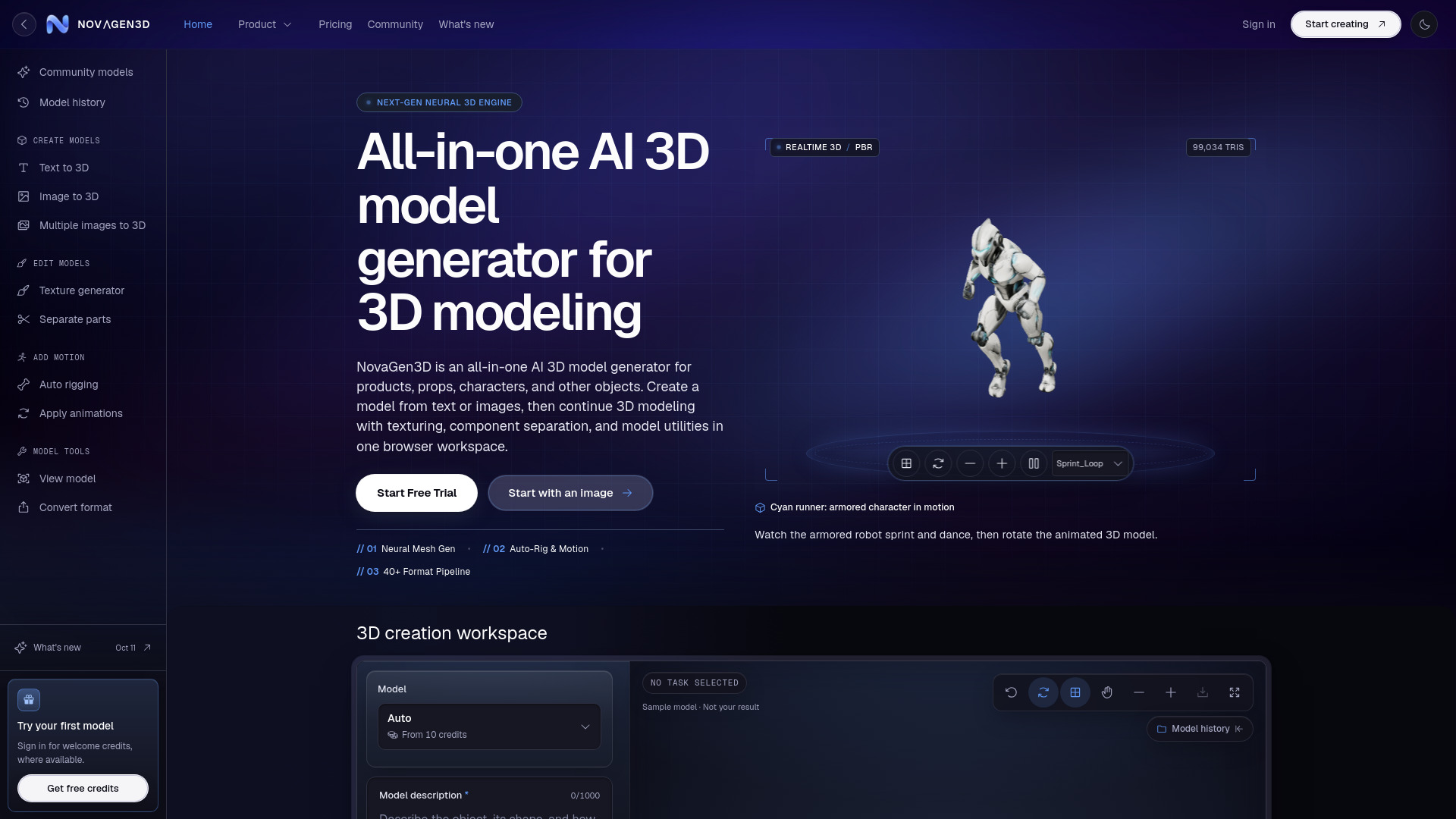
Image to 3D AI is a technology that converts 2D images into fully structured 3D models. By analyzing shape, depth, and texture, it automatically reconstructs geometry and applies realistic materials, allowing users to generate usable 3D assets without manual modeling. It can also generate 3D models from text prompts.
1. What is Image to 3D? Image to 3D AI is a technology that converts 2D images into fully structured 3D models. By analyzing shape, depth, and texture, it automatically reconstructs geometry and applies realistic materials, allowing users to generate usable 3D assets without manual modeling.
2. Can I try image to 3D AI for free? Yes, you can try Image to 3D AI for free. New users typically receive free credits or trial access to explore the features and generate sample models before deciding to upgrade for higher usage or advanced capabilities.
3. Which types of images produce the highest-quality 3D models? Images with clear subjects, simple backgrounds, and good lighting generally produce the best results. High-resolution images with distinct edges, consistent angles, and minimal occlusion help the AI accurately reconstruct geometry and textures.
4. Can I use my own image as reference? Absolutely. You can upload your own images as references for generating 3D models. This allows you to create personalized assets based on your own designs, photos, or creative ideas.
5. Is my uploaded image and generation result privacy? Yes, your data privacy is a priority. Uploaded images and generated models are processed securely and are not shared publicly. Most systems also ensure that your content is not used for training without your consent.
6. Who owns the copyright of the AI-generated 3D models? In most cases, you retain the rights to the 3D models you generate, especially if they are created from your own inputs.