What is ImageVids AI
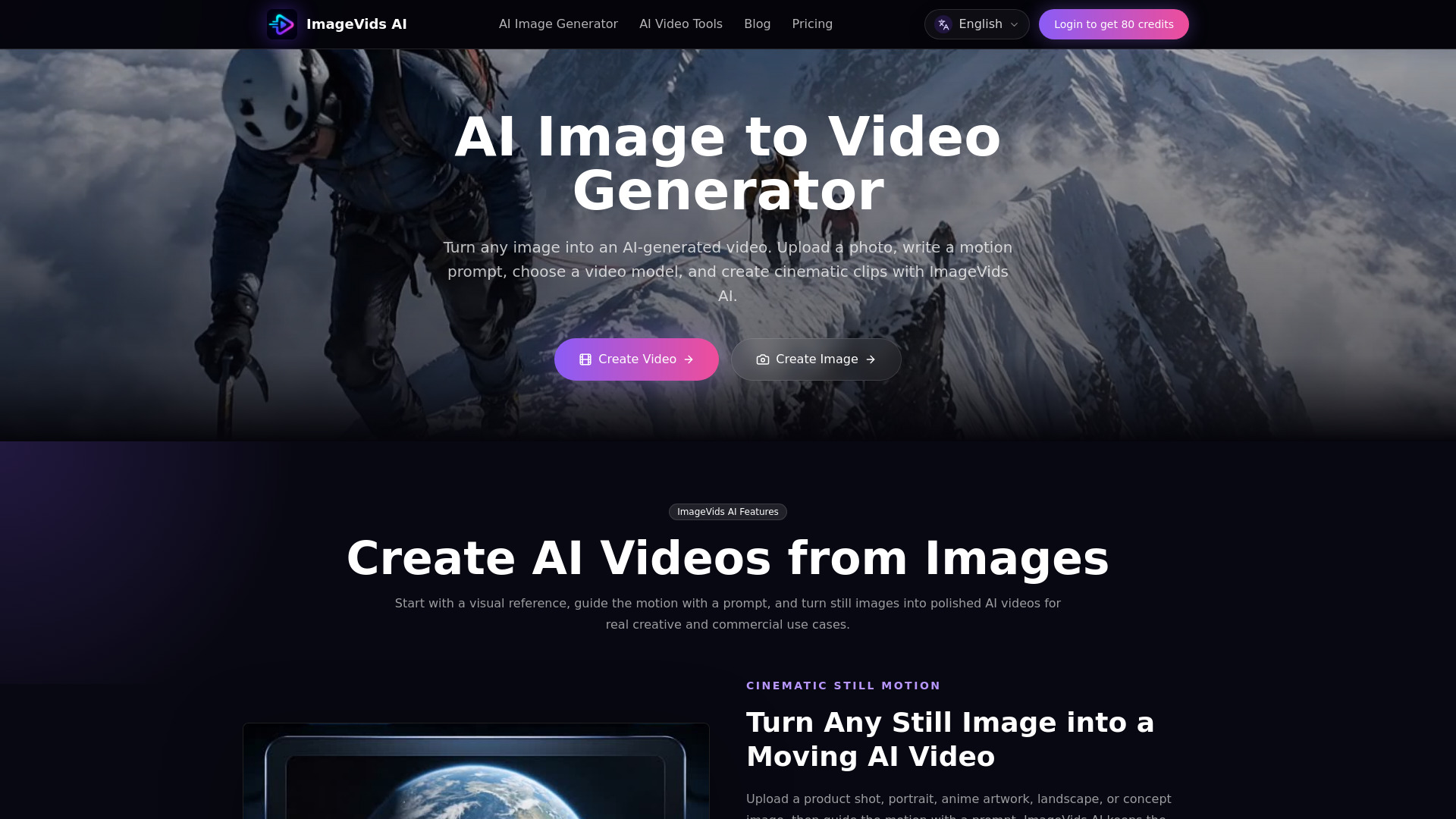
ImageVids AI is an online tool that turns static images into AI-generated videos. Users upload a photo, write a motion prompt, choose a video model, and generate cinematic clips. It offers free trial credits for new users and supports multiple AI video models for different styles.
How to use ImageVids AI
- Upload an Image: Choose a clear photo, product shot, portrait, artwork, or landscape. Images with a strong subject work best.
- Describe Motion and Choose a Model: Describe the camera movement, subject action, lighting, or atmosphere, then pick the model that fits the shot.
- Generate and Refine: Generate the first result, review the motion, then adjust the prompt or settings until it feels right.
Features of ImageVids AI
- Free trial credits: Test image-to-video prompts before choosing a paid plan.
- Multiple AI video models: Compare fast drafts, cinematic motion, and polished output.
- Prompt-based motion control: Guide camera movement, subject action, lighting, and mood.
- HD exports available: Create sharper videos when your final result needs more detail.
- Watermark-free exports: Unlock cleaner exports on eligible paid plans.
- Commercial use: Use generated videos commercially on eligible paid plans.
Use Cases of ImageVids AI
- Product ads: Animate product photos for marketing.
- Portraits: Bring portrait images to life with subtle motion.
- Anime art: Add motion to anime-style artwork.
- Real estate shots: Create virtual tours from still property images.
- Cinematic stills: Add camera movement and atmosphere to cinematic images.
- Social media clips: Generate engaging video content for social platforms.
FAQ
What is an AI image to video generator? An AI image to video generator turns a still image into a moving video. You upload an image, describe the motion you want, choose settings such as model, aspect ratio, duration, and resolution, then generate an AI video.
Can I use ImageVids AI for free? Yes. ImageVids AI gives new users free trial credits for AI image-to-video generation. You can test prompts, models, and video styles before upgrading.
Does ImageVids AI support multiple AI video models? Yes. ImageVids AI supports multiple AI video models so you can choose different styles for fast drafts, cinematic motion, realistic movement, or higher-quality output.
Which images work best for AI image to video? Clear images with a visible subject usually work best. Portraits, product photos, anime art, landscapes, and scene references can all work well when paired with a clear motion prompt.
Can I export videos without a watermark? Free trial generations may include limits or watermarks depending on your plan. Paid plans can unlock watermark-free exports, HD output, and commercial use.