What is Jcode.sh
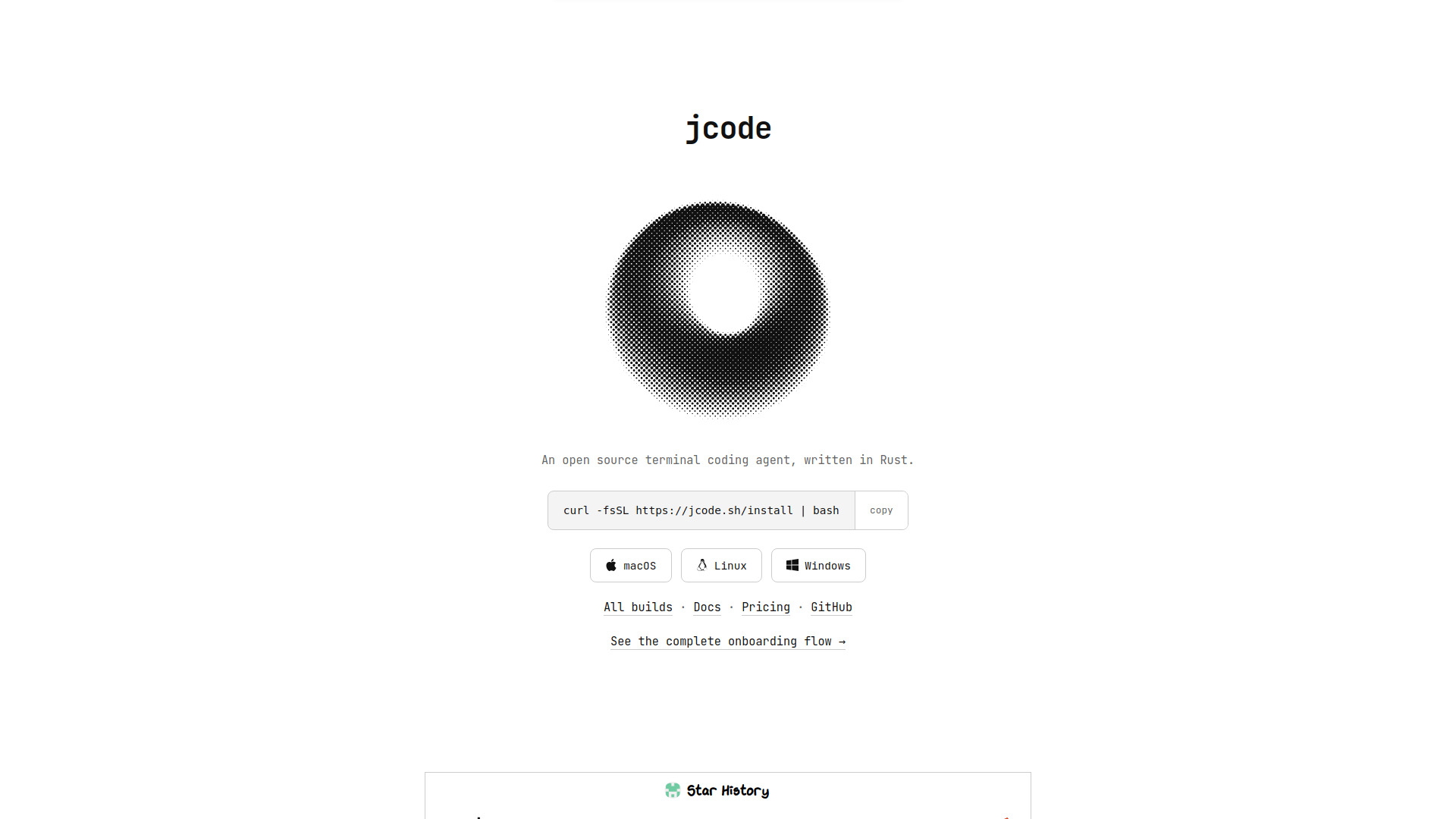
Jcode.sh is the website for jcode, an open-source AI coding agent designed for the terminal. Written in Rust, jcode is built for speed and efficiency, with a focus on enabling massive parallelism. It features durable semantic memory, background task management, and multi-agent swarm coordination, all within a single repository. The project is MIT licensed and backed by Y Combinator.
How to use Jcode.sh
To install jcode, run the following command in your terminal:
curl -fsSL https://jcode.sh/install | bashAlternatively, you can download pre-built binaries for macOS, Linux, or Windows from the GitHub releases page. After installation, you can start a session by running jcode in your terminal. The tool provides an interactive TUI (Terminal User Interface) for rich agent work, and also supports headless runs via jcode run for automated tasks.
Features of Jcode.sh
- Resource Efficiency: jcode is optimized to use minimal memory per additional session (~10.4 MB), allowing dozens of agents to run in parallel on consumer hardware. It also has fast startup times (48.7 ms to first input) and low time to first frame (14.0 ms).
- Durable Memory: Each turn and response is embedded as a semantic vector, and the agent queries a graph of memories to recall relevant information automatically, without burning tokens.
- Background Tasks: Long-running commands can be run in the background, with live progress cards in the TUI. The agent can list, tail, inspect, cancel, or wait on these tasks, and they survive even a reload of the agent's binary.
- Agent Swarms: jcode supports running multiple agents in parallel, with coordination and conflict detection. The website demonstrates 20 agents working together.
- Intelligence Enhancements: Features like confidence stepping, hill-climbable goals, and auto-poke help improve agent performance and persistence.
- Open Source and Customizable: MIT licensed, with a self-dev mode that allows the agent to modify its own source code.
- Terminal Interface: Renders images, LaTeX, links, and structured edit blocks directly in the terminal, with side panels and live session states.
Use Cases of Jcode.sh
- Parallel Coding Tasks: Run multiple agents simultaneously to handle different parts of a codebase, increasing throughput.
- Long-Running Builds and Tests: Use background tasks to monitor builds or test suites without blocking the agent.
- Automated Code Optimization: The benchmark tasks (float-print, json-unescape, utf16-transcode) show jcode's ability to optimize code, achieving significant speedups.
- Self-Development: Let jcode modify its own source code to add features or fix bugs, demonstrating a new form of customizability.
Pricing
jcode is open source and free to use. The website lists a pricing page, but the software itself is available at no cost, with the license being MIT.
FAQ
Is jcode free? Yes, jcode is open source and free to use, with an MIT license.
What operating systems are supported? jcode supports Linux, macOS, and Windows.
How does jcode handle memory? jcode uses semantic embeddings to store and retrieve memories, allowing the agent to recall relevant information automatically.
Can jcode run multiple agents at once? Yes, jcode is designed for massive parallelism, with low memory overhead per session, making it feasible to run dozens of agents.
Does jcode support background tasks? Yes, jcode has built-in background task management, allowing long-running commands to continue while the agent works on other things.