What is Jewelry AI Model
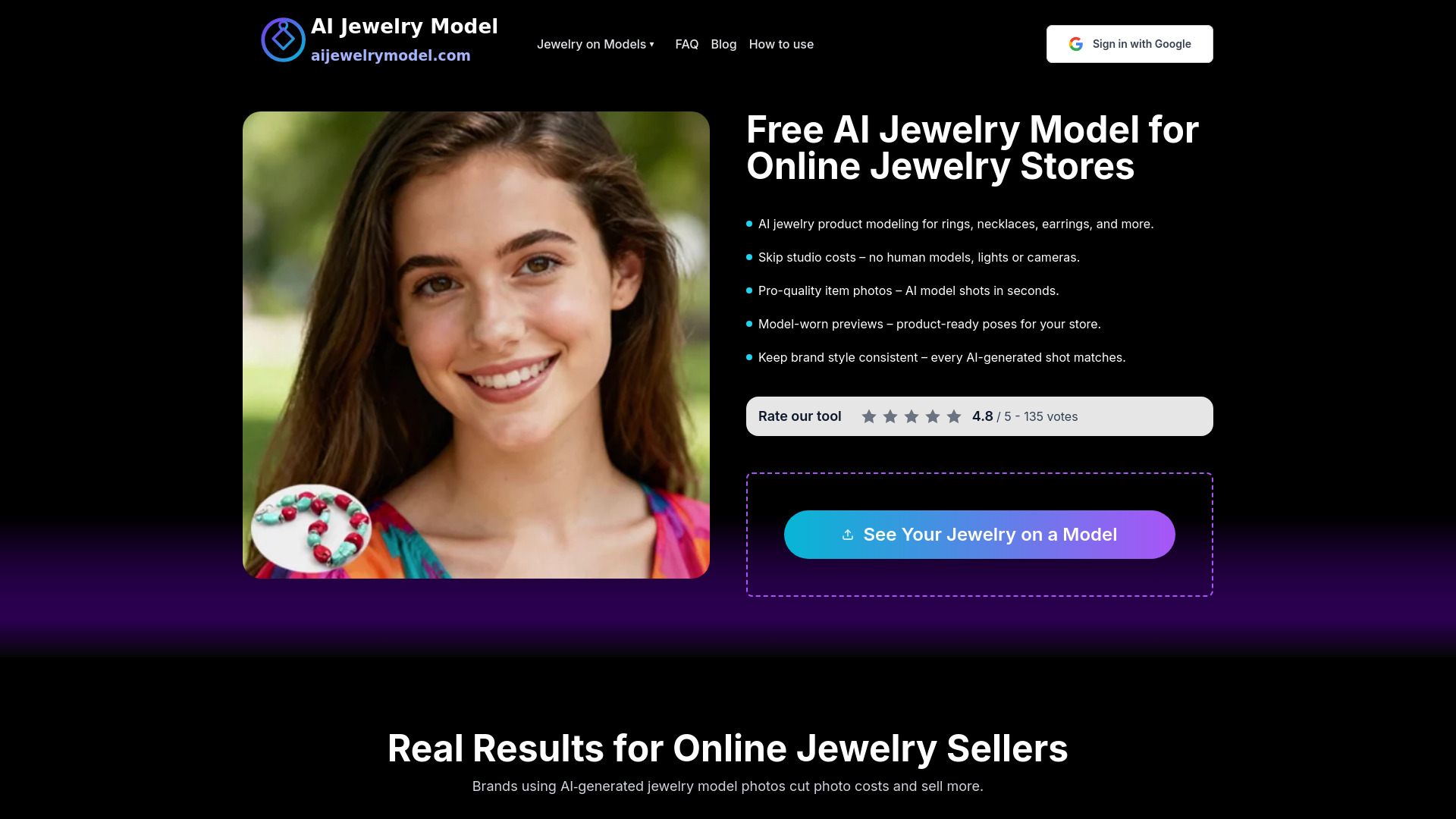
Jewelry AI Model is a tool that creates AI model-worn jewelry photos from product images. It allows jewelry brands to show necklaces, earrings, bracelets, and rings on virtual models in seconds without the need for a studio or human models. The tool is designed for online jewelry stores to enhance product presentation and boost sales.
How to use Jewelry AI Model
- Upload a clear photo of your jewelry piece (ring, necklace, bracelet, or earrings) in common formats like PNG or JPG.
- Choose your model and style: decide where the piece should be placed on the virtual model and pick an AI look or a Virtuai model that fits your brand.
- Download your picture: in seconds, you get polished product photos and ready-to-use previews for your site, online store, product pages, or social ads.
Features of Jewelry AI Model
- AI jewelry product modeling for rings, necklaces, earrings, and more.
- Skip studio costs – no human models, lights, or cameras.
- Pro-quality item photos – AI model shots in seconds.
- Model-worn previews – product-ready poses for your store.
- Keep brand style consistent – every AI-generated shot matches.
- Access to all model templates.
- Watermark-free downloads.
- Commercial use included.
- Standard and Studio generation options (Studio available on Pro and Premium plans).
Use Cases of Jewelry AI Model
- E-commerce product presentation: turn flat product shots into lifelike on-model images for marketplaces like Amazon, Shopify, and Etsy.
- Model-worn previews for your store: let shoppers preview pieces with model-worn images for gallery sections and product pages.
- AI instead of traditional jewelry model photography: skip long, expensive photoshoots and run a full studio session from your browser.
- Design preview & B2B quoting: show how new designs look on different virtual models before production, and send realistic presentation assets in catalogs and pitches.
- Online stores & marketplace sellers: create model-worn images without hiring photographers.
- Jewelry brands & marketing teams: generate consistent AI product imagery for campaigns and social media.
- Wholesalers & manufacturers: preview collections on virtual models before bulk production.
- Designers, studios & custom makers: see AI model images wearing jewelry on different virtual faces before creating prototypes.
- Content creators & agencies: generate scroll-stopping content for TikTok, Instagram, and ads.
- Photo & 3D studios: mix classic lighting with AI jewelry photoshoots for extra angles and model diversity.
Pricing
Jewelry AI Model offers three subscription plans with yearly billing (save 33%):
- Basic: $9.99/month (billed annually at $119.88). Includes 5,000 credits/year (up to 500 standard images), standard generation, access to all model templates, watermark-free downloads, commercial use, and email support.
- Pro: $19.99/month (billed annually at $239.88). Includes 13,000 credits/year (up to 1,300 standard or 325 studio images), standard & studio generation, access to all model templates, watermark-free downloads, commercial use, and priority email support.
- Premium: $39.99/month (billed annually at $479.88). Includes 34,000 credits/year (up to 3,400 standard or 850 studio images), standard & studio generation, access to all model templates, watermark-free downloads, commercial use, and fast-track email support.
Standard images cost 10 credits each; studio images cost 40 credits each (Pro & Premium only). All yearly credits are issued upfront and expire at the end of the annual billing period. Renewal can be canceled anytime.
FAQ
What is an AI jewelry model?
Adding jewelry to the AI model means placing your pieces onto an AI-generated virtual model to show how it looks when worn. Instead of hiring human models, you use hyper-realistic AI faces and bodies so shoppers can see their pieces on skin, hands, and necklines.
How do I create images of jewelry on a model?
Upload a product shot, choose model style, and click generate. The system will put real jewelry on AI model poses automatically, matching angles and lighting.
Can I try this as a free AI model for jewelry?
Yes. You can start with a free AI model for jewelry plan to test image quality and speed.
Can I create model-worn preview images for my store?
Absolutely. You can produce model-worn preview images that work as gallery sections or inline images on product pages.
Can this replace traditional jewelry model photography?
For many sellers, yes. You get results close to professional studio jewelry model photography without booking models or renting lights. You can still mix in physical shoots for hero campaigns, but most routine updates can rely on AI-generated jewelry models and product shots.
Do I need photo editing or 3D skills?
No special skills are required. Upload, choose your model, and let the jewelry AI model generator handle the complex fitting, rendering, and lighting for you.
Are the images commercial-use ready?
Yes, images you create can be used on your website, social media, and ads, as long as you follow the license.
Is my data private and secure?
We keep your uploads private and under your control. You can delete images at any time, and your designs will not be turned into public stock without your consent.