What is Kane CLI By TestMu AI
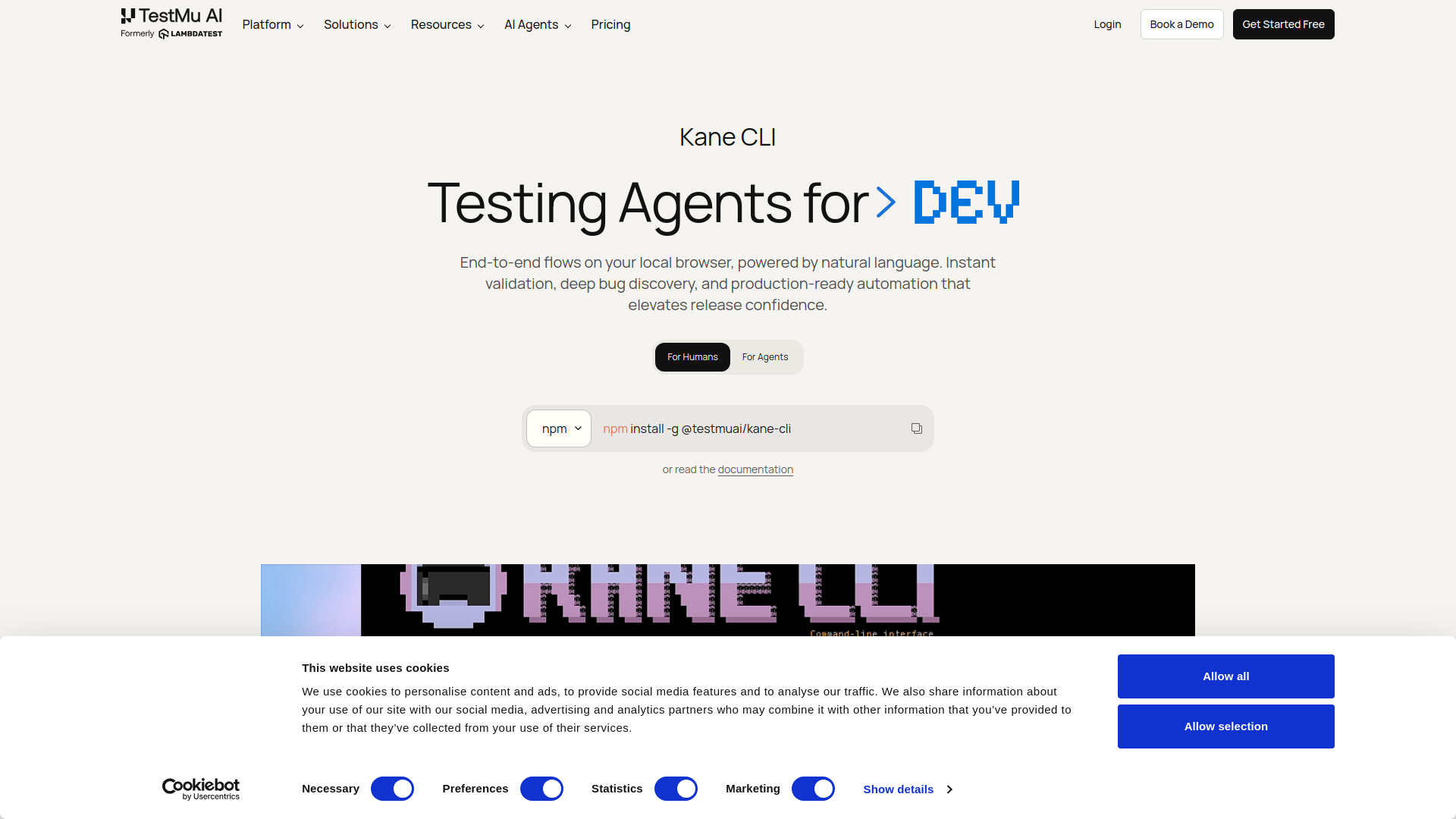
Kane CLI is an AI-powered browser automation tool that runs from your terminal. It allows you to describe what you want to test in plain English, and it navigates websites, clicks elements, fills forms, extracts data, and validates outcomes in a real Chrome browser. No test scripts, no selectors, and no framework boilerplate are required. It can be integrated into CI/CD pipelines with headless mode, structured JSON output, and standard exit codes. It can also be used as a skill in AI coding agents like Claude Code, Codex CLI, and Gemini CLI.
How to use Kane CLI By TestMu AI
- Install Kane CLI globally via npm:
npm install -g @testmuai/kane-cli - Run a test by describing the desired flow in natural language from your terminal or IDE.
- Kane CLI executes the flow in a real browser, verifies each step, and returns pass or fail.
- For CI/CD, use headless mode to run tests without a visible browser.
- AI coding agents can invoke Kane CLI directly to test and verify web UIs.
Features of Kane CLI By TestMu AI
- Natural language test authoring: Describe what should happen in plain English; no scripting needed.
- Real browser execution: Runs in a real Chrome browser, not a simulation.
- Headless mode: Suitable for CI/CD pipelines with structured JSON output and standard exit codes.
- Auto-heal and smart waiting: Built-in resilience for flaky tests.
- Secure and parameterized flows: Use secrets and variables to create dynamic tests.
- Custom profiles and stateful flows: Use existing authenticated sessions.
- Shareable test evidence: Get persistent, shareable links to test recordings.
- Native Playwright exports: Export flows into native Playwright scripts for further customization.
- Test.md framework: Capture sessions as replayable markdown files.
- Ask tool: Unblock agents for OTPs, CAPTCHAs, etc., by being in the loop.
Use Cases of Kane CLI By TestMu AI
- Browser Automation: Automate any web flow from the terminal.
- E2E Automation: Run end-to-end tests on local browsers before opening a PR.
- Bug Discovery: Find bugs by running exploratory flows.
- Flow Validation: Validate critical user journeys across different environments.
- CI/CD Integration: Run tests in headless mode as part of your pipeline.
- AI Agent Integration: Let AI coding agents use Kane CLI to test web UIs.
Pricing
Kane CLI offers a free tier and paid plans:
- Free: $0/month, 200 credits (resets every 30 days). Includes local test authoring, auto-heal & vision, view test cases on UI, and Test Manager.
- Starter: $19/month, 2000 credits (launch offer: 4000 credits for first 3 months). Includes all Free features.
- Pro: Most popular plan. Includes all Starter features plus additional credits and capabilities.
FAQ
Q: Do I need to write test scripts? A: No. You describe the test in plain English, and Kane CLI handles the automation.
Q: Can I use Kane CLI in CI/CD? A: Yes. It supports headless mode with structured JSON output and standard exit codes.
Q: Can AI coding agents use Kane CLI? A: Yes. Agents like Claude Code, Codex CLI, and Gemini CLI can invoke Kane CLI directly.
Q: Is there a free tier? A: Yes, a free plan with 200 credits per month is available.
Q: What browsers are supported? A: Kane CLI runs tests in a real Chrome browser.