What is Kling 3.0 AI-
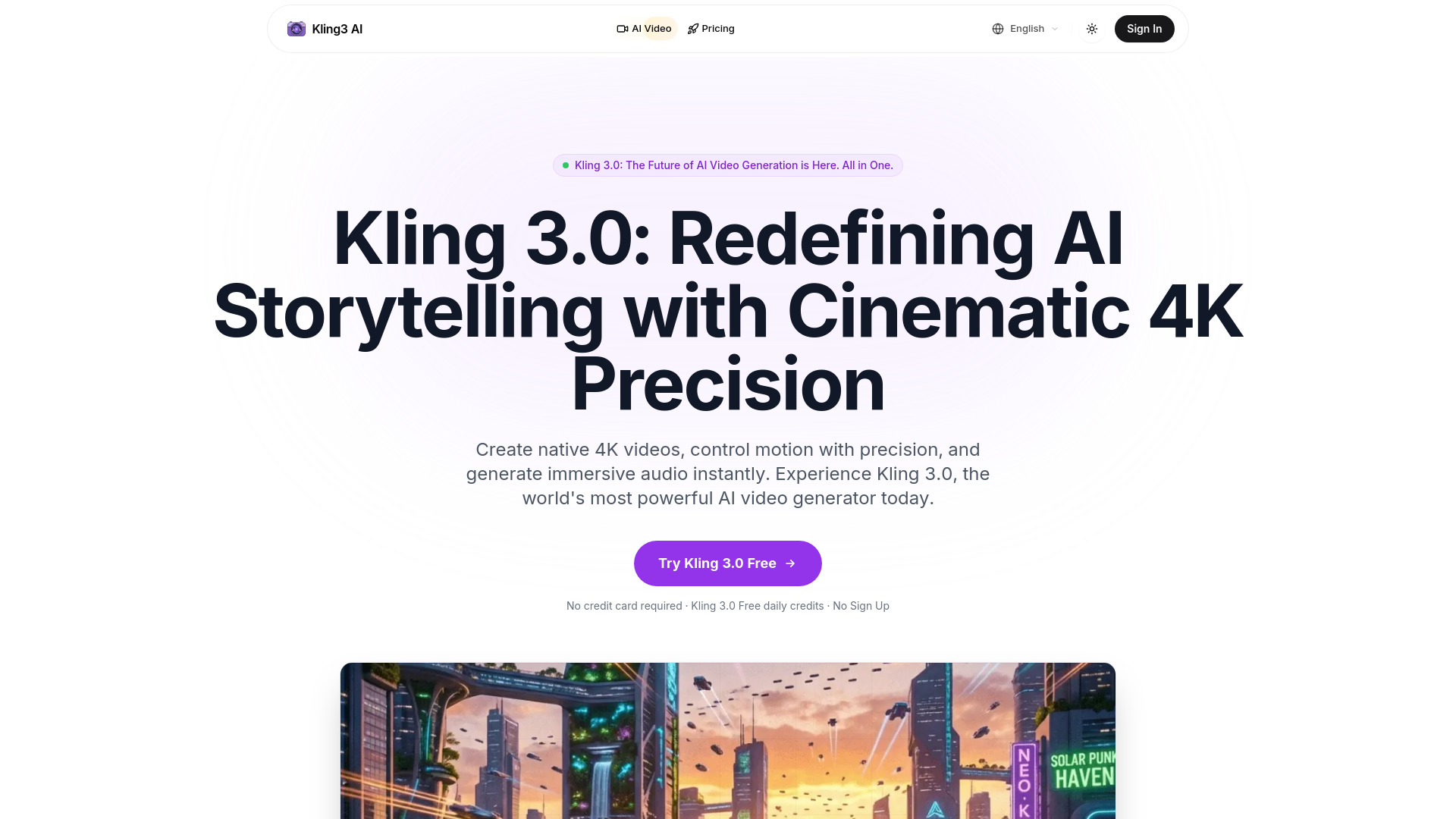
Kling 3.0 AI is an API-powered platform designed for generating cinematic AI videos. It offers advanced features such as multi-shot storyboarding, optional native audio, and enhanced subject consistency. The platform also includes a comprehensive image suite powered by 10 frontier image models, including the Flux 2 family, Nano Banana, Seedream, GPT-4o, and Z-Image.
Features of Kling 3.0 AI-
- Cinematic AI Video Generation: Create professional-quality videos with advanced AI models.
- Multi-Shot Storyboarding: Plan and generate videos with multiple sequential shots.
- Native Audio: Option to include native audio, such as dialogue and sound effects.
- Strong Subject Consistency: Maintains consistent subjects across video generations.
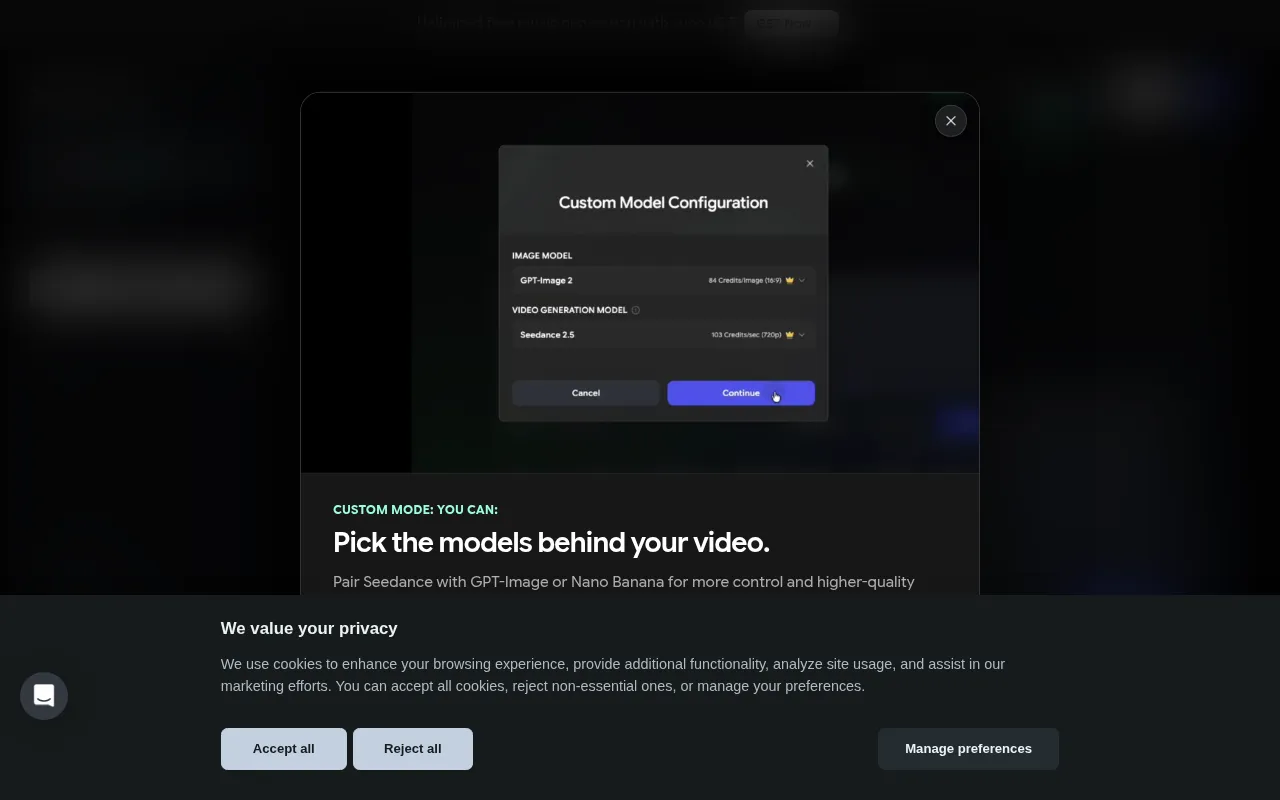
- Image Suite: Access to 10 frontier image models (Flux 2 family, Nano Banana, Seedream, GPT-4o, Z-Image).
- Multiple Outputs: Generate several video or image outputs from a single prompt.
- Reference Images: Use up to 8 reference images on supported models for enhanced control.
- Fixed Credit System: Transparent credit system for image generations (2–6 credits per generation).
Use Cases of Kling 3.0 AI-
- Social Media Videos: Create engaging clips for platforms like Instagram Reels, TikTok, and YouTube Shorts.
- Product Demo Videos: Generate high-quality demonstrations for products and marketing materials.
- Creative Projects: Bring creative ideas to life, develop visual stories, and produce animated content.
- Professional Content Creation: Produce assets for various projects requiring quality and precision.
Pricing
Kling 3.0 AI utilizes a fixed credit system for image generations, with each generation costing between 2 to 6 credits. Specific pricing plans for video generation or subscription tiers are not detailed in the provided content, but a "Pricing" link is available in the navigation, suggesting more information is accessible there.
FAQ
- What is Kling 3.0? Kling 3.0 is a next-generation unified multimodal AI model featuring the Omni One architecture. It can generate 1080p/4K cinematic results with native audio synchronization and realistic physics simulation.
- Is Kling 3.0 free to use? New users receive free daily credits to experience Kling 3.0's capabilities. Paid options are available for commercial use and advanced features.
- Can I use generated content commercially? Commercial rights are available for subscribers. Upgrading to Professional or Premier plans unlocks commercial licenses, removes watermarks, and provides access to advanced export options.
- What new features does Kling 3.0 offer? Kling 3.0 introduces 'Chain of Thought' physics for realistic movement, native audio generation (dialogue & SFX), and a 7-in-1 multimodal editor for modifying objects, backgrounds, and styles.
- Does it support Image-to-Video and Audio? Yes, you can upload reference images for character consistency and Kling 3.0 generates synchronized audio, including lip-synced dialogue and context-aware sound effects.
- What export formats are supported? Kling 3.0 supports MP4 output. Professional workflows can export in 16-bit HDR color and linear EXR sequences.
- How long can Kling 3.0 clips be? Base clips can be 5s or 10s. The Video Extension capability allows extending clips up to 3 minutes while maintaining consistency.
- How do I get the best Kling 3.0 results? Use the 'Captain's Log' prompting style, be specific about camera angles, lighting, and movement. For complex scenes, use the Motion Brush editor for precise object trajectory control.