What is MachinesFluent
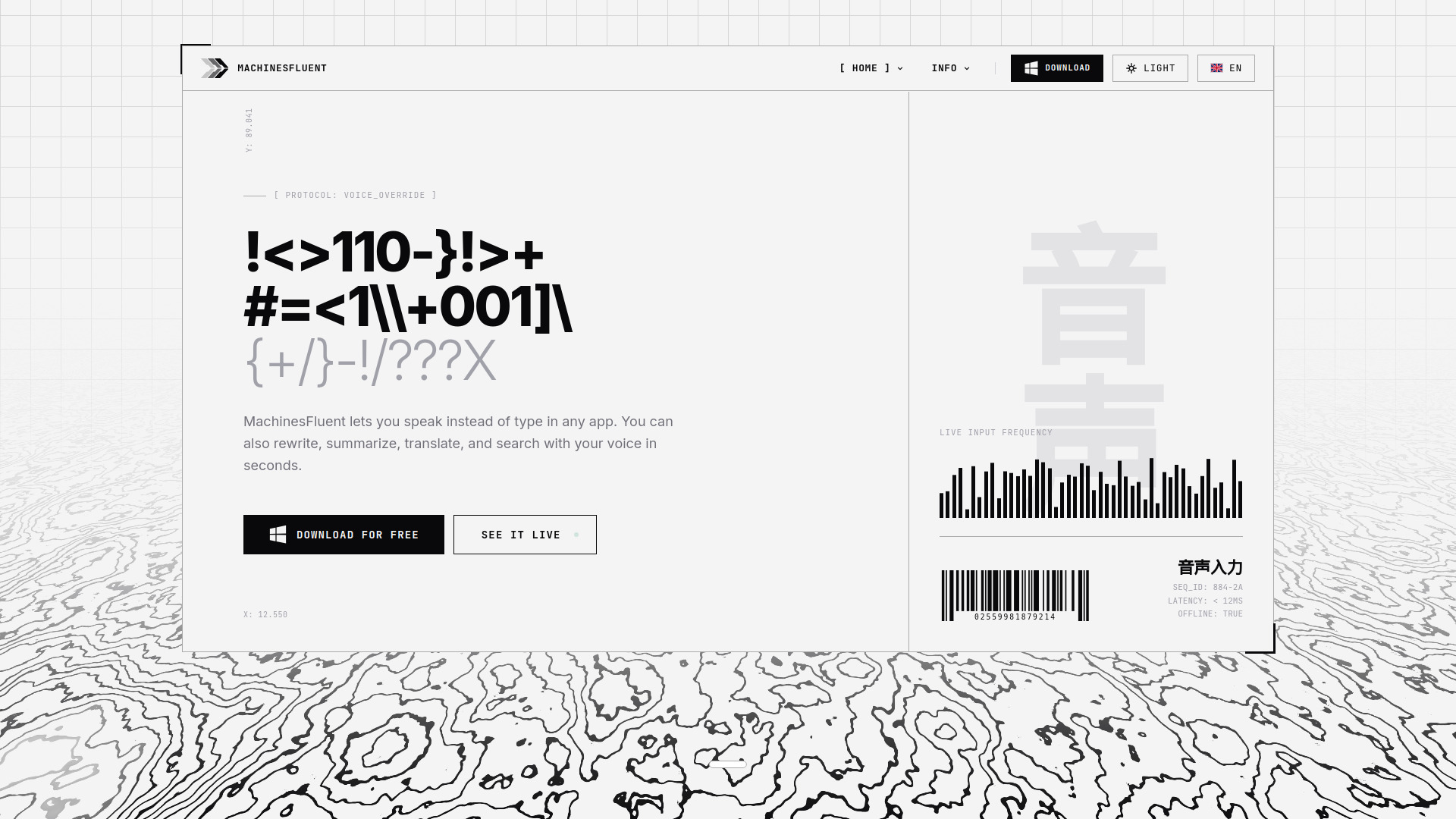
MachinesFluent is a system-wide AI-powered dictation and text processing software for Windows. It lets you speak instead of type in any application, and also offers AI-powered text rewriting, summarization, translation, and web search via voice commands. It supports multiple speech engines (local and cloud), all major AI providers via Bring Your Own Key (BYOK), and works offline or cloud-based. The free version is unlimited and free forever.
How to use MachinesFluent
- Download and install the software from the official website.
- Launch the application; it runs system-wide and works in any window that accepts text input.
- Press the designated hotkey to start dictation – speak naturally, and the text appears in the focused application.
- For AI features (rewriting, summarizing, translating, etc.), use voice commands or custom prompt presets with dedicated hotkeys.
- Optionally connect your own AI provider accounts (e.g., ChatGPT, Qwen, Minimax) or use API keys for other providers.
- Choose between offline dictation (voice stays on your computer) or cloud transcription for higher accuracy.
Features of MachinesFluent
- System-wide voice dictation – works in any Windows application (Word, Slack, VS Code, browser, email, etc.)
- Multiple speech engines – 4 free local speech models, plus premium local GPU model and cloud transcription models
- All major AI providers via BYOK – connect directly to ChatGPT, Qwen, Minimax, or use API keys for many others
- Offline or cloud-based operation – dictate without internet for privacy; cloud models for higher accuracy
- AI-powered text processing – rewrite, summarize, translate, and search with voice commands
- Image processing – analyze clipboard images using AI
- Custom prompt presets – assign dedicated hotkeys to frequently used AI workflows
- Multilingual support – 100+ languages for dictation
- Automatic punctuation and filler word removal – smart formatting for clean output
- Custom dictionaries – add your own words and phrases
- Full history – review past dictations
Use Cases of MachinesFluent
- Drafting emails – dictate emails in Gmail, Outlook, or any email client
- Writing documents – compose reports, articles, or notes in Word, Notion, Obsidian, etc.
- Meeting notes – summarize meeting discussions by voice
- Translation – translate text on the fly using voice commands
- Coding – dictate code or comments in VS Code or other IDEs
- Social media – post updates on LinkedIn, Facebook, Twitter, WhatsApp, Telegram, etc.
- Project management – update tasks in Asana, Trello, Monday.com, etc.
- CRM – log activities in HubSpot or similar tools
Pricing
| Plan | Price | Description |
|---|---|---|
| Free Forever | $0 | Unlimited local dictation, 4 free local speech models, 100+ languages, full history, custom dictionaries, no AI features |
| Pro Lifetime | $79 one-time | All AI features, 1 premium local GPU model, cloud transcription models, BYOK provider connections, OpenAI sign-in, updates included forever |
| Pro Monthly | $9/month | All AI features, 1 premium local GPU model, cloud transcription models, BYOK provider connections, OpenAI sign-in, cancel anytime |
FAQ
What is MachinesFluent exactly? MachinesFluent lets you speak instead of type in any app. You can also rewrite, summarize, translate, and search with your voice in seconds. No account is required for dictation. Offline speech stays on your computer; cloud speech or AI workflows send data to the provider you choose.
What can the free version do? Free forever for dictation – no trial, no time limit. Includes offline dictation, unlimited use, history, and custom dictionaries. Upgrade only if you want higher-accuracy cloud transcription models and advanced AI features.
Can I use it offline? Yes. You can dictate without internet, so your voice stays on your computer. Cloud transcription models are available when you want even more accuracy.
I already use ChatGPT. Can I use it here? Yes. You can connect directly to your ChatGPT account. Direct connection is also supported for Qwen and Minimax. For many other AI providers, you can connect with your own API keys.
Does MachinesFluent work in every app? Yes. It types into whatever window has focus – Word, Slack, VS Code, browser, email, anything.
Will it work on my PC? Yes. A normal Windows PC is enough for everyday dictation. A dedicated NVIDIA graphics card is only needed for the fastest offline engine.
Does my voice stay private? Yes, when using local/offline speech engines. In offline dictation mode, audio is processed on your computer. If you choose cloud transcription or online AI features, data goes to the provider you picked.
Does it work on Mac or Linux? Not yet. MachinesFluent is currently built for Windows only.