What is Nico
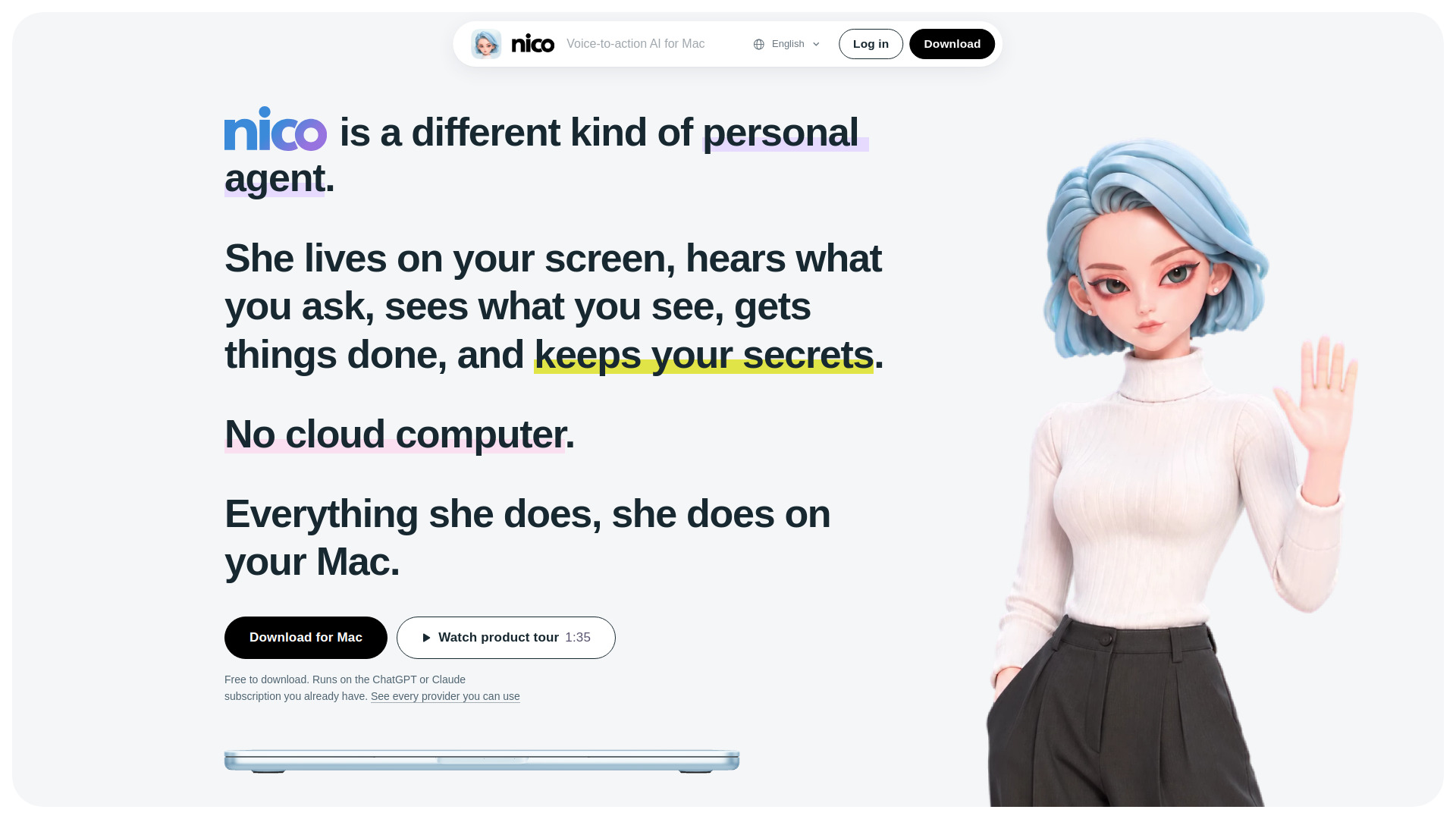
Nico is a voice-controlled AI agent that completes tasks on your Mac. It is a personal agent that lives on your screen, hears what you ask, sees what you see, and gets things done while keeping your secrets. Unlike cloud-based agents, Nico operates entirely on your Mac, using your files, accounts, and apps directly. It runs on the AI subscription you already have, such as ChatGPT or Claude.
How to use Nico
- Install: Open the DMG and drag Nico into your Applications folder.
- Follow her checklist: The first time you open her, she pins a checklist beside her: allow the microphone and Input Monitoring, tell her what to call you, and connect your AI account.
- Say hi: Hold the right ⌘, say hi, and let go. She'll answer.
To use Nico, simply hold the right Command (⌘) key, speak your request, and release. She can see the window you're in and take whatever you drop on her, so you never have to explain the setup.
Features of Nico
- Voice-to-action: Hold right ⌘ and say what you need; speaking is about three times faster than typing.
- Screen awareness: She sees the window you're in and can act on what's visible.
- File handling: Drop a PDF on her and request a spreadsheet; she returns a file.
- Email management: She finds emails, reads attachments, and drafts replies (only sends after you approve).
- Desktop organization: Say "Clean up my Desktop" and files go into folders; say "undo that" to revert.
- Web automation: She works in her own browser on your Mac or in your Chrome via the Nico extension, using your existing logins.
- Proactive assistance: She remembers plans, deadlines, and people, and brings them up when relevant.
- Two-agent architecture: A front agent (Nico) interacts with you, while a back agent (Worker) executes tasks behind the scenes.
- Privacy-focused: Zero data retention for voice/typed input; credentials stored in Keychain; memories and files stay on your Mac.
- Provider flexibility: Works with ChatGPT, Claude, Gemini, GitHub Copilot, SuperGrok, DeepSeek, Kimi, Qwen, and more.
- Sandboxed execution: The Worker runs inside a sandbox on your Mac.
- Interruptible: Press the key while she's talking to stop and listen.
Use Cases of Nico
- Hand her a file: Drop a PDF and ask for a spreadsheet; she returns the file.
- Explain this bill: She reads your screen and explains why a bill is high.
- Tidy your Desktop: She organizes files into folders and can undo the action.
- Answer an email: Ask for a specific email; she finds it and writes back.
- File an expense: In your own Chrome, from your receipt, she asks before submitting.
- Find a table nearby: Ask for a team dinner near the office; she finds options.
- Before you meet: She brings up relevant information before a meeting.
- Track a delivery: She watches your email and notifies you when a package is out for delivery.
- Read me the quote: She finds an email, reads it, and tells you the gist.
- Put numbers into Excel: She extracts data from a table on your screen into a spreadsheet.
- Turn bullet points into a brief: She converts notes into a formatted Word doc.
- Turn a contract into bullet points: She summarizes and saves to Notes.
- Grab invoices from a portal: She automates web tasks in your browser.
- Watch a jobs page: She monitors and alerts you to new roles.
Pricing
Nico is free to download. It runs on the ChatGPT or Claude subscription you already have. There is also a Nico Plus subscription that includes Nico's own voice service. For detailed pricing, refer to the Pricing page.
FAQ
What are the system requirements?
Nico requires macOS 15.4 or later on an Apple silicon Mac.
Does Nico store my voice data?
No. What you say to Nico, by voice or by typing, is handled with zero data retention. Nico's servers pass your words along and keep nothing.
Can I use my existing AI subscription?
Yes. Nico works with most AI providers, including ChatGPT, Claude, Gemini, GitHub Copilot, SuperGrok, DeepSeek, Kimi, Qwen, and others. You can sign in with your account or paste an API key.
Where are my files and memories stored?
Files, memories, and chat history stay on your Mac. Credentials go into your Keychain. There is no cloud computer holding a second copy.
Is the microphone always on?
No. The mic is on only while you hold the right ⌘ key. Let go and the mic closes.
What happens before irreversible actions?
Before anything that can't be undone or involves money, Nico stops and asks for your approval.
Can Nico see my screen?
Yes, she can see the window you're in when you say "this" or ask about it. Screenshots stay in memory and are never saved.
How does Nico handle website logins?
She can sign in once in her own browser on your Mac, or use your Chrome through the Nico extension, leveraging your usual network and existing logins.