Newsletter
Join the Community
Subscribe to our newsletter for the latest news and updates

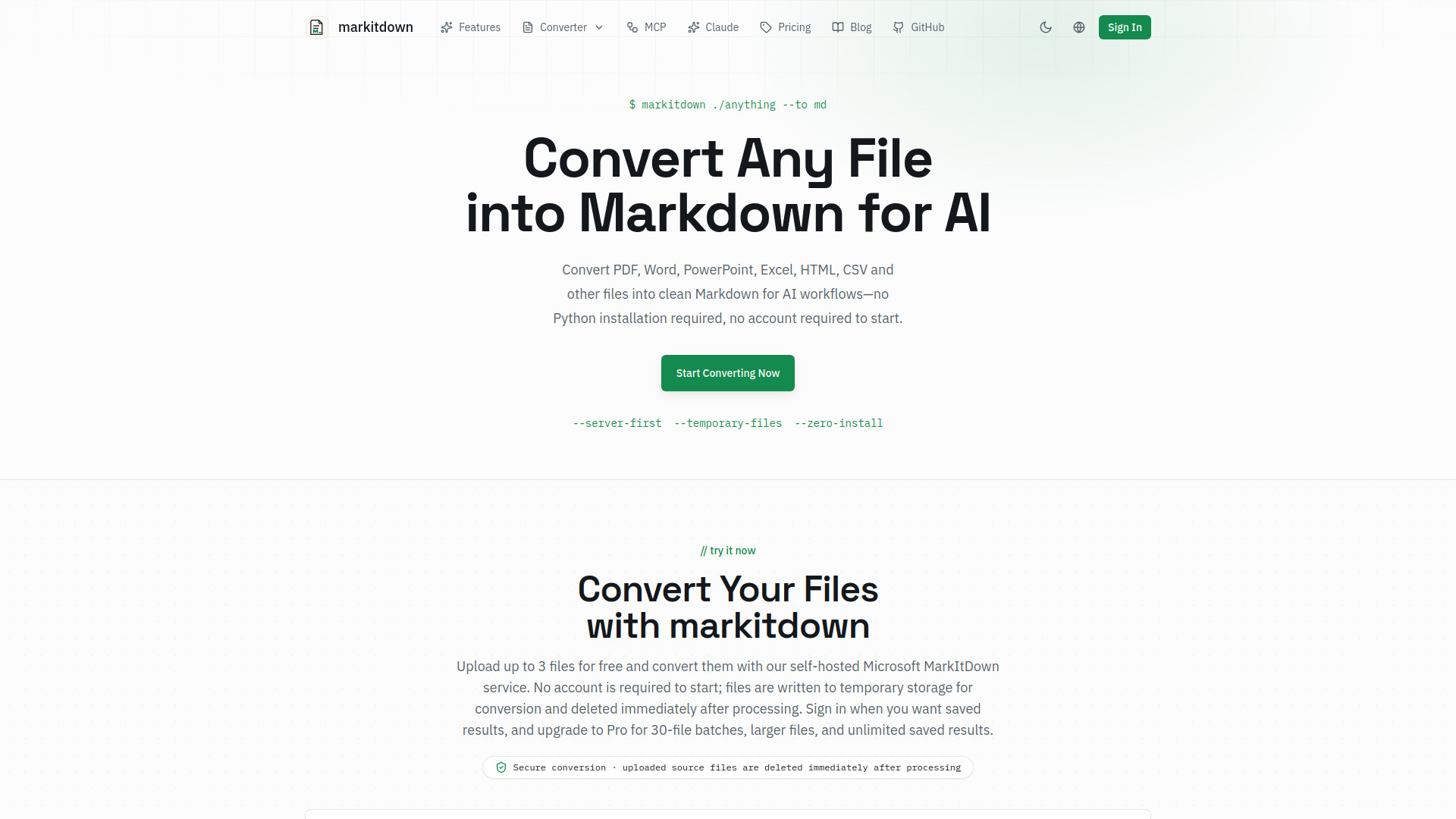
Convert files into structured Markdown for AI workflows
markitdown is an online converter inspired by Microsoft's open-source MarkItDown utility. It converts files from various formats into clean, structured Markdown, which is optimized for AI workflows. It supports PDF, DOCX, XLSX, PPTX, HTML, images, audio, CSV, JSON, XML, TXT, and more. The service is free to start, requires no account, and processes files temporarily on a self-hosted Microsoft MarkItDown service.
markitdown is free to use with no account required to start. The free tier handles up to 3 files per batch and files up to 20MB. Sign in to save results, or upgrade to Pro for 100MB files, 30-file batches, and unlimited saved results.
What is markitdown? MarkItDown began as Microsoft's open-source utility for converting files from many formats into clean, structured Markdown. Originally developed as a Python library, it supports PDF, DOCX, XLSX, PPTX, HTML, images, audio, CSV, JSON, XML, and many other file types. The online converter on this site is an independent service inspired by it, self-hosting the library behind a simple web workflow without installing anything.
What file formats does markitdown support? markitdown supports a wide range of file formats including PDF documents, Microsoft Word files (DOCX), Excel spreadsheets (XLSX), PowerPoint presentations (PPTX), HTML web pages, plain text files (TXT), CSV and TSV data files, JSON, and XML. The converter uses format-specific parsers so headings, tables, links, lists, and readable sections are handled as accurately as possible.
Is markitdown free to use? Yes. Microsoft's original MarkItDown library is open-source under the MIT License, and the independent online converter on this site is free to use with no account required to start. The free tier handles up to 3 files per batch and files up to 20MB. Sign in to save results, or upgrade to Pro for 100MB files, 30-file batches, and unlimited saved results.
How does markitdown handle PDF files? markitdown extracts text content from PDF files while preserving paragraph structure and formatting where possible. The PDF converter identifies headings, body text, lists, and tables to produce well-organized Markdown. Scanned image PDFs are supported too: the converter detects when a PDF has no selectable text and offers built-in AI OCR that reconstructs the content as Markdown — including tables and math equations converted to LaTeX. Free accounts include 10 OCR pages per month.
Can markitdown preserve tables and formatting? Yes, markitdown is designed to preserve document structure during conversion. Tables are converted to Markdown table syntax, headings maintain their hierarchy, lists keep their nesting, and inline formatting like bold and italic text is retained when the source format exposes that information clearly.
Is markitdown safe for sensitive documents? Files uploaded for conversion pass through Cloudflare to our self-hosted Microsoft MarkItDown service. The service writes the source to a temporary file, deletes it immediately after conversion, and does not log file contents. We do not store source files; if you choose Save result, only the generated Markdown and its title are stored in your private workspace.
Why convert files to Markdown with markitdown? Markdown is a preferred input format for many AI systems, large language models, and knowledge management tools. By converting your files with markitdown, you make content easier to inspect, version, chunk, search, and reuse in RAG pipelines, AI assistants, documentation systems, and publishing platforms.
Can I use markitdown in my own projects? Absolutely — via Microsoft's MarkItDown, available as an open-source Python package that you can install and integrate into your own applications, scripts, and data pipelines. It works well in automated workflows, CI/CD pipelines, and batch processing systems. Visit Microsoft's MarkItDown GitHub repository for installation instructions, API documentation, and examples of programmatic usage.