What is Mumble AI
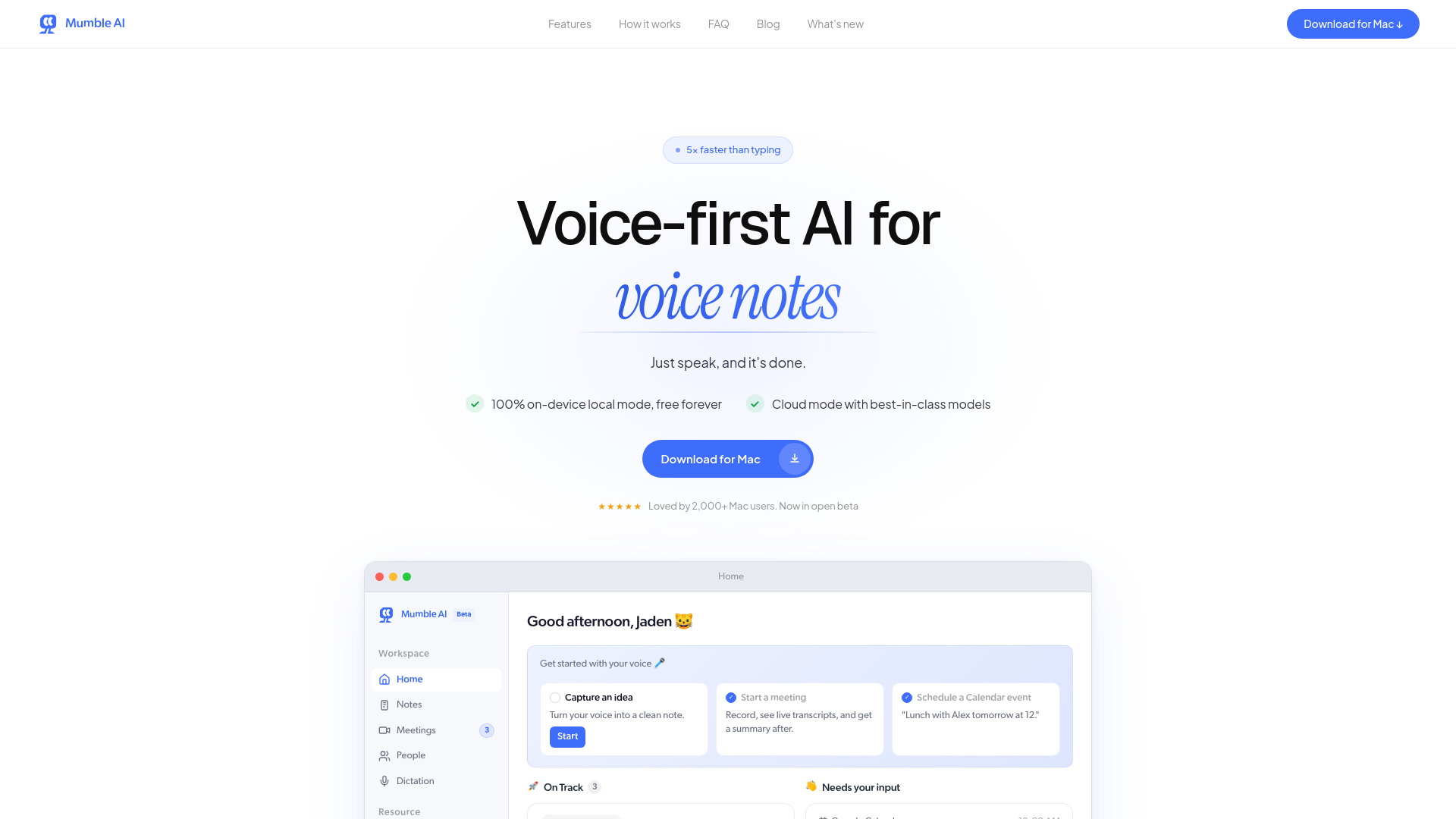
Mumble AI is a voice-first productivity app for Mac that combines meeting recording, dictation, agent, and voice notes in one place. It aims to be 5x faster than typing and offers both cloud and on-device processing options.
How to use Mumble AI
- Download and Install: Obtain the Mumble AI installer for Mac.
- Start Speaking: Use your designated shortcut to activate Mumble AI and begin speaking.
- Meeting Recording: Mumble AI auto-detects meetings from your calendar or running applications and records audio directly from your Mac without joining as a bot.
- Dictation: Use the system-wide dictation feature in any text field. Press specific keys (e.g., ← for default text, ↑ for bullet points, ↓ for custom actions) to format your spoken words.
- Review and Organize: Mumble AI processes audio into live transcripts, AI summaries, and structured notes. You can review, edit, and organize these outputs within the app.
Features of Mumble AI
- Voice-first productivity app for Mac.
- Combines meeting recording, dictation, agent, and voice notes.
- 5x faster than typing.
- 100% on-device local mode available, free forever.
- Cloud mode with advanced AI models.
- No bot joins meetings; records directly from Mac.
- Auto-detects meetings from Google Calendar or running apps.
- Live transcripts with speaker labels.
- AI-generated summaries with action items.
- Customizable templates for meeting notes.
- System-wide dictation that works in any app.
- Dictation formatting with keypress shortcuts (default, bullets, custom actions, emoji).
- Voice notes sync from Mumble Note (iOS) to Mumble AI (Mac).
- Data safety with local processing option where audio never leaves the device.
- Supports macOS 14+ and Apple Silicon (M1 or newer).
- Works with Zoom, Google Meet, Microsoft Teams, and Slack.
Use Cases of Mumble AI
- Capturing meeting notes and summaries automatically.
- Dictating emails, documents, or messages faster than typing.
- Recording voice memos and organizing them into structured notes.
- Ensuring privacy for sensitive meetings with on-device processing.
- Streamlining workflow for individuals with ADHD by reducing manual note-taking.
Pricing
- Free during beta with no limits.
- Local mode remains free forever after beta.
- Cloud mode will include a generous free tier.
- Paid plans available for advanced features and heavier usage.
- No credit card required.
FAQ
- How is Mumble different from others (like Otter, Fireflies, or Granola)? Mumble does not use a bot in your call, offers both cloud and local AI models, provides system-wide dictation and voice notes in one app, and generates rich meeting output with live transcripts, AI summaries, and action items.
- Does a bot join my meeting? No. Mumble captures audio directly from your Mac. No bot joins as an extra participant. It auto-detects meetings and records in the background.
- Does Mumble offer a local mode? Yes. Local mode processes AI models directly on your Mac, keeping audio on-device and fully offline with unlimited usage. It supports 43 languages with speaker labels and AI summaries.
- Is my data safe? Recordings are stored locally. In local mode, nothing leaves your Mac. In cloud mode, audio is encrypted in transit and at rest, used only for transcription, and never shared or used for training.
- Does Mumble offer a free plan? Yes. It's free during beta. Local mode stays free forever. Cloud mode will have a free tier, with paid plans for advanced features.
- Which platforms does Mumble support? Mumble is a Mac app (macOS 14+, Apple Silicon). It works with Zoom, Google Meet, Microsoft Teams, and Slack. Dictation works in any text field. An iOS app is also available.
- Does Mumble AI sync with Mumble Note? Yes. Voice notes from Mumble Note (iOS) sync to Mumble AI (Mac) one-way.