What is NotchLive
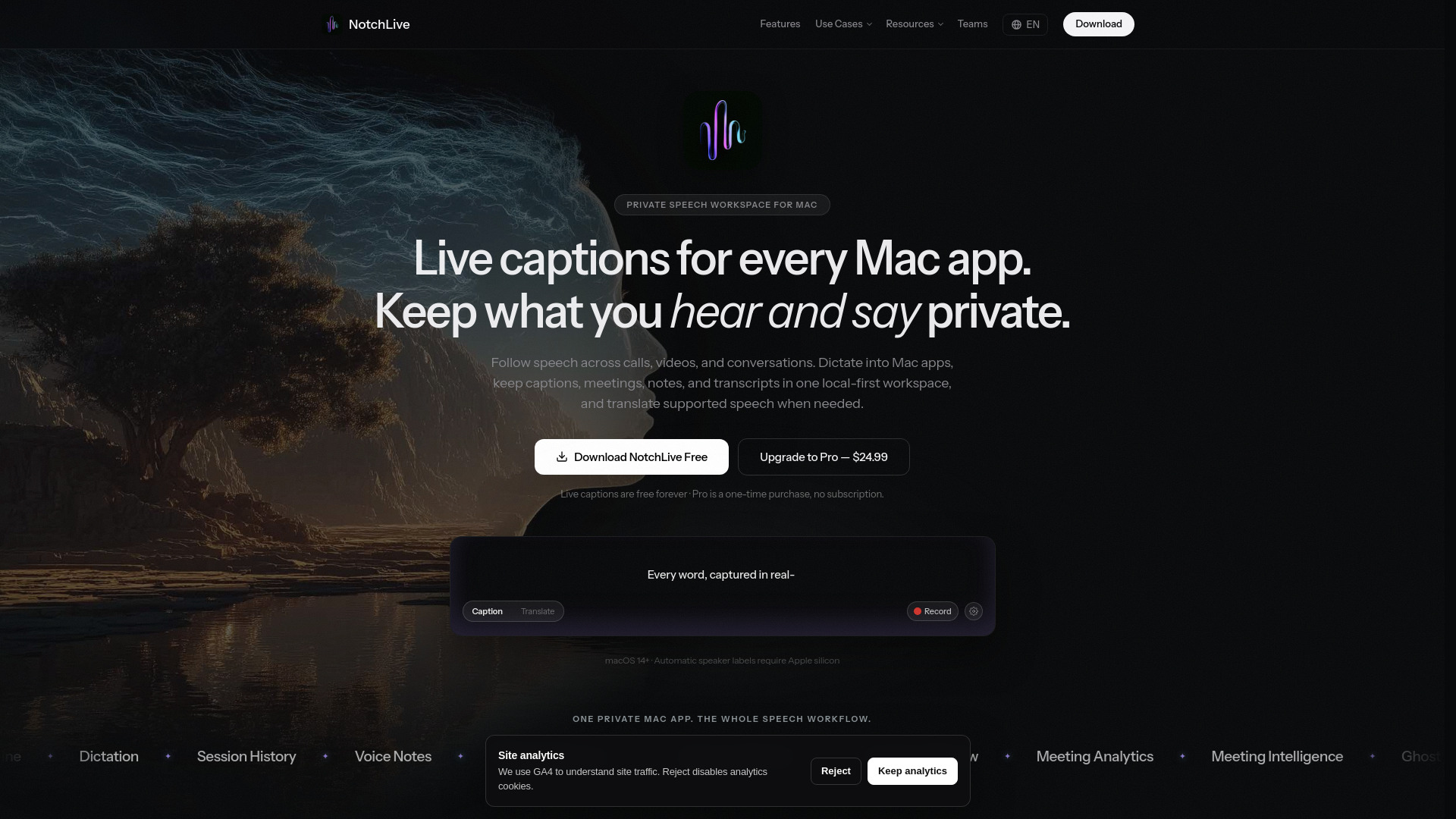
NotchLive is a private, on-device live captioning and meeting transcription application for Mac. It captures system audio or microphone input via ScreenCaptureKit, transcribes speech using on-device Whisper AI, and displays live captions near the top of the Mac workspace, including in the MacBook notch. The app is designed for privacy: no cloud audio processing and no required account. It supports macOS 14 Sonoma and later, with Apple Silicon recommended but Intel Macs also supported.
How to use NotchLive
- Download and install NotchLive on your Mac (macOS 14+).
- Open any meeting, video, or podcast. NotchLive captures system audio or your microphone via ScreenCaptureKit.
- Speech is transcribed on-device with Whisper AI, and live captions appear near the top of your Mac workspace.
- Use Focus mode to follow the latest caption, or expand Timeline to scroll, search, copy, and export the current live transcript while new captions continue arriving.
- For meetings, enable speaker attribution (on supported Apple silicon Macs) and use Participant Review to rename, merge, reassign, split, or leave speech unresolved.
- Optionally enable translation to 20 languages via Apple Translation (requires macOS 15+).
- Save meetings, notes, and dictations; export as TXT, Markdown, or JSON.
- Optionally enable read-only local MCP access for Codex or Claude to follow finalized captions and translate the stream.
Features of NotchLive
- Live AI captions in the MacBook notch or a floating Focus/Timeline window
- On-device Whisper AI speech recognition with 6 model tiers (Small, Medium, Large Turbo Compact, Large Turbo, etc.)
- System audio and microphone capture via ScreenCaptureKit
- Works with any app that plays audio: Zoom, Google Meet, Microsoft Teams, YouTube, Spotify, and more
- Focus and Live Timeline modes: scroll, search, copy, and export the current live transcript while captions continue arriving
- Local speaker attribution on supported Apple silicon Macs
- Participant Review: rename, merge, reassign, split, or leave speech unresolved
- User-governed participant ontology for analytics, exports, saved output, Meeting Intelligence, and MCP results
- Meeting Analytics calculated from the reviewed transcript and participant map (words, turns, speaking time, pace, conversation share, balance, attribution coverage)
- Portable, versioned NotchLive meeting data bundles
- Optional read-only local MCP access for enabled saved-meeting and active-caption data
- Parallel translation of enabled active captions through Codex or Claude
- Translated speech in 20 languages (via Apple Translation, macOS 15+)
- Pro Voice Notes with Raw and AI-cleaned views
- Saved Notes with copy, TXT, Markdown, and JSON export, and NotchPad handoff
- Live streaming and batch transcription modes
- Session recording with Raw/AI dictation export as TXT, Markdown, and JSON
- Ghost Mode hides NotchLive from screen sharing and screen recordings while captions keep running
- Global keyboard shortcuts
- Auto language detection for 90+ languages
- No cloud audio processing, no required account
- Free tier includes live captions, all Whisper AI models, system audio and mic capture, keyboard shortcuts, and unlimited use
Use Cases of NotchLive
- Hearing accessibility: live captions for hard-of-hearing users and anyone who wants spoken audio easier to follow in real time.
- Captioning meetings on Zoom, Google Meet, and Microsoft Teams without host settings or meeting bots.
- Transcribing and captioning videos, podcasts, and lectures.
- Legal transcription: local-first captions and transcripts for legal work.
- Consultants: capture client calls without a cloud meeting bot.
- Research interviews: follow interviews and keep local transcripts.
- Meeting translation: translated captions for meetings, videos, and calls.
- Dictation: use as a Mac dictation app.
- Creating speaker-aware meeting records with Participant Review and Meeting Analytics.
- Exporting transcripts for review, sharing, or further analysis.
- Connecting to local AI tools (Codex, Claude) via MCP for translation and data access.