Newsletter
Join the Community
Subscribe to our newsletter for the latest news and updates

Local AI file organizer and workflow automation tool for Windows.
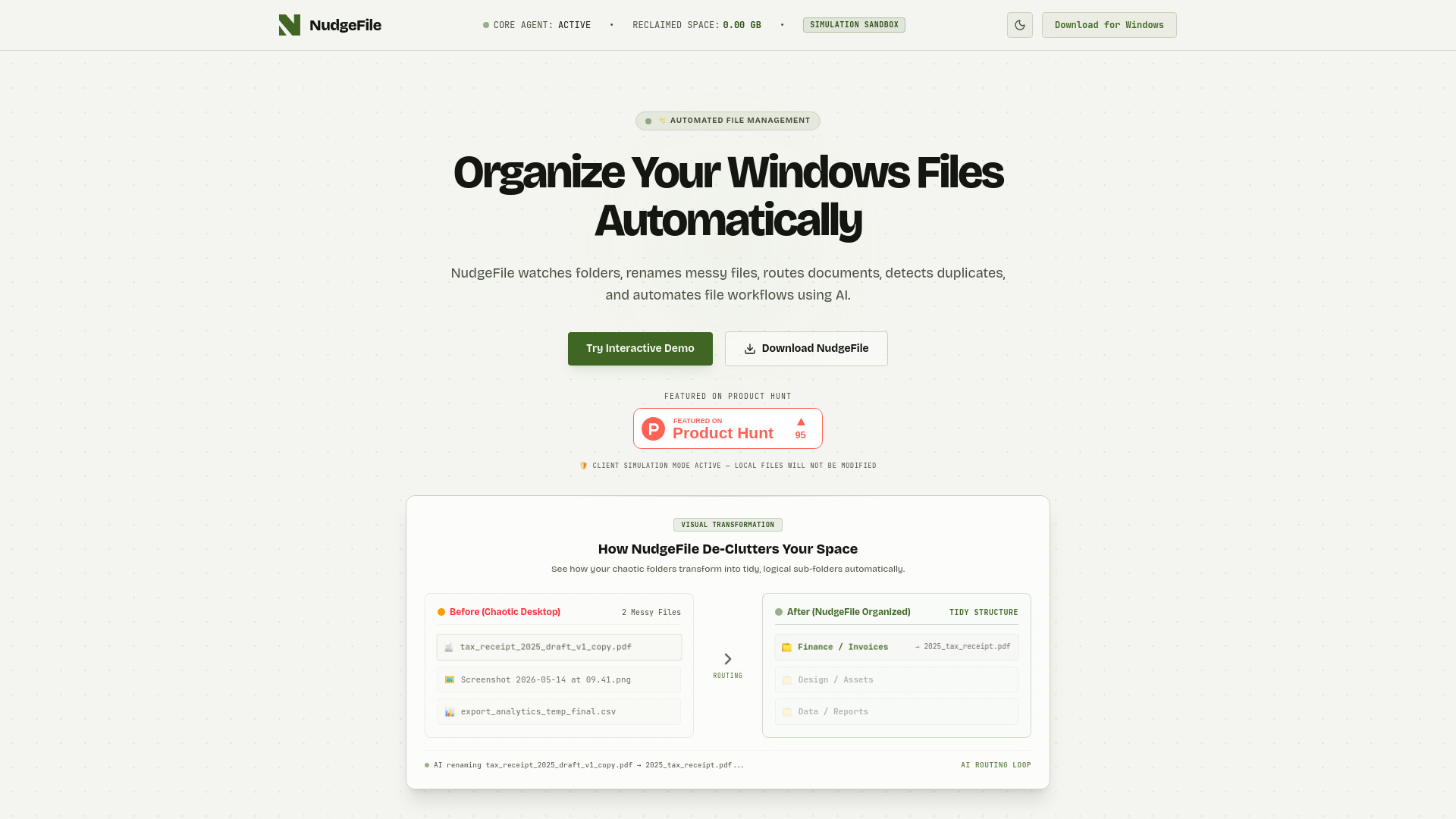
NudgeFile is a local AI file organizer and workflow automation tool for Windows. It automatically organizes files, renames documents, routes folders, detects duplicates, and automates Windows workflows using AI. It supports both local offline AI processing and cloud-powered file management.
NudgeFile is free to use (price: $0.00 USD).
How does the AI file organizer work in NudgeFile? NudgeFile monitors your specified directories in real-time. When a new file is detected, it uses local AI models to analyze file metadata and structure, generating clear, descriptive, and standardized names.
Does NudgeFile support local offline AI processing? Yes, NudgeFile supports fully local offline AI processing powered by local models, ensuring that sensitive documents and private files never leave your computer.
What is the Human Approval Pipeline? The Human Approval Pipeline gives you complete control over file renaming and routing. You can review and verify AI suggestions before they are committed, or set them to run automatically.
How does duplicate file detection work? NudgeFile performs byte-level checksum matching and utilizes local visual AI to detect near-identical images and duplicates, showing you the exact size offset and offering quick actions to reclaim storage space.