Newsletter
Join the Community
Subscribe to our newsletter for the latest news and updates

AI tool for converting images into 3D-printable STL models
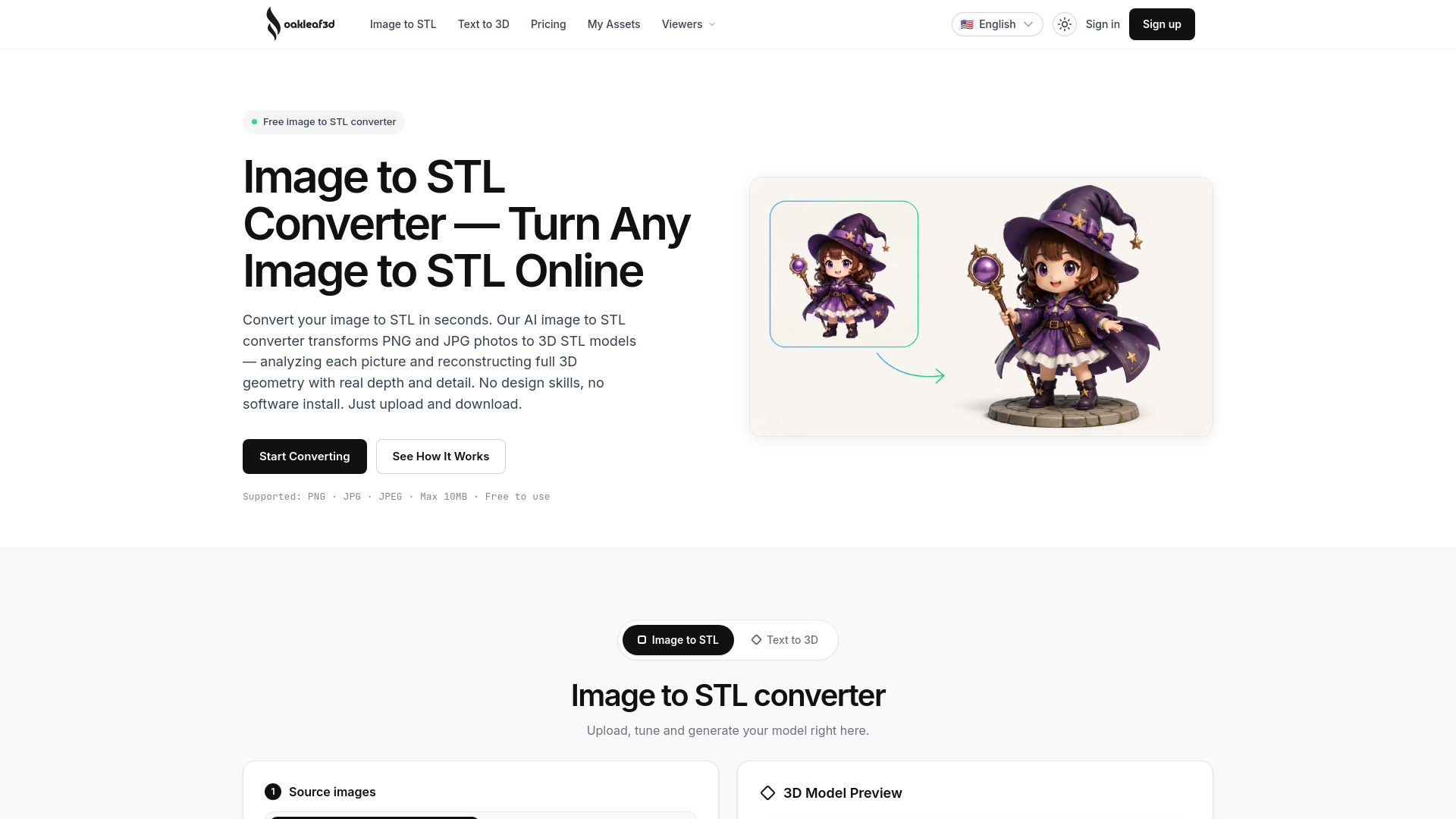
Oakleaf 3D is an AI-powered tool that converts 2D images into 3D-printable STL models. It analyzes PNG and JPG photos to reconstruct full 3D geometry with real depth and detail, without requiring any design skills or software installation.
Oakleaf 3D offers both credit packs and subscriptions. Credit packs are one-time purchases with credits that never expire.
Credit Packs:
All credit packs include: Pro+ mesh + texture quality, full-resolution export, unlimited downloads, commercial use, and private assets.
Free Tier:
Subscription:
How does the image to STL converter work? Upload a PNG or JPG and Oakleaf 3D’s AI analyzes the object’s geometry, depth, and proportions to reconstruct a full 3D model, then exports it as a download-ready STL file. The whole process is automatic.
What image formats can I convert to STL? Oakleaf 3D supports PNG, JPG, and JPEG, with a maximum upload size of 10MB. Clear, well-lit photos of a single object give the cleanest results.
Is the image to STL conversion free? Yes. Confirm your email to receive 30 free credits, issued instantly when you sign up with Google. That is enough to try the conversion and export your first models. For higher quality and commercial use, pick a credit pack or a subscription.
Do credits expire? Free sign-up credits expire 30 days after signup. Subscription credits reset at the start of each billing cycle and do not roll over. Credit-pack credits never expire — buy once, use whenever.
How long does a conversion take? Most generations complete in under a minute, depending on quality tier, image count, and complexity. Basic drafts are fastest; Ultra takes a little longer for maximum detail.
Can I use multiple images for a better model? Yes. Add multiple angles — up to 8 views in Ultra mode — and the AI fuses them into a more accurate reconstruction. Multi-image jobs are priced by mode, not by how many images you upload — 2 credits on Basic, 25 on Pro, and 50–80 on Ultra.
Is my STL file suitable for 3D printing? Every file exports as clean, watertight geometry with correct normals — optimized for FDM, SLA, and resin.