What is Papiboom
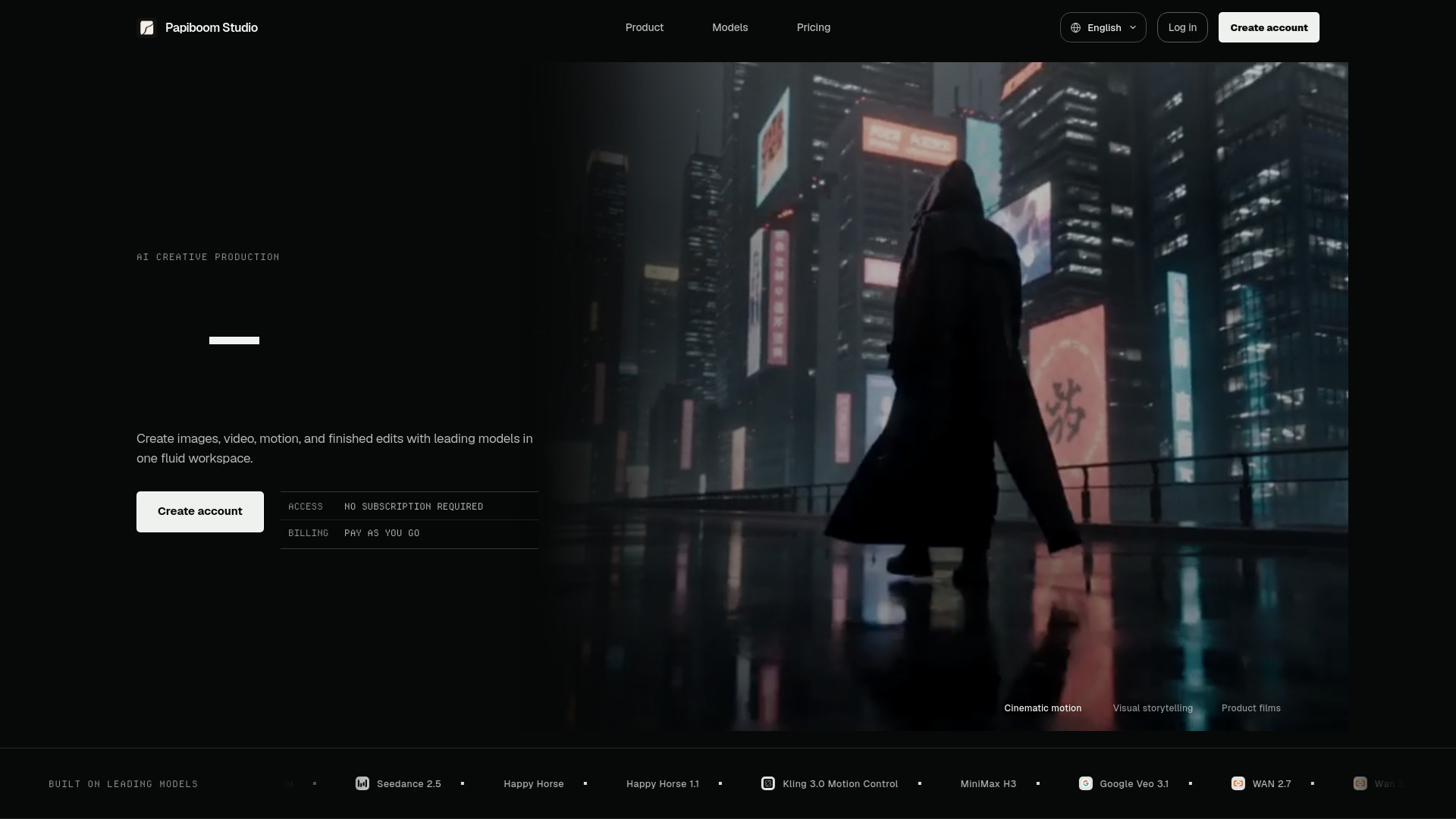
Papiboom is a visual canvas for AI video and image generation that keeps prompts, references, and results connected. It is a creative workspace where you can generate videos and images using various AI models, manage references, and organize assets. The platform supports multiple AI models, including Seedance, Kling, Veo, Wan, and Seedream, and offers features like reusable workflows, browser-based editing, and pay-as-you-go credits.
How to use Papiboom
- Sign up or log in: Create an account or sign in to access the studio.
- Start creating: Use the canvas to input prompts and references for your video or image generation.
- Choose a model: Select from available AI models based on speed, fidelity, and creative range.
- Generate and refine: Run multiple ideas in parallel, edit results with the online video editor, and save assets for reuse.
- Share and reuse workflows: Export and share complete creative flows for collaboration or future use.
Features of Papiboom
- Free image model: Test looks and references for free.
- Shareable workflows: Export, share, and reuse complete creative flows.
- Creative range: Fewer false positives across lawful professional and mature themes.
- Automatic refunds: Failed generations can return credits.
- Online video editor: Trim, split, arrange, and export in your browser.
- Parallel runs: Run multiple ideas simultaneously.
- Asset management: Save, reuse, and organize generated media.
- Multiple AI models: Access video, image, and upscale models like Seedance 2.0, Happy Horse, Google Veo 3.1, Wan 2.7, Grok Imagine 1.5 Preview, GPT Image 2, Google Nano Banana, and Topaz Upscale.
Use Cases of Papiboom
- Content creation: Generate videos and images for social media, marketing, or personal projects.
- Prototyping: Quickly test visual concepts using prompts and references.
- Professional workflows: Create and share reusable workflows for team collaboration.
- Video editing: Refine generated videos with trimming, splitting, and arranging.
- Asset organization: Manage and reuse generated media across projects.
Pricing
Papiboom operates on a pay-as-you-go model with no subscription required. Credits are purchased once and spent based on model, duration, resolution, and references. Credit packages include:
- Lite: 500 credits for $7.99
- Creator: 1,000 credits for $15.49
- Studio: 3,300 credits for $49
- Growth: 5,800 credits for $79
- Scale: 12,000 credits for $159
Model rates vary, for example:
- Seedance 2.0 480p 15s: about $0.13/sec
- WAN 2.7 720p: from $0.11/sec
- Grok Imagine 1.5 Preview: from $0.12/sec
- Image models: free to about $0.46/image
FAQ
Is there a subscription required?
No, Papiboom uses a pay-as-you-go credit system with no subscription.
What models are available?
Papiboom offers models such as Seedance 2.0, Happy Horse, Google Veo 3.1, Wan 2.7, Grok Imagine 1.5 Preview, GPT Image 2, Google Nano Banana, and Topaz Upscale.
Can I edit videos on Papiboom?
Yes, Papiboom includes an online video editor for trimming, splitting, arranging, and exporting.
What happens if a generation fails?
Failed generations can automatically return credits.
Can I share my workflows?
Yes, workflows can be exported, shared, and reused.