What is PayPing
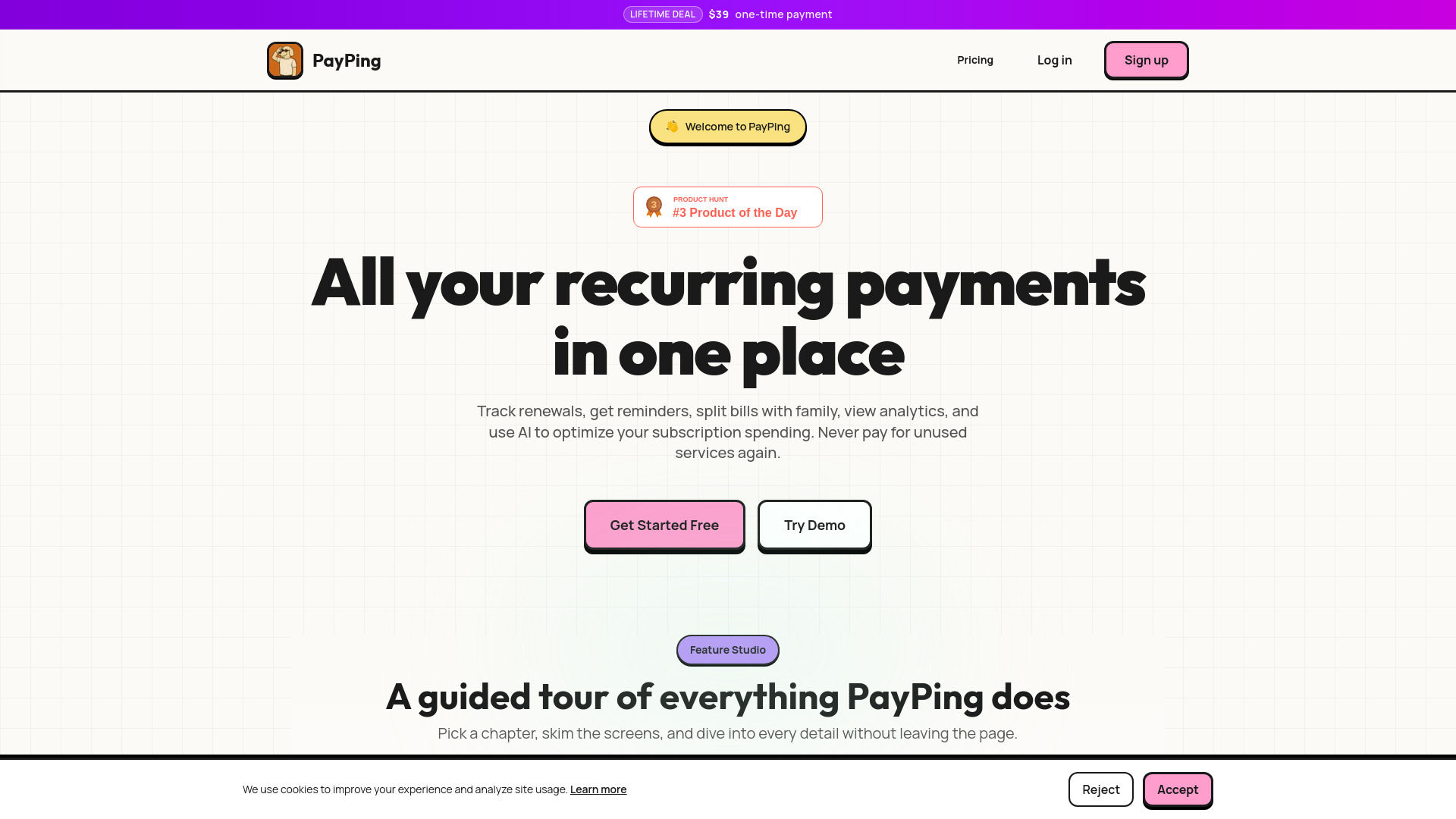
PayPing is a subscription management tool designed to help users track all their recurring payments in one place. It aims to simplify the process of managing subscriptions by providing features like renewal tracking, reminders, bill splitting with family members, and analytics to optimize spending.
How to use PayPing
Users can add subscriptions manually or by importing them from their email. PayPing scans emails for subscription confirmations and receipts to automatically add them to the dashboard. Shared links can also be created to allow family members to add subscriptions for bill splitting.
Features of PayPing
- Unlimited subscription tracking
- Renewal reminders and notifications
- Bill splitting (up to 6 members)
- Spending analytics and insights
- Cost optimization recommendations
- Category organization
- CSV and PDF export
- Budget tracking
- Core Views: Dashboard overview, Subscription library, Payment info and credits, Credit card add, Paying since.
- Automation features for capturing and categorizing subscriptions.
- Analytics and visuals for spending patterns.
Use Cases of PayPing
- Individuals and families who want to stay on top of their subscription spending.
- Managing household subscriptions together.
- Tracking streaming services, software, apps, and memberships.
- Preventing surprise charges from forgotten trials or unused services.
Pricing
PayPing offers a free forever plan with up to 3 subscriptions. Unlimited access is available via a one-time payment of $39 for lifetime access.
FAQ
- What does PayPing do? PayPing helps you manage all your subscriptions in one place. Track renewals, get reminders, split bills with family members, view spending analytics to optimize your subscription costs. Never miss a renewal or pay for unused services again.
- How do I add my subscriptions? You can add subscriptions manually or import them from your email. PayPing scans your emails for subscription confirmations and receipts, automatically adding them to your dashboard. You can also create shared links to let family members add subscriptions for bill splitting.
- Can I split subscription costs with family? Yes! PayPing supports bill splitting where you can split costs with family members (like 80-20 splits), set up shared links for easy access, and manage who pays what. Perfect for managing household subscriptions together.
- What kind of analytics do you provide? PayPing provides detailed spending graphs, subscription trends, renewal calendars, cost breakdowns by category, and AI-powered insights to help you identify unused subscriptions or opportunities to save money.
- How do renewal reminders work? PayPing sends you reminders before each subscription renews. You can customize when you want to be notified (e.g., 7 days before, 3 days before, 1 day before). Never be surprised by an unexpected charge again.
- Who should use this? Anyone with multiple subscriptions - streaming services, software, apps, memberships, or any recurring payments. PayPing is perfect for individuals and families who want to stay on top of their subscription spending.
- How is this different from other subscription trackers? PayPing combines powerful analytics, bill splitting features, and beautiful visualizations. We focus on helping you actually save money, not just track it. Our AI analyzes your usage patterns and suggests optimizations.
- Is it free? Yes! We have a free forever plan with up to 3 subscriptions. Want unlimited? Get lifetime access for just $39 — one-time payment, no recurring fees ever.