Category
Explore the best 20+ AI Eraser tools and software. Compare features, pricing, and user reviews to find the perfect solution for your needs.
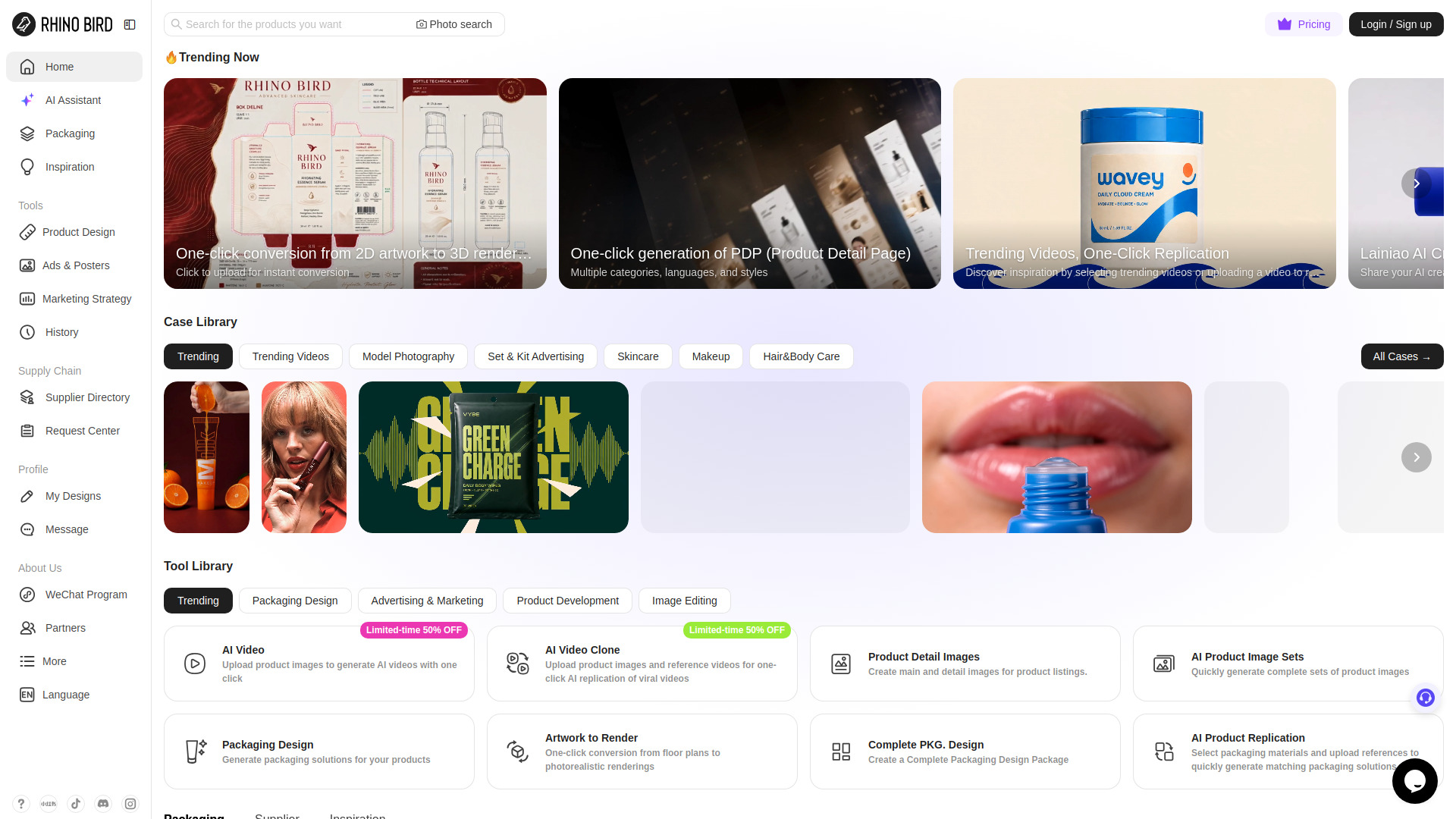
Rhinobird is an AI marketing content platform for cross-border sellers and e-commerce brands. Create video ads, UGC-style videos, product visuals, and product detail images for online selling.
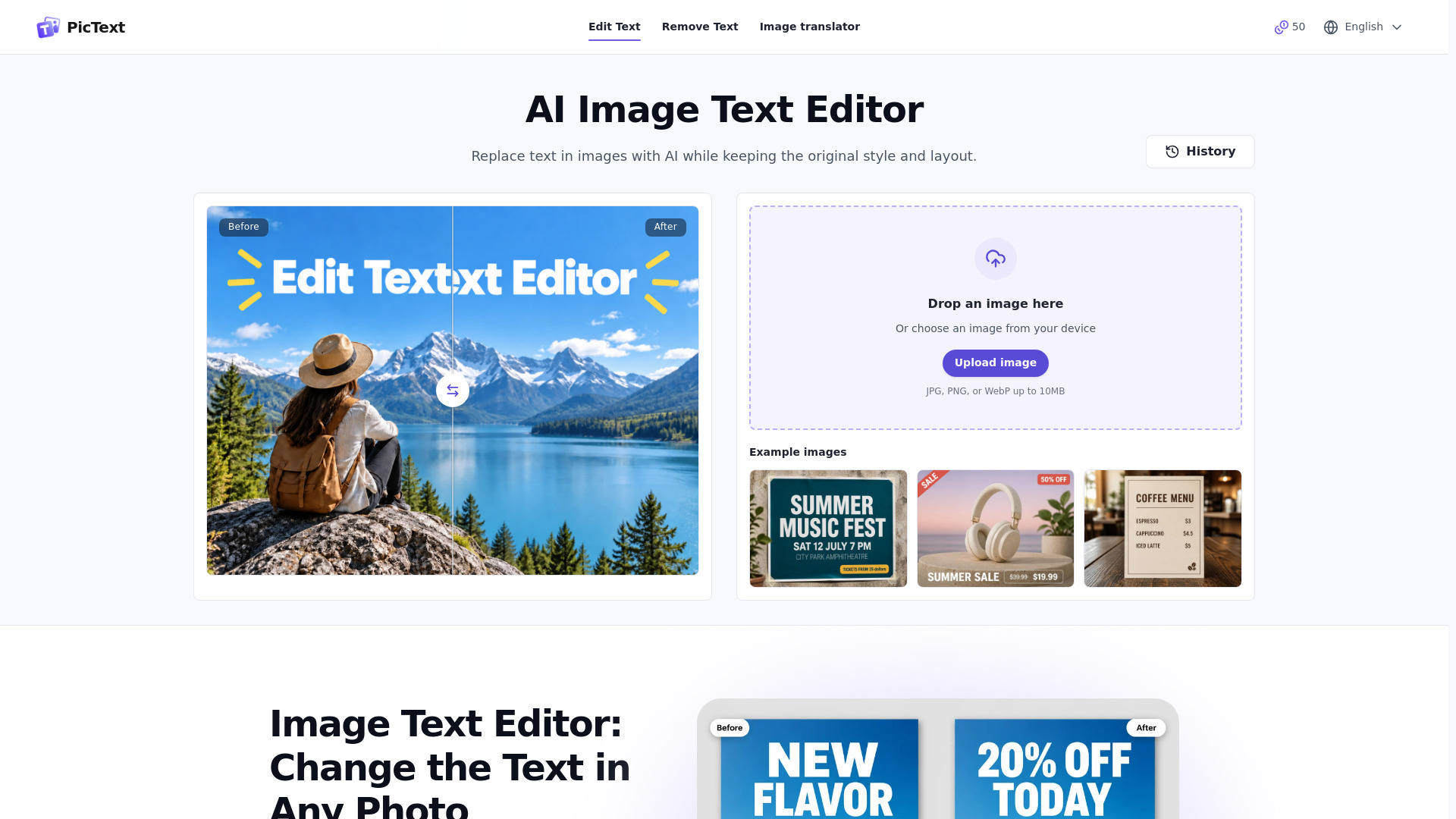
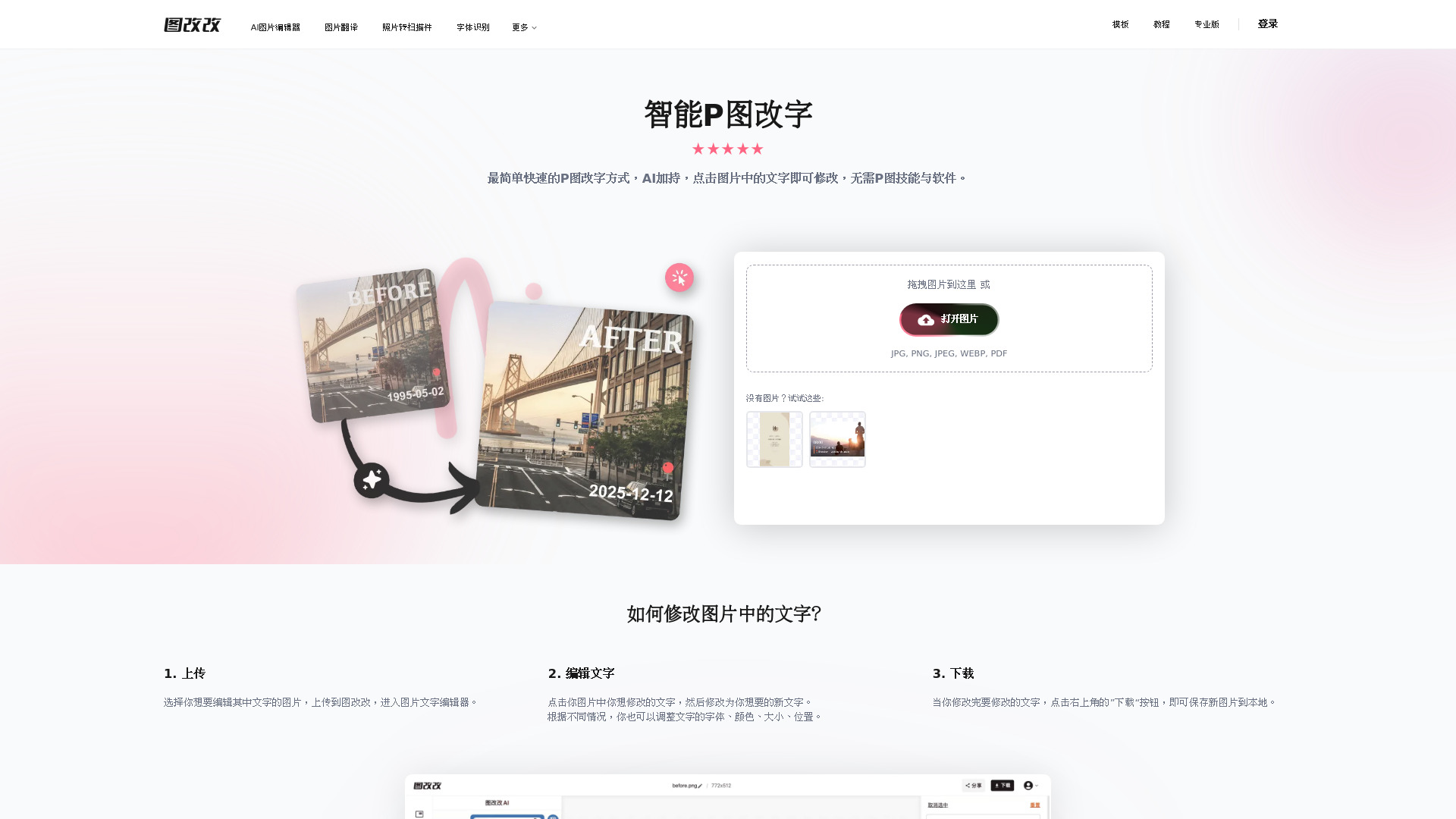
AI tool for replacing and editing text inside images
AI-powered tool for editing text directly inside images and screenshots.
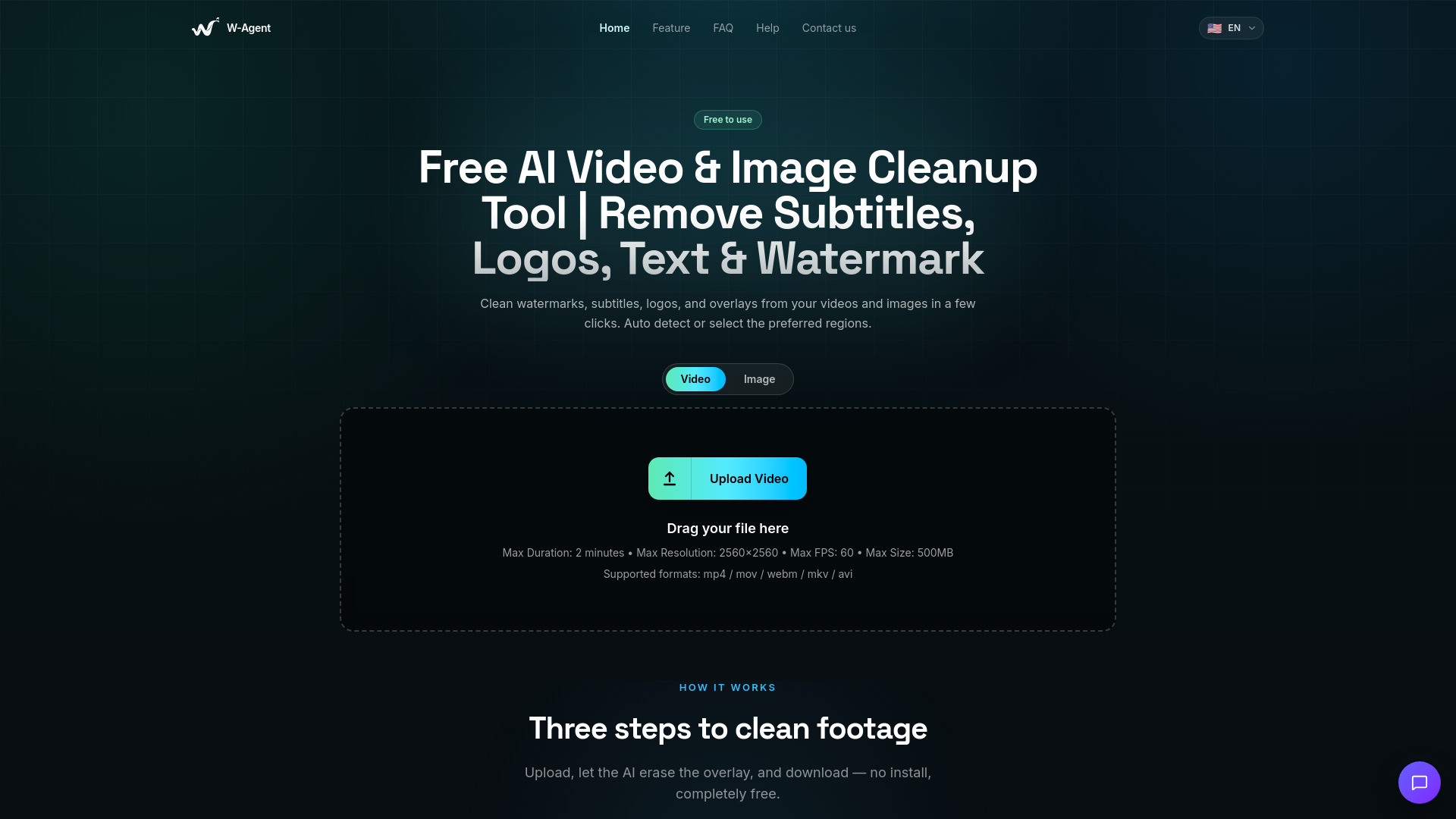
AI-powered video and image cleanup tool for removing watermarks, logos, timestamps, stickers, subtitles, text, and unwanted overlays online.
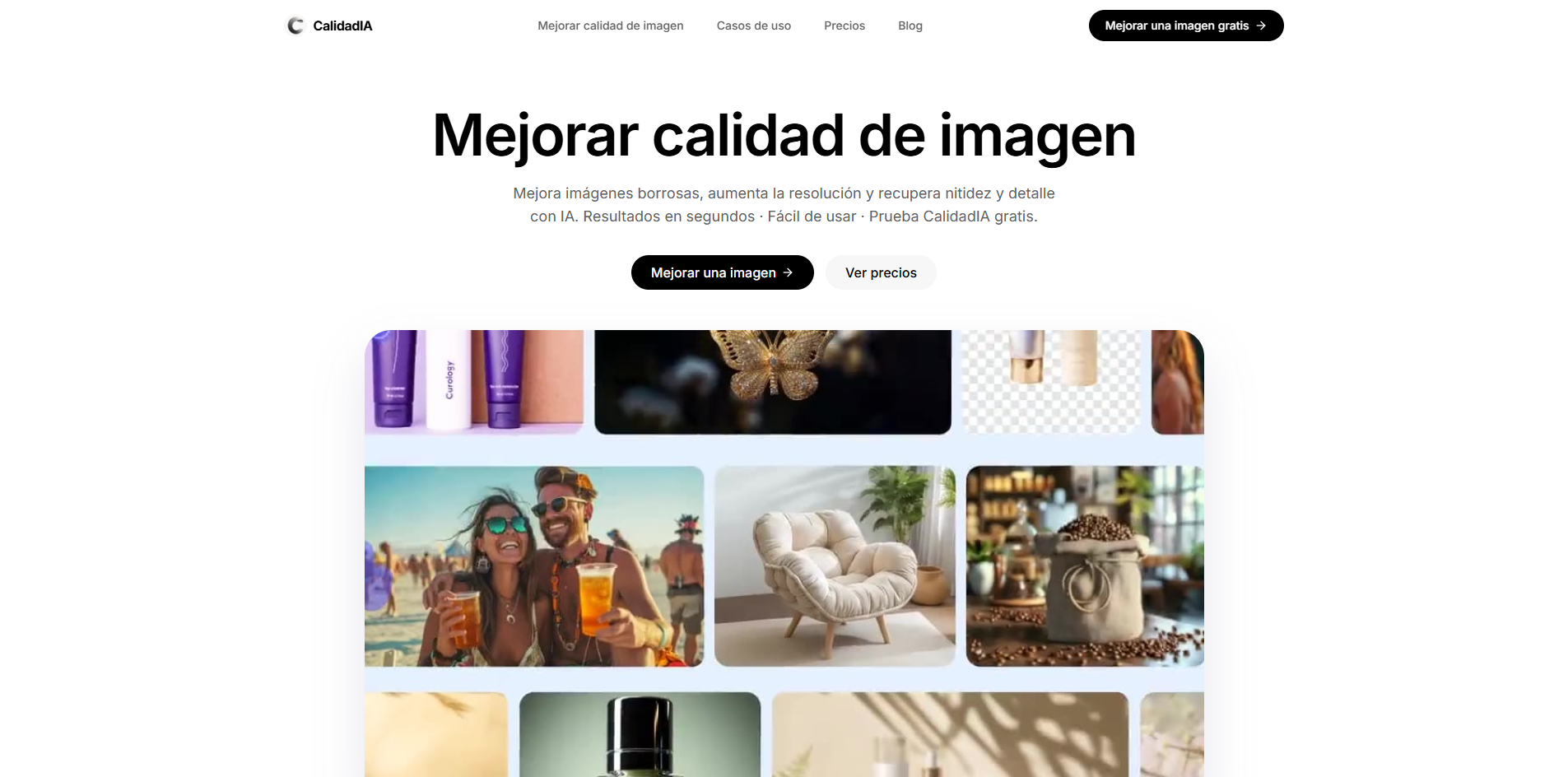
Enhance blurry, pixelated, or low-resolution images with AI—upscale up to 10×, recover natural detail, and create professional-quality visuals in seconds.
AI Photo Dance Maker — Turn Your Photos into Motion Legends
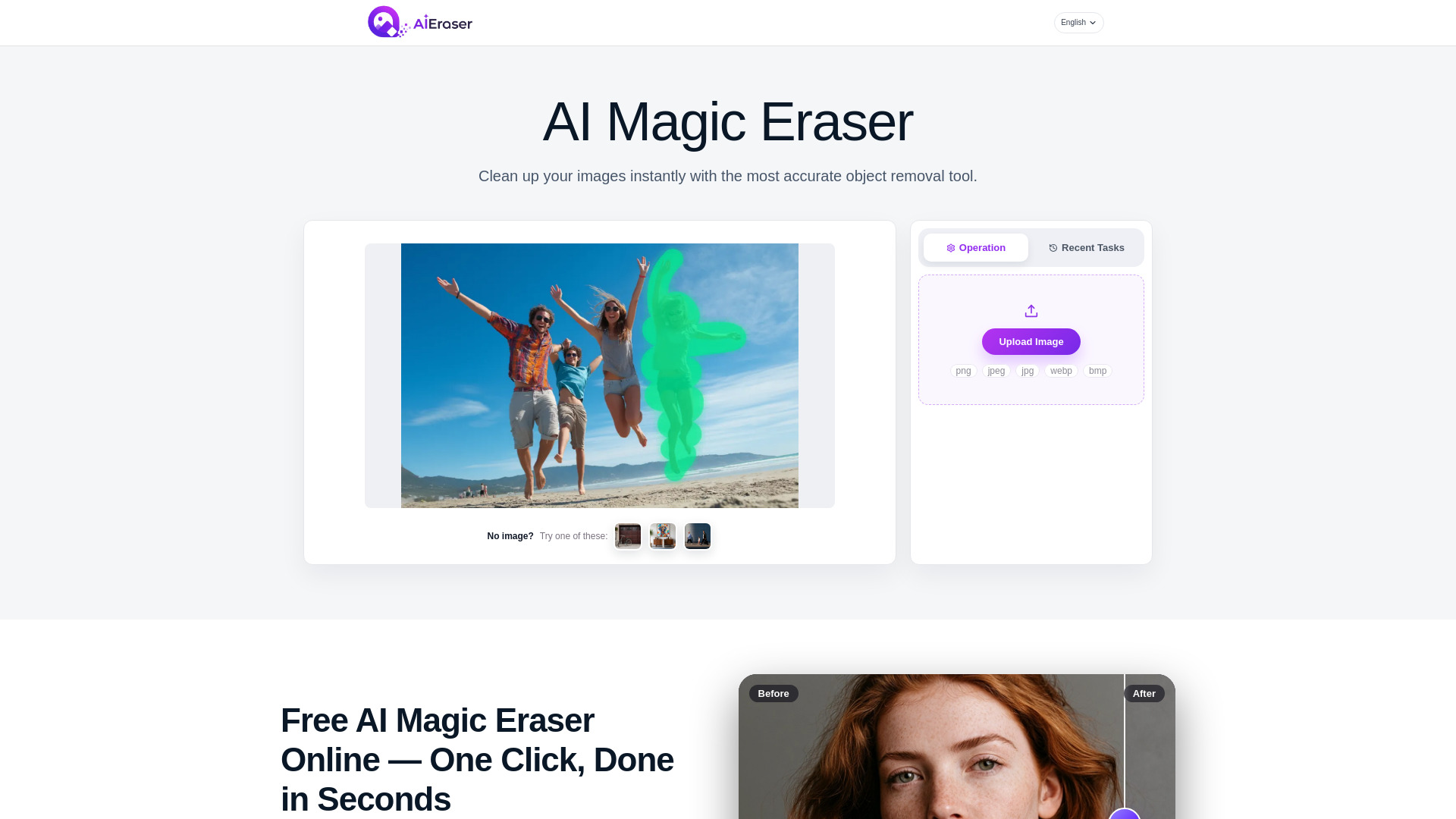
Free AI magic eraser for clean, natural photos in seconds.
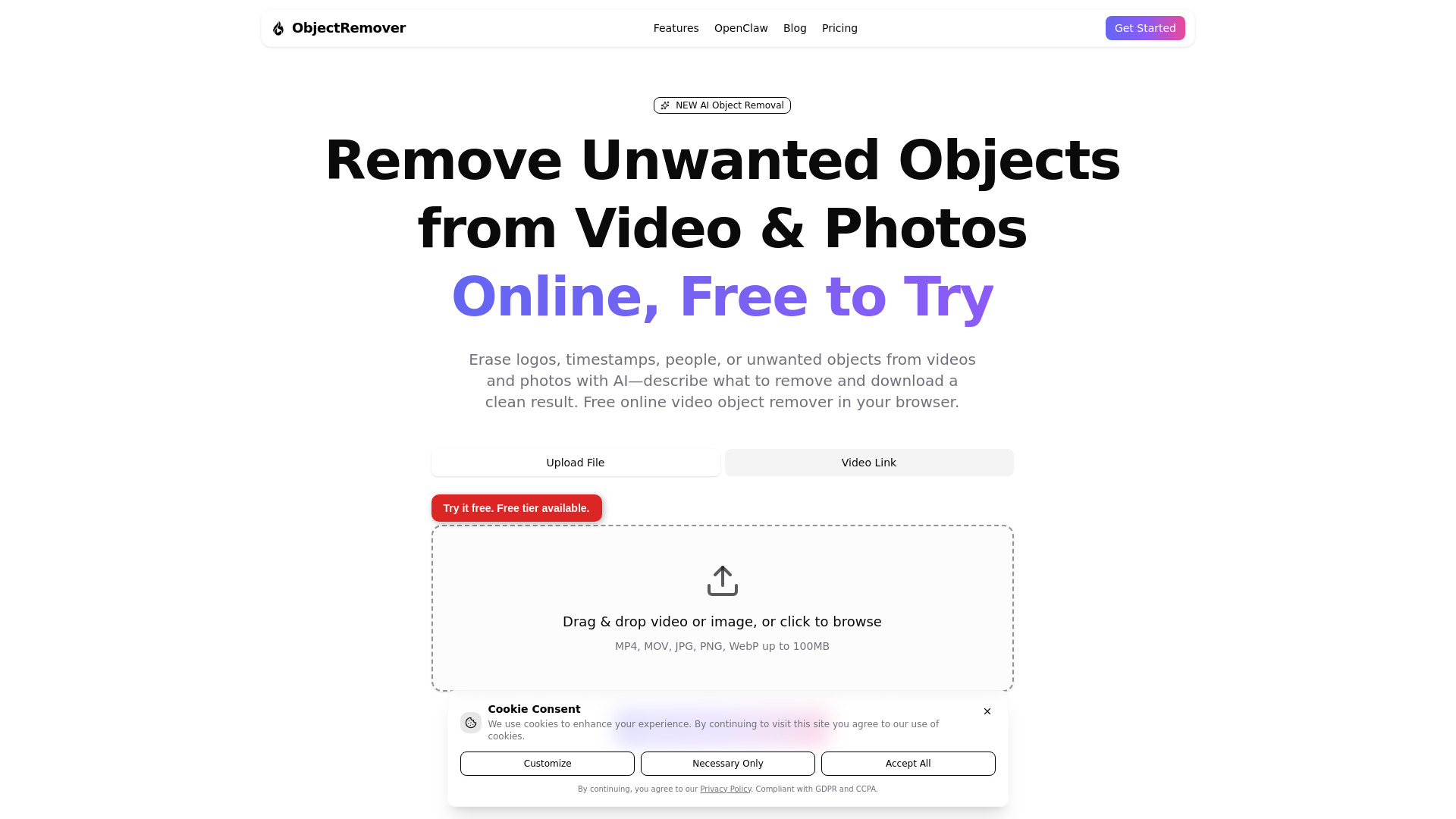
AI tool for removing unwanted objects from videos and photos
AI tool for editing, adding, and removing text in images
AI platform for image generation, visual creation, and photo editing
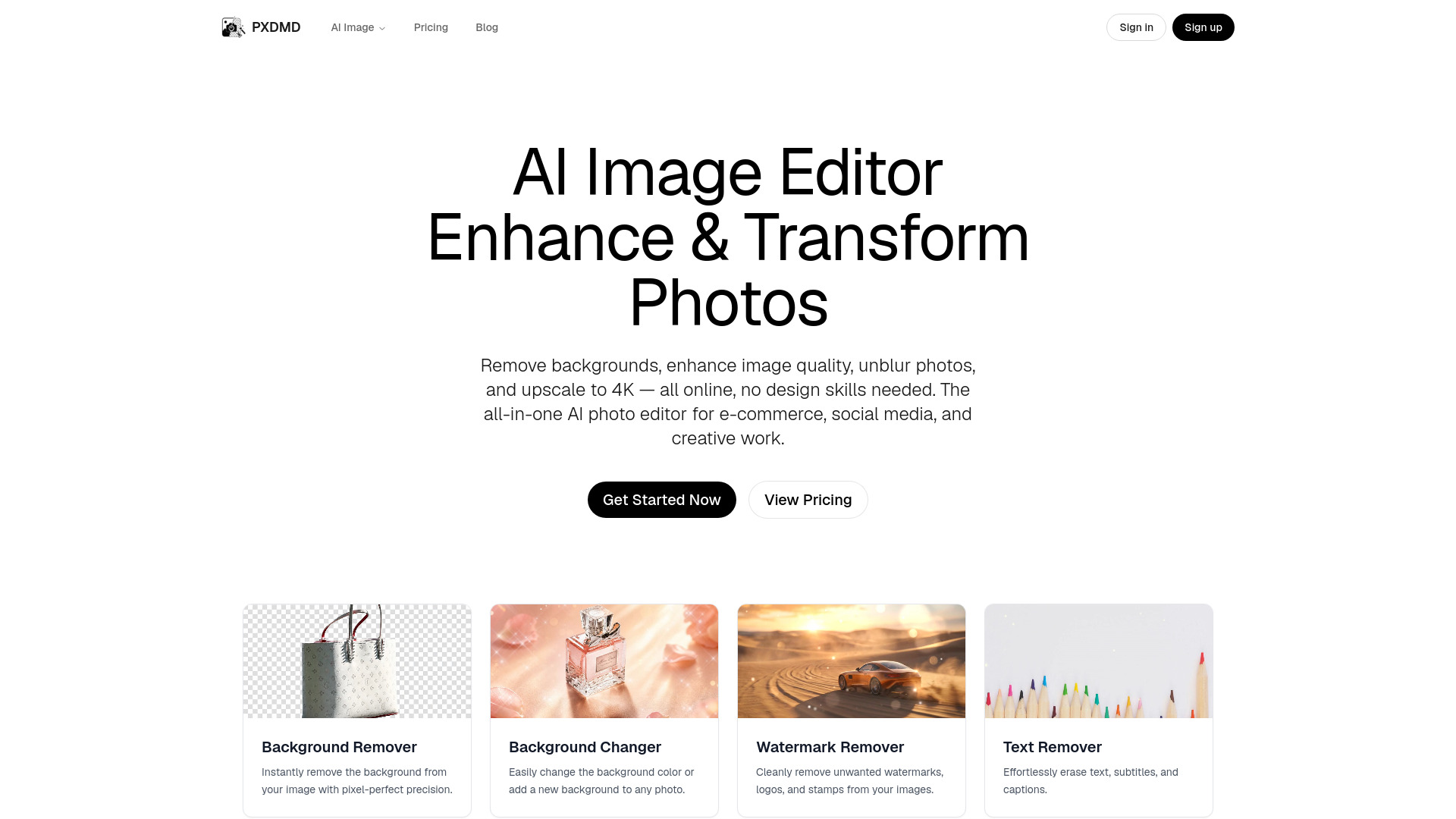
AI photo editor for background removal and image enhancement
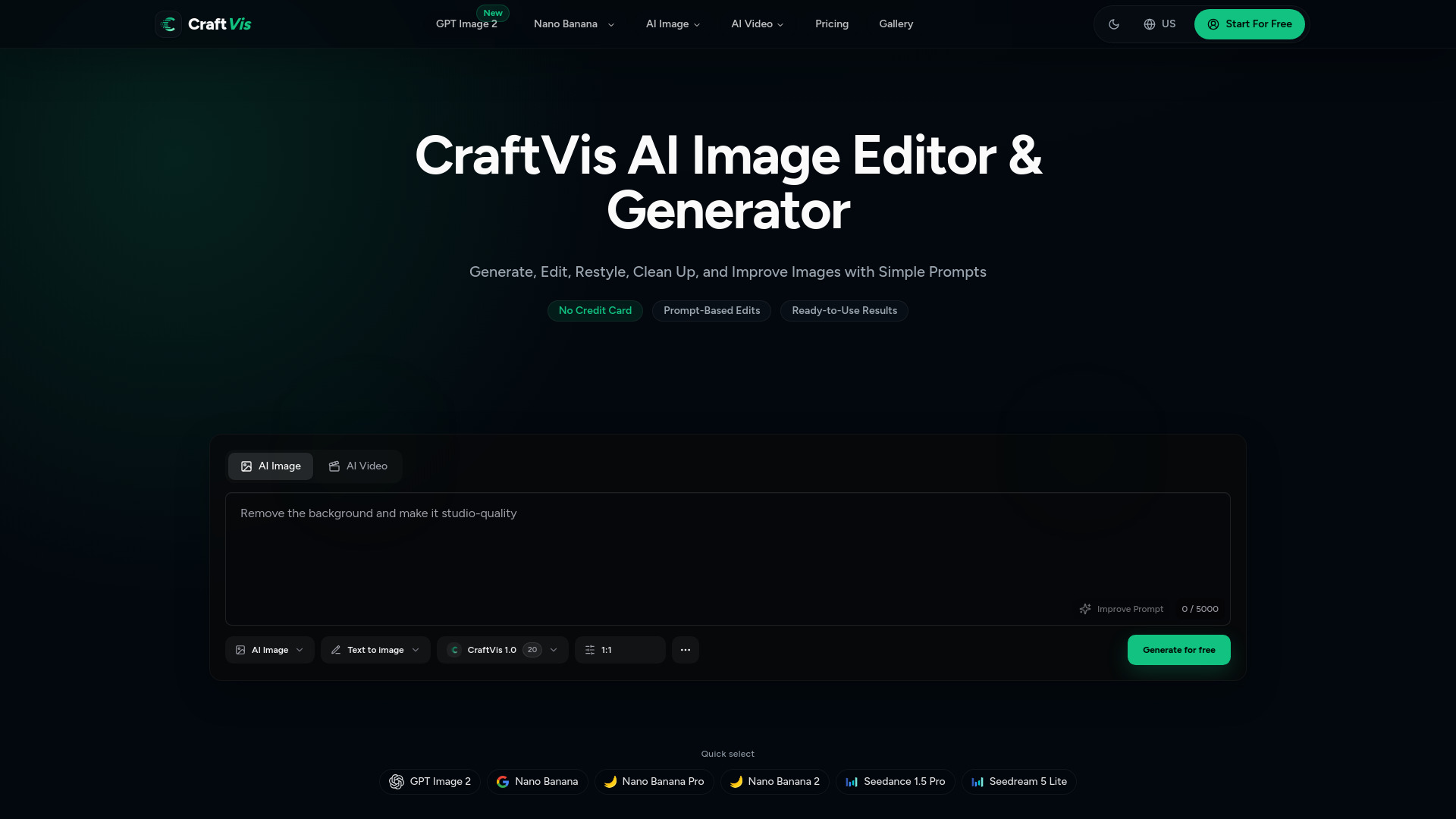
CraftVis is an easy-to-use AI Image Editor & Generator for everyday creative work. Generate images from text, upload existing images, replace backgrounds, edit details, restyle visuals, and create product shots, ads, social media graphics, posters, and creative variations faster.
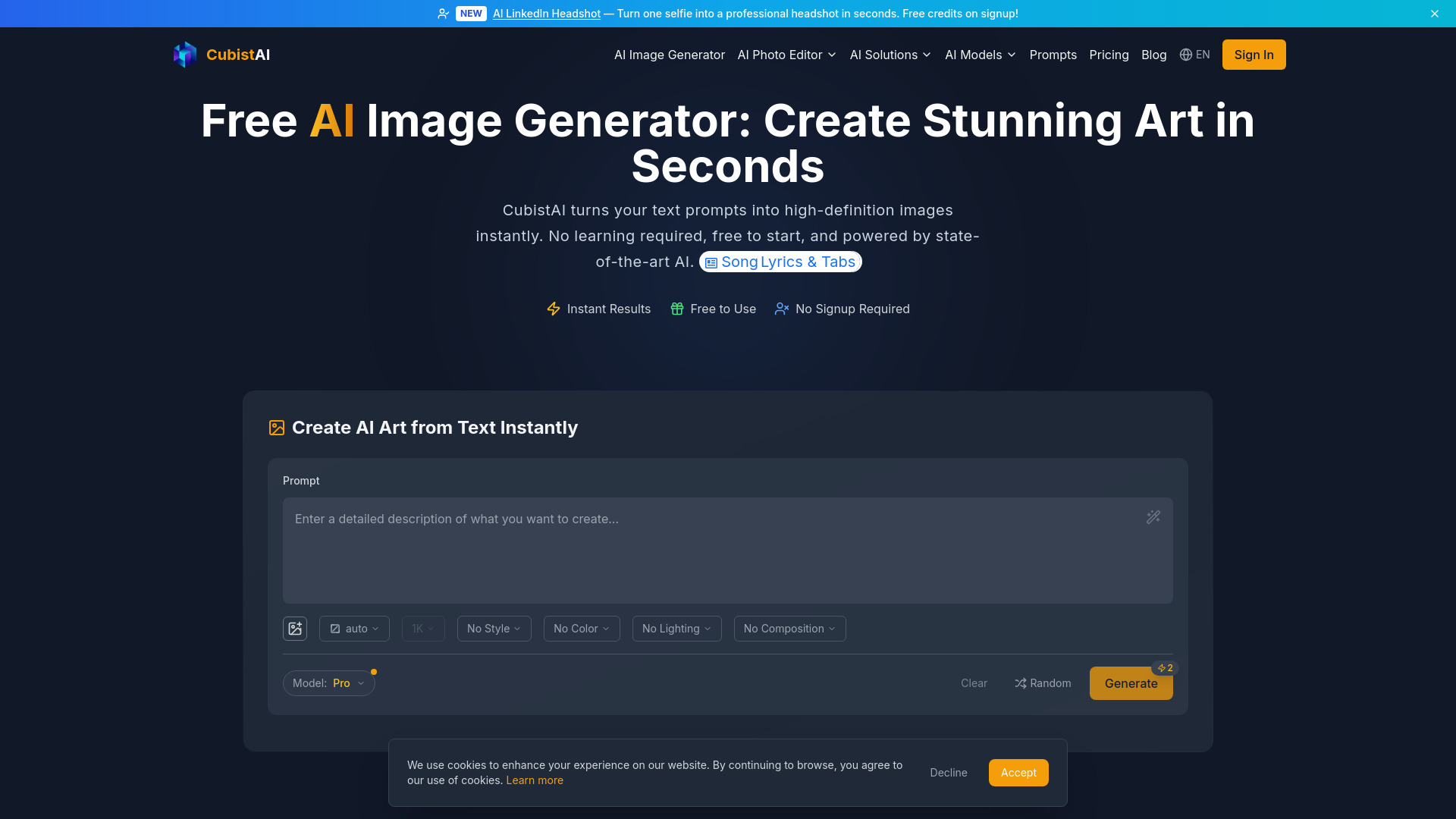
CubistAI is a free AI image generator and all-in-one photo editor. Create images from text with multiple AI models, and edit photos with 15+ tools including background remover, upscaler, magic eraser, and AI headshot generator — all in your browser, with free daily credits.
AI-powered library of icons, mockups, and stock visuals with built-in AI editing
The most cheapest of AI video generator platform.Veo3.1 Fast As low as $0.29 per video Nano Banana 2 As low as $0.01 per image.Explore top models including Seedance 1.5, Seedance 2.0, HappyHorse 1.0, Veo 3.1, Kling 3.0, Skyreels V4, and other mainstream AI video creation platforms.
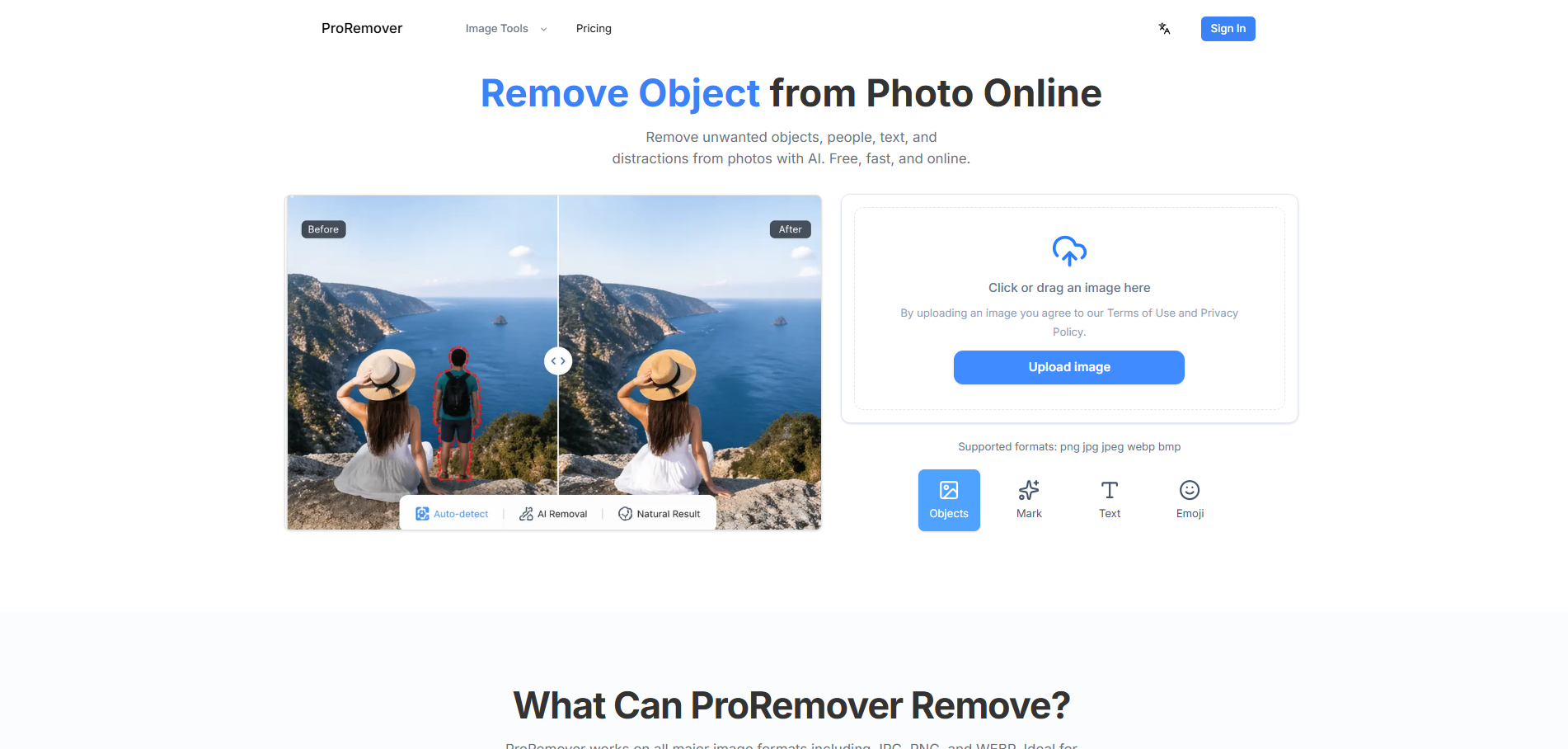
AI tool to remove unwanted objects, people, and text from photos online.
GPT Image 2 is the ultimate all-in-one AI image generator powered by OpenAI's latest foundational vision model. It seamlessly handles everything from photorealistic product shots and pixel-perfect UI mockups to text-heavy designs, delivering >99% text accuracy and zero post-editing in a single, powerful tool.
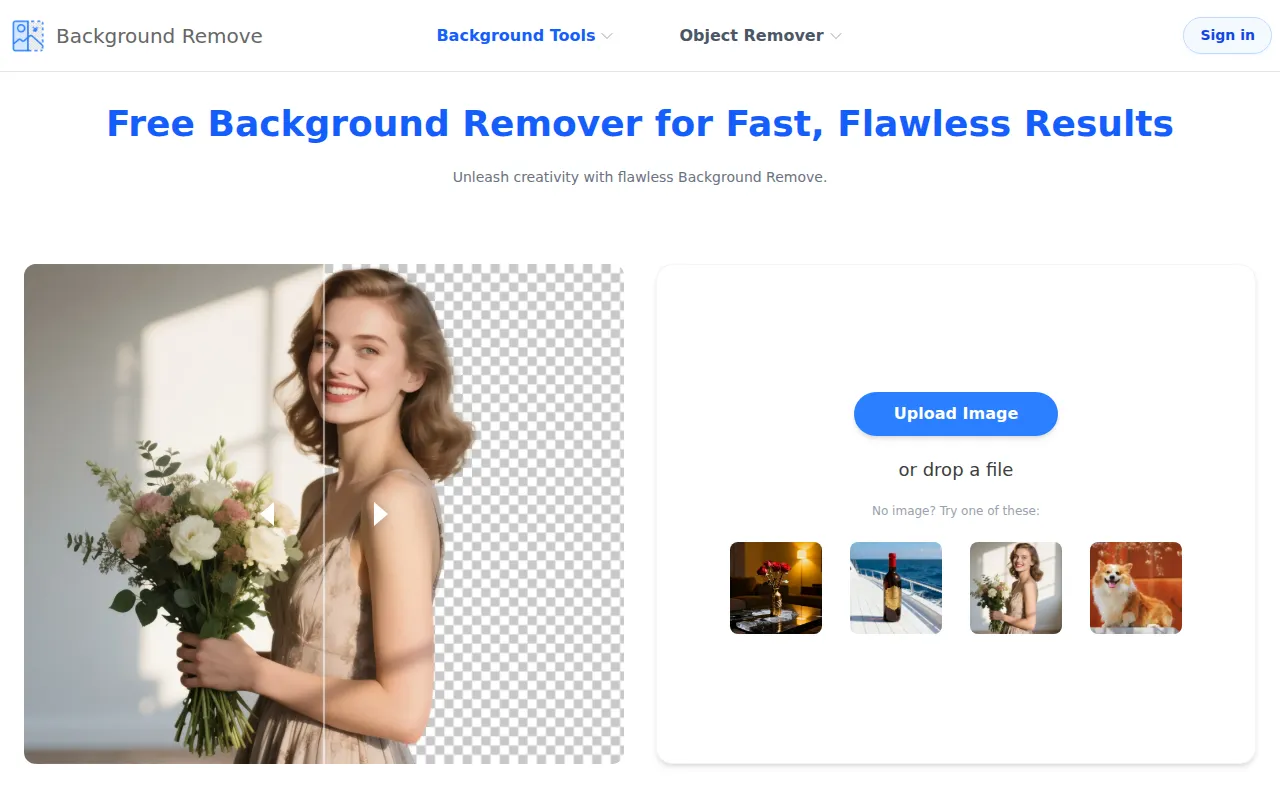
AI-powered tool for instant and flawless background removal from images.
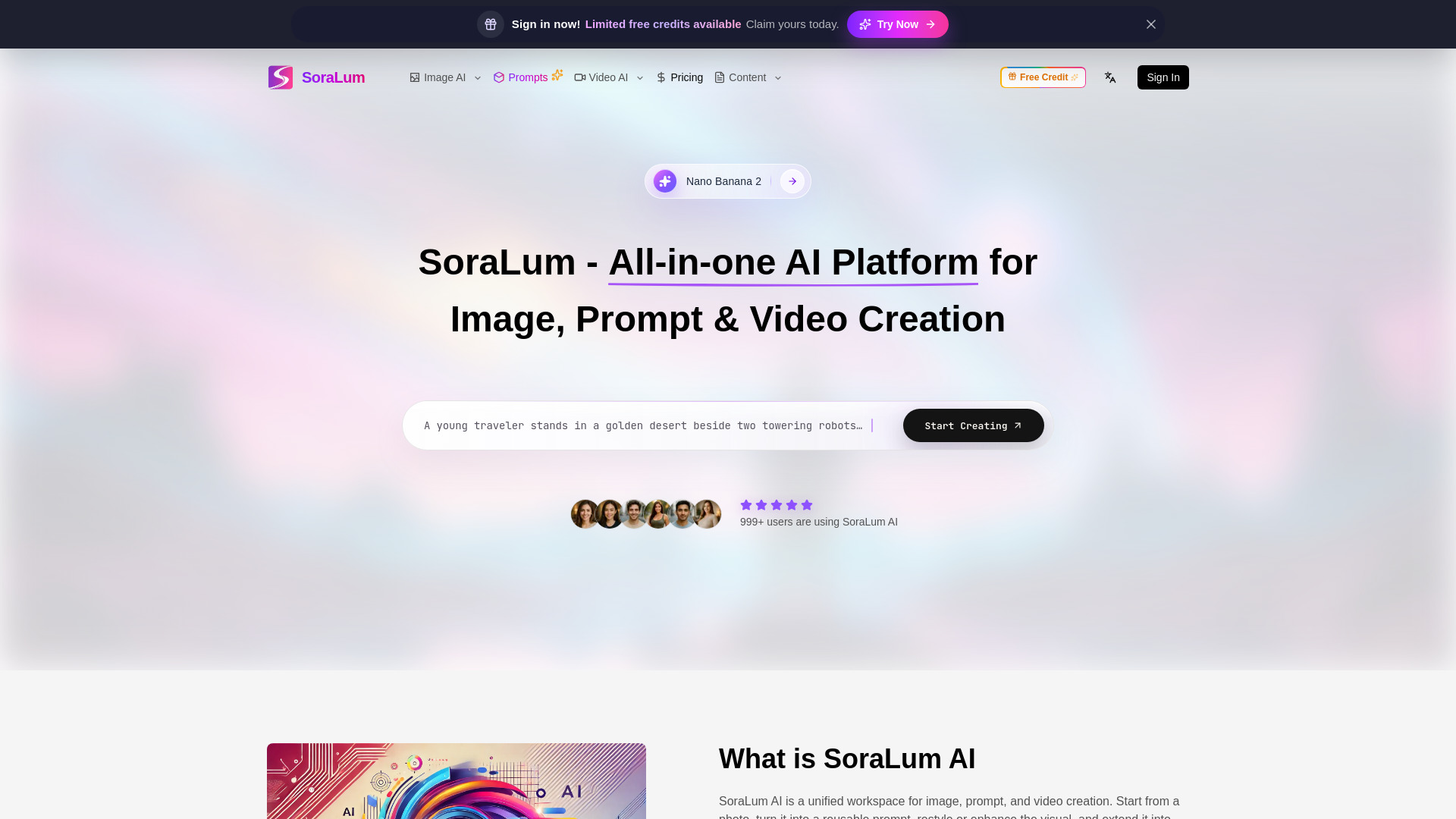
All-in-one AI platform to generate images, turn visuals into prompts, edit photos, and create videos—fast, simple, and built for creators who want more in one workflow.
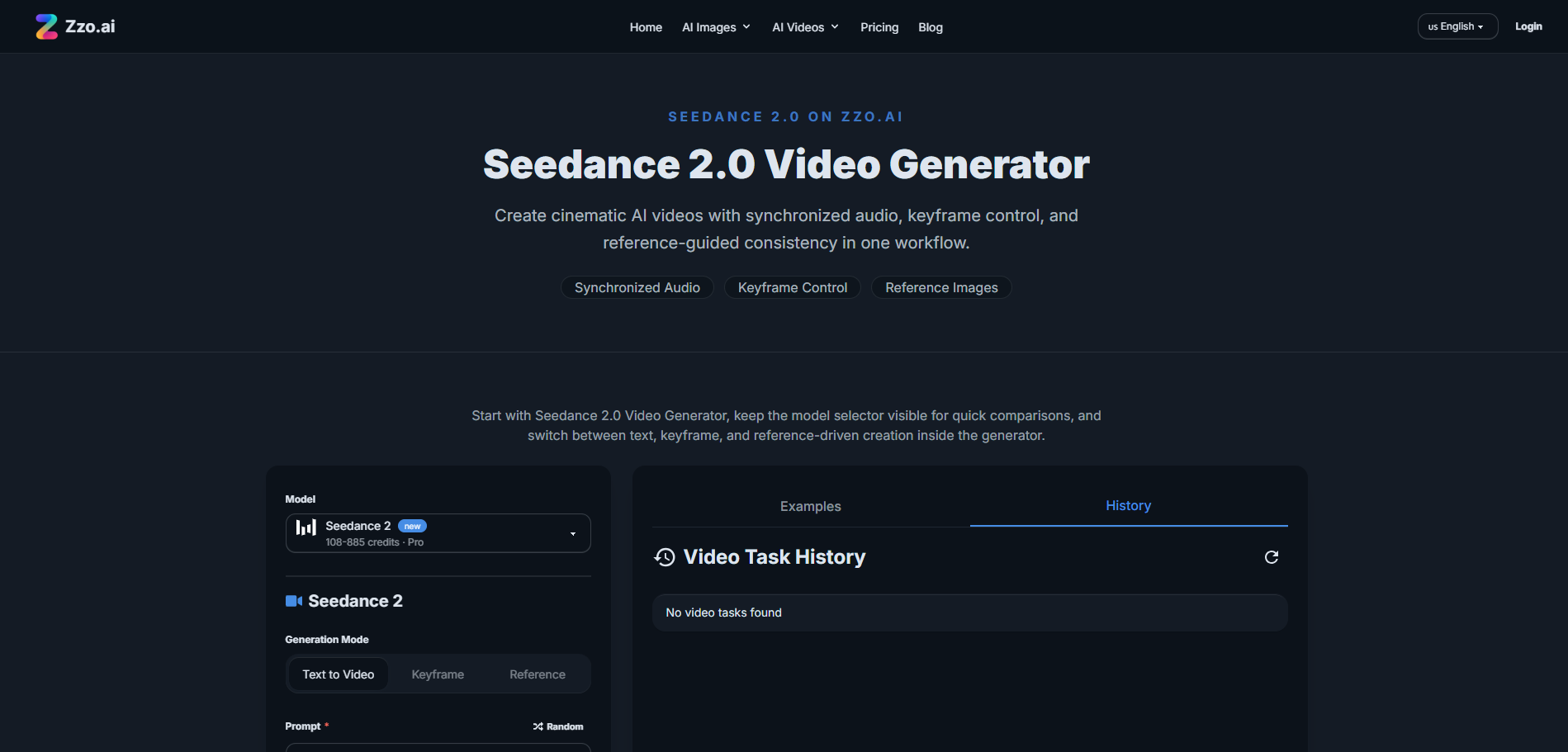
Zzo AI Video Generator brings Seedance 2.0 — ByteDance's #1-ranked AI video model — directly into a clean, no-setup web interface. Generate cinematic short videos from text prompts, reference images, or keyframe inputs, complete with synchronized audio, in seconds. No CapCut, no Dreamina account needed. Just open zzo.ai, select Seedance 2.0, and start creating.