Newsletter
Join the Community
Subscribe to our newsletter for the latest news and updates

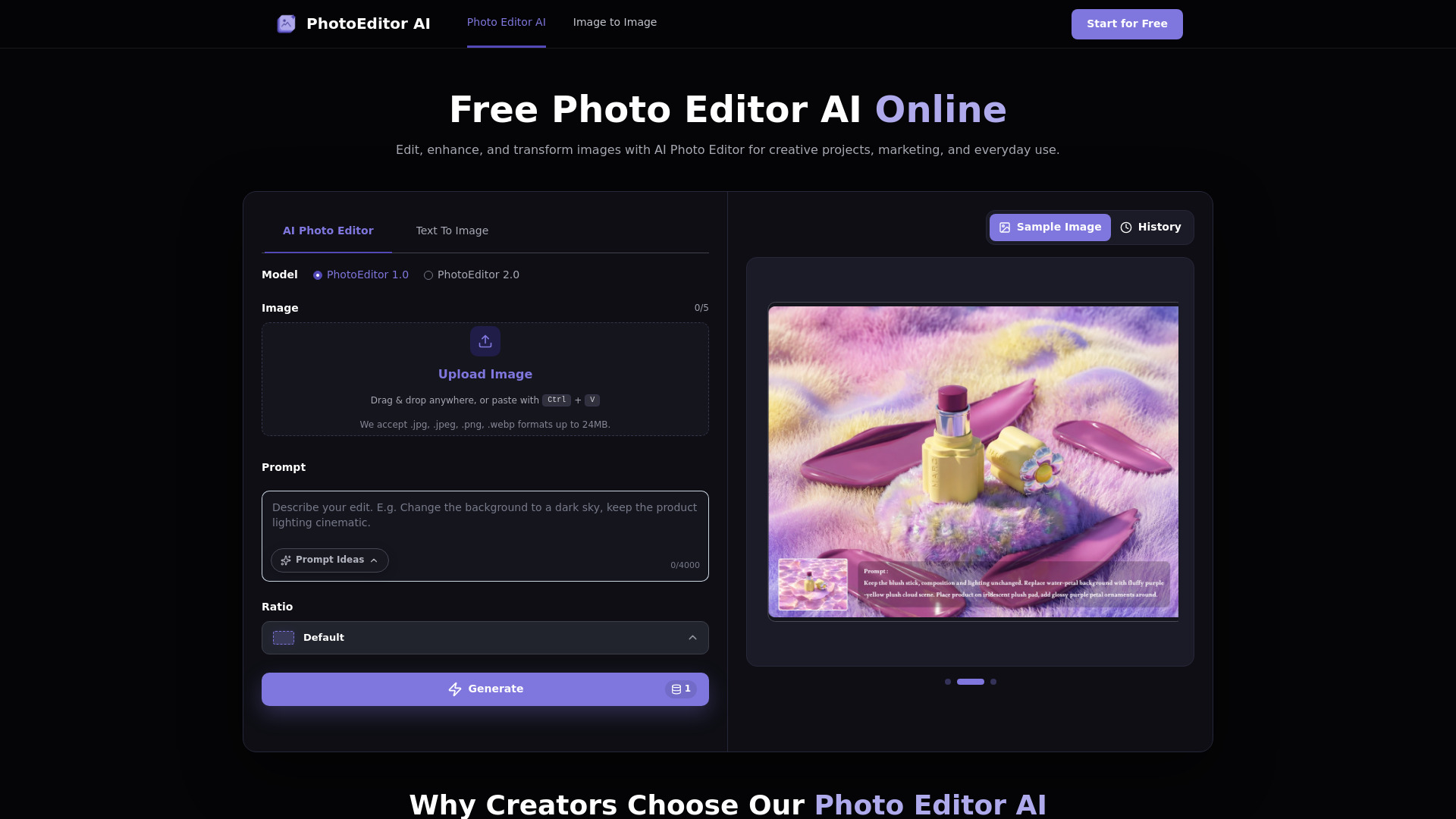
An all-in-one online photo editor that simplifies and automates photo editing with AI-powered tools.
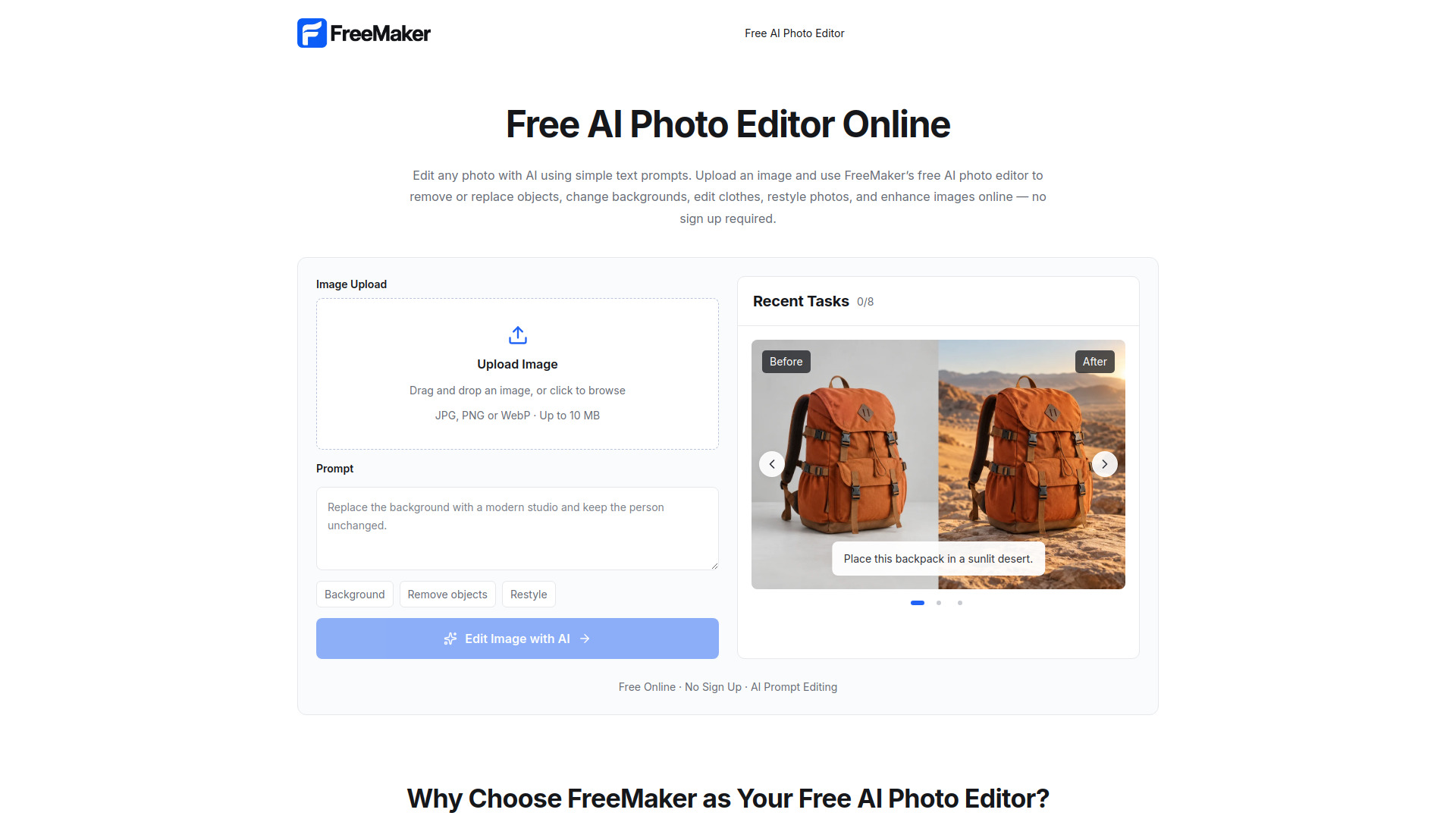
PhotoEditor AI is a free online photo editor that uses AI to simplify and automate photo editing. It allows users to edit, enhance, and transform images using simple text prompts, without requiring sign-up. The tool supports editing backgrounds, objects, clothing, lighting, and more, and is suitable for creative projects, marketing, and everyday use.
PhotoEditor AI is free to use. It offers 5 free credits every day, which automatically refresh the next day, allowing continued free use of available features.
What can I do with a Photo Editor AI? You can edit existing images with simple text prompts: remove unwanted objects, replace backgrounds, change clothing, adjust colors and lighting, refine details, or transform specific visual elements without rebuilding the entire image.
Can I use Photo Editor AI without signing up? Yes. You can edit images without signing up. Simply upload your photo, describe the changes you want, and generate your edited image directly.
Is There a Free AI Photo Editor Online? Yes. The free AI photo editor online gives you 5 free credits every day. Once used, credits automatically refresh the next day.
Can AI replace the background without changing my subject? Yes. You can describe the background you want while keeping the main subject as the focus. The editor blends the new background with the existing subject, including lighting, colors, shadows, and surrounding details.
Can I use a reference image when editing a photo? Yes. Upload a reference image to guide the visual direction of your edit, influencing colors, materials, clothing, lighting, style, or mood while keeping the main subject recognizable.
Can AI make product photos look more professional? Yes. Product photos can be improved by replacing distracting backgrounds, refining lighting, enhancing visible details, and creating more natural shadows.
What image formats and file sizes does the AI Photo Editor support? You can upload JPEG, JPG, PNG, and WebP images up to 24MB. After editing, you can download the result in high quality without a watermark.