What is Presentation Mode for Notion
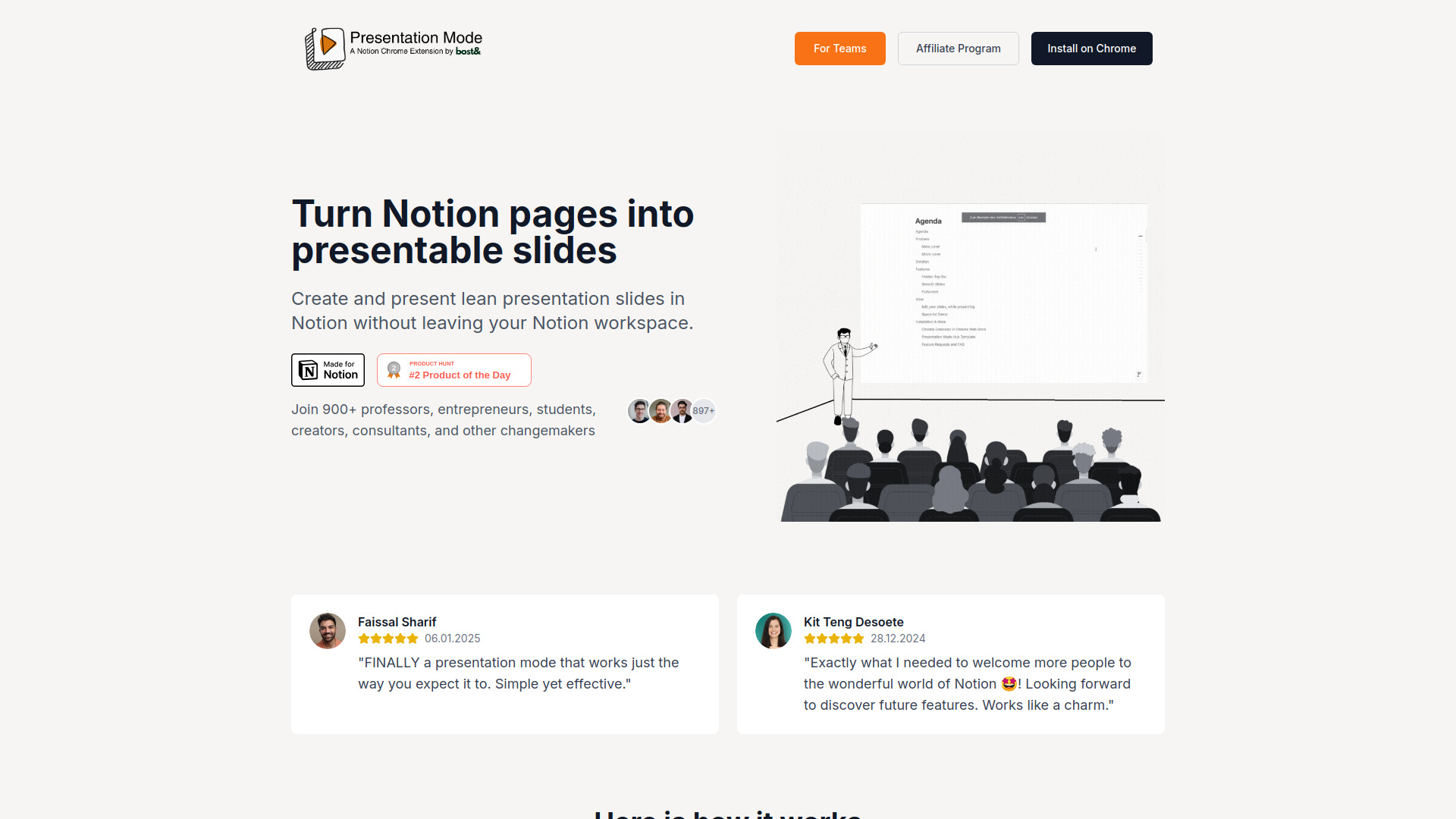
Presentation Mode for Notion is a Chrome extension that allows users to instantly turn their Notion pages into professional slide presentations. It enables the creation and presentation of lean slides directly within the Notion workspace without leaving the application.
How to use Presentation Mode for Notion
To use Presentation Mode for Notion, users can leverage simple markdown-like commands within their Notion pages. Typing /h1 designates a new slide title, and /divider creates slide breaks. Navigation between slides can be done using arrow keys or presentation remotes.
Features of Presentation Mode for Notion
- Turn Notion pages into slide presentations.
- Create slides directly within Notion.
- Use
/h1for slide titles and/dividerfor slide breaks. - Navigate slides with arrow keys or remotes.
- Export presentations as a PDF in portrait or landscape format.
- Option to disable vertical sliding for a minimalist, PDF-like experience.
- Adjustable padding and zoom level for presentations.
Use Cases of Presentation Mode for Notion
Presentation Mode for Notion is suitable for various users including professors, entrepreneurs, students, creators, and consultants. It is designed for in-person presentations, online meetings, and virtual presentations, allowing users to focus on their content rather than the presentation tool.
FAQ
- How can I install the extension? Information on installation is available.
- I am an Influencer, do you have a promo code? Information regarding promo codes for influencers is available.
- I have a feature request, how can I request it? Users can request features.
- How can I pay? Information on payment methods is available.
- Is Presentation Mode safe? Information regarding the safety of Presentation Mode is available.
- How can I cancel? Information on cancellation is available.