Newsletter
Join the Community
Subscribe to our newsletter for the latest news and updates

AI image generation and editing with references, masks, text, and transparency
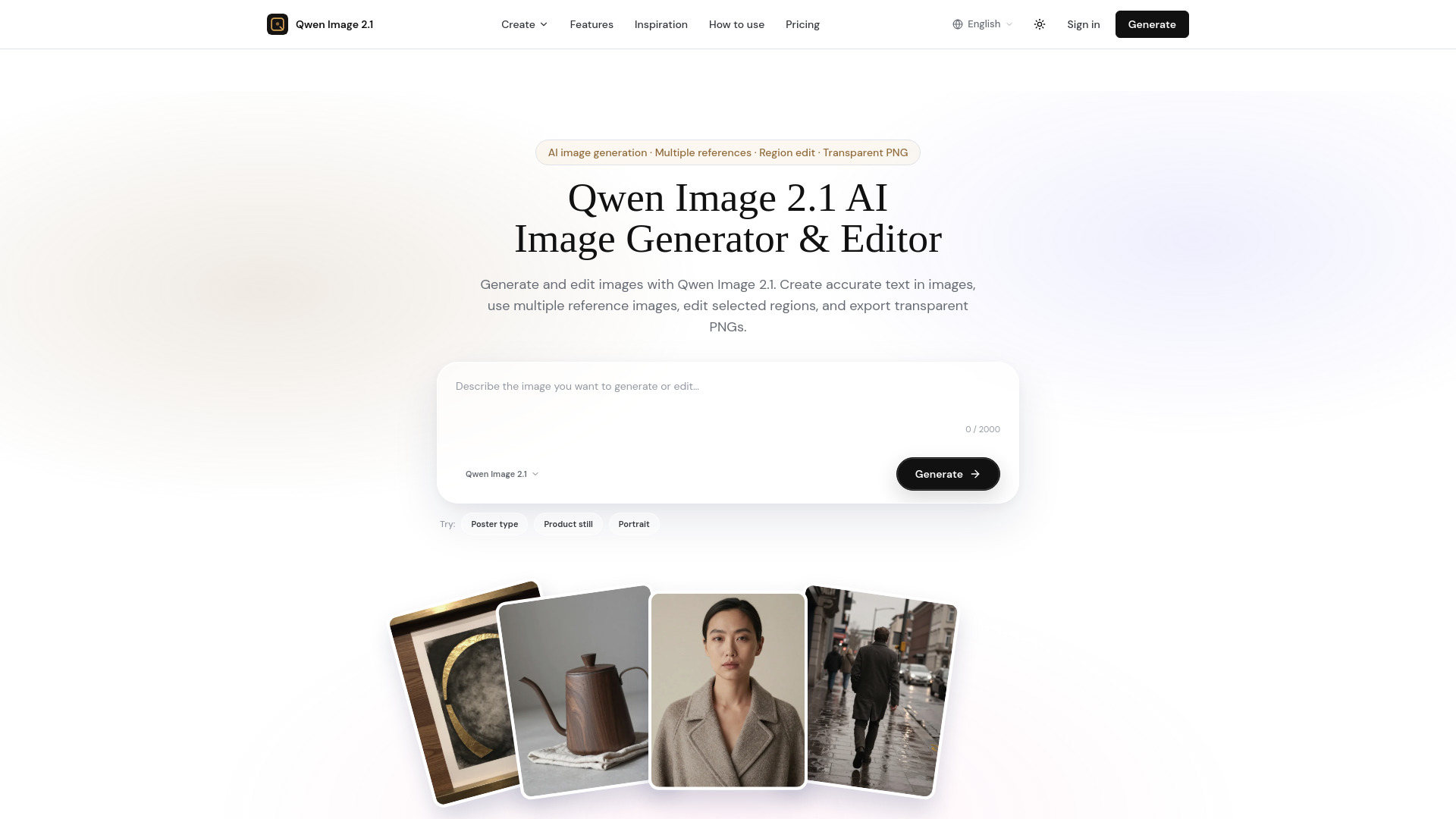
Qwen Image 2.1 is an AI image generation and editing model that enables users to create and modify images online. It supports accurate text rendering in images, multiple reference images for consistency, region-specific editing with masks, and transparent PNG export. The model is part of the Qwen family and is available as a web-based tool.
See Qwen Image 2.1 plans for more generation and editing. Visit the pricing page for details.
Can Qwen Image 2.1 render the words you type?
Write the exact line in the prompt. This generator puts that text in the image. Turn prompt expansion off when the spelling has to stay exact, including a line such as 春日市集 next to SPRING MARKET.
Does Qwen Image 2.1 support Chinese and English text?
Yes. Type both languages in the prompt, for example 春日市集 and SPRING MARKET, and describe where each line sits.
Can I upload multiple reference images?
Yes. This tool accepts up to ten reference images in one edit. That cap is a control here, not an official model parameter.
How do I keep a person consistent with Qwen Image 2.1?
Attach photos of the same person or product. More than one angle helps. The edit is asked to keep that face or object recognizable in the new scene.
Can Qwen Image 2.1 edit a photo I already have?
Attach the photo as a reference and describe the change. With no reference, the prompt starts a new image.
Can I change only one region?
Paint a mask on one reference image. This tool changes that region and leaves the rest. A mask cannot be combined with a transparent background.
Can Qwen Image 2.1 remove a background?
Ask for a transparent background. The subject is exported without the scene behind it. Save PNG or WebP. JPEG stays opaque.
Can I download a transparent PNG?
Yes. Choose a transparent background and download PNG or WebP. A mask and a transparent background cannot be used together.