What is Rubtin
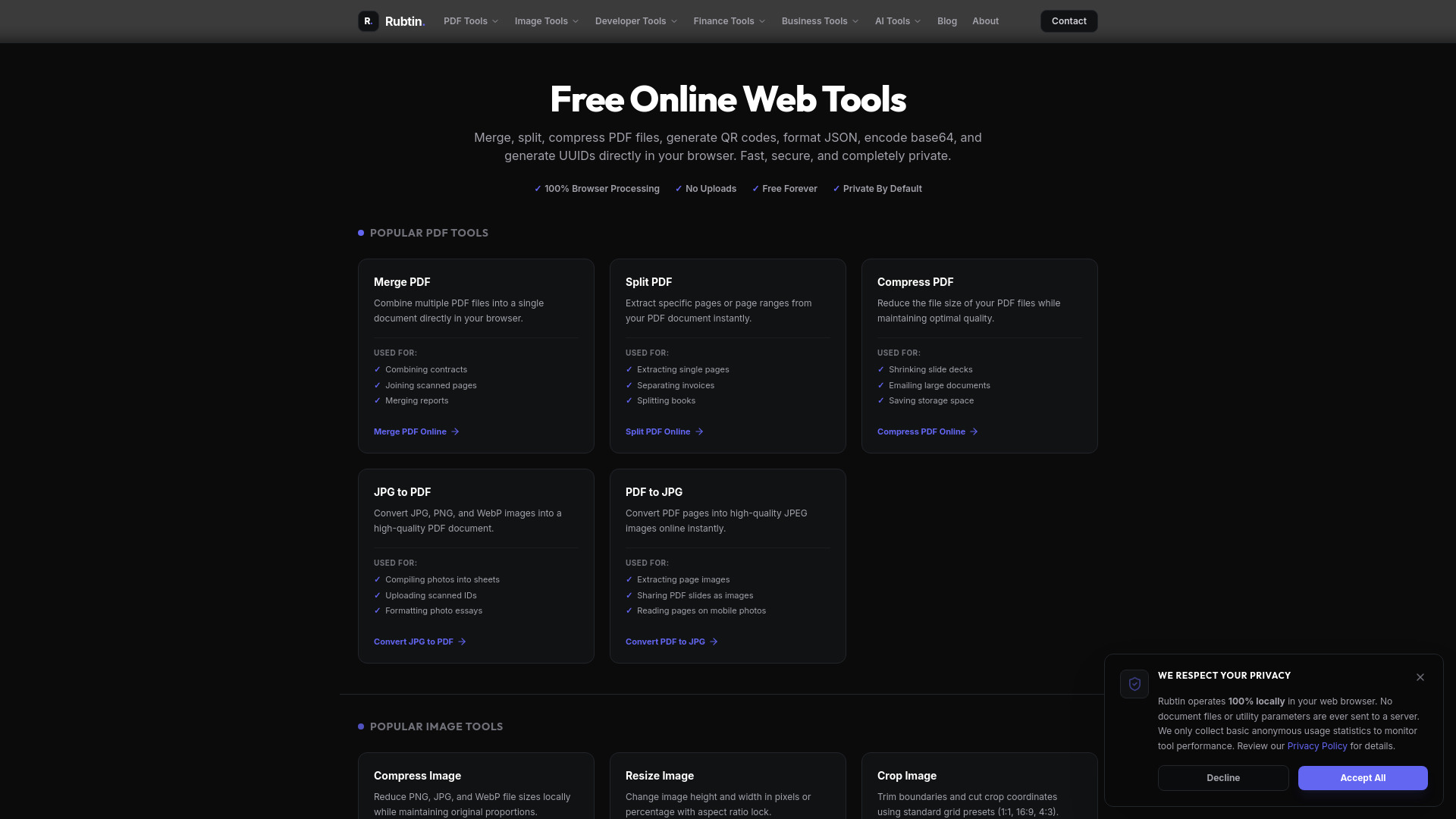
Rubtin is a privacy-first web utility suite that provides fully client-side tools for PDF operations, image compression, developer data formatting, financial calculators, and more. All processing happens directly in your browser—no files are uploaded to any server, ensuring your data stays private and secure.
How to use Rubtin
- Navigate to the desired tool from the homepage or the navigation menu (e.g., PDF Tools, Image Tools, Developer Tools).
- Follow the on-screen instructions for your specific task—most tools involve selecting or uploading a file from your device.
- The tool processes your file entirely in your browser. Once complete, you can download the result directly.
Features of Rubtin
- 100% Browser Processing: All operations are performed client-side; your files never leave your device.
- No Uploads Required: No need to upload files to any server, enhancing privacy and speed.
- Free Forever: All tools are available at no cost.
- Private by Default: No data is stored or shared; your information remains yours.
- Wide Range of Tools: Includes PDF merging, splitting, compressing, image compression, resizing, cropping, QR code generation, JSON formatting, Base64 encoding/decoding, UUID generation, URL encoding/decoding, hash generation, mortgage/loan/compound interest calculators, invoice generator, profit margin/ROI calculators, OCR text extraction, voice transcription, and sentiment analysis.
Use Cases of Rubtin
- PDF Management: Merge multiple PDFs into one, split a PDF into separate pages, compress PDFs for emailing, convert JPG images to PDF, or convert PDF pages to JPG.
- Image Editing: Compress images for web optimization, resize images for social media, crop images to standard aspect ratios, or convert between PNG, JPEG, and WebP formats.
- Developer Utilities: Generate QR codes for marketing materials, format and validate JSON data, encode/decode Base64 strings, generate UUIDs for database keys, encode/decode URLs, and generate hash values.
- Financial Planning: Calculate mortgage payments (PITI), loan amortization schedules, and compound interest growth.
- Business Operations: Create professional invoices, calculate profit margins and markup, and evaluate ROI on investments.
- AI-Powered Tasks: Extract text from images using OCR, transcribe speech to text in real-time, and analyze sentiment of text.
FAQ
Q: Is my data safe when using Rubtin? A: Yes. All processing happens entirely in your browser. Your files are never uploaded to any server, so your data remains private and secure.
Q: Do I need to create an account? A: No. Rubtin does not require any registration or account creation. You can use all tools immediately.
Q: Are there any file size limits? A: Since processing is done client-side, file size limits depend on your browser and device capabilities. There are no server-imposed limits.
Q: Can I use Rubtin on mobile devices? A: Yes, the website is responsive and works on mobile browsers.
Q: What file formats are supported? A: PDF tools support PDF files; image tools support PNG, JPEG, and WebP; developer tools work with text and common data formats.