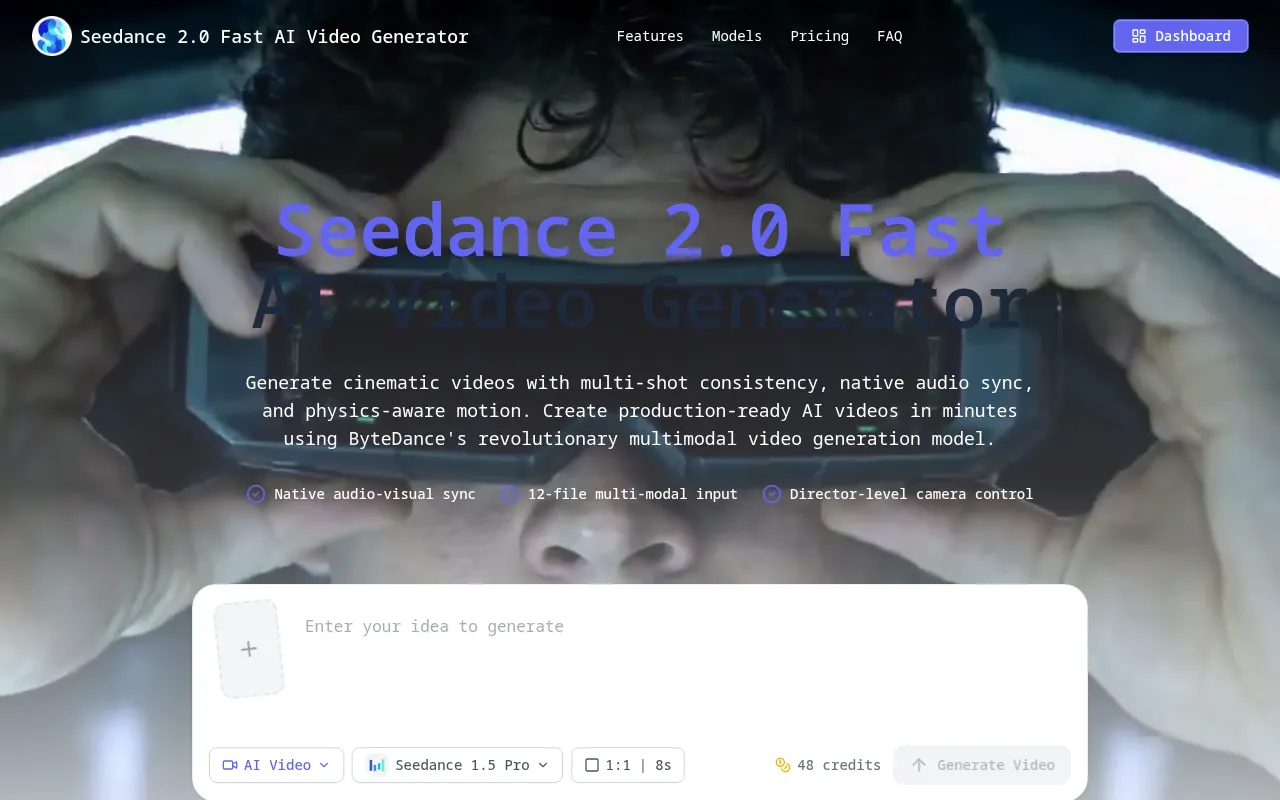
What is Seedance 2.0 Fast
Seedance 2.0 Fast is an AI video generator that produces cinematic videos with multi-shot consistency, native audio synchronization, and director-level multimodal controls. It leverages ByteDance's multimodal architecture to create production-ready AI videos quickly.
How to use Seedance 2.0 Fast
- Upload reference files: Add up to 12 files (9 images, 3 videos, 3 audio files).
- Use @ syntax: Assign roles to files in your prompt using commands like
@Image1,@Video1,@Audio1for precise control over character appearance, motion, camera work, and rhythm. - Generate and compare: Create multiple scene versions with a high success rate and select the best cut.
- Export: Deliver videos in platform-ready formats with synchronized sound.
Features of Seedance 2.0 Fast
- Multi-shot Consistency: Maintains character and style coherence across scenes with a 90%+ success rate.
- Native Audio Sync: Generates synchronized sound effects, music, and dialogue with precise lip-syncing.
- 12-File Multimodal Control: Supports up to 12 reference files (images, videos, audio) for detailed control.
- Automatic Storyboarding and Camera AI: AI plans camera movements, cuts, and transitions from simple briefs.
- Physics-Aware World Modeling: Handles gravity, momentum, and other physics for realistic motion.
- Video Reference: Replicates motion from reference videos for choreography, action, and camera movements.
- Text-to-Video: Generates videos from detailed text prompts.
- Image-to-Video: Creates videos from keyframes or photos, preserving subject identity.
- Video Extension and Scene Bridging: Extends existing videos or generates connecting scenes.
- AI Asset Preparation Tools: Includes background removal, upscaling, and retouching.
- Production-Friendly Reliability: Offers a 90%+ usability rate and predictable credit costs.
- 1080p Resolution: Generates videos at 1080p resolution.
- Fast Generation: Videos typically complete within 60 seconds.
Use Cases of Seedance 2.0 Fast
- Narrative-First Ideation: Creating coherent cinematic clips with strong scene continuity and motion control.
- Reference-Driven Scenes: Preserving subject identity while animating using keyframes or photos.
- Motion Transfer: Replicating complex choreography, camera movements, and action sequences from reference videos.
- Rhythm Sync: Synchronizing video to music beats or generating sound with visuals.
- Video Editing: Extending existing videos, merging clips, or generating bridging scenes.
- Asset Preparation: Using AI tools to remove backgrounds, upscale, or retouch references.
Pricing
Seedance 2.0 Fast offers tiered subscription plans billed annually:
- Starter: $15.9/month (billed annually at $191.00 total), includes 3600 credits.
- Standard: $27.9/month (billed annually at $335.00 total), includes 8400 credits.
- Premium: $35.9/month (billed annually at $431.00 total), includes 18000 credits.
Additional credit packs are also available for purchase.
FAQ
- What makes Seedance 2.0 Fast different from older video models? It offers narrative consistency, native audio support, a 90%+ success rate, a 12-file multimodal reference system, and automatic camera control for director-level capabilities.
- How does the 12-file reference system work?
Upload up to 9 images, 3 videos, and 3 audio files, then use @ syntax in prompts (e.g.,
@Image1,@Video1) to assign specific roles for precise control. - Can I generate from text and from reference images? Yes, it supports text-to-video, image-to-video, video-to-video (motion transfer), and audio-synced generation.
- What is the generation success rate? Over 90% usability rate, significantly reducing wasted credits.
- Do you support audio generation with video? Yes, it generates synchronized sound effects, music, and dialogue with precise lip-syncing.
- What are the video duration and resolution limits? Videos range from 4-15 seconds at 1080p resolution, typically completing within 60 seconds. Videos can be extended.
- How does automatic camera control work? An AI agent plans storyboards, camera movements, cuts, and transitions from simple creative briefs.
- Can I replicate motion from reference videos? Yes, by uploading reference videos and using @Video1 commands to apply motion dynamics.
- Are there restrictions on realistic human faces? Yes, due to anti-deepfake protocols, clear, identifiable real human faces are restricted in uploads.
- How are credits charged? Credits are calculated based on model settings, duration, and use of video references. Costs are shown before generation.
- Do failed generations consume credits? No, failed generations do not deduct credits. Troubleshooting is available via email.
- Can I use generated videos commercially? Generally yes, but users are responsible for rights compliance with third-party IP, trademarks, or copyrighted references.