What is Seedance 2.5 - seadance
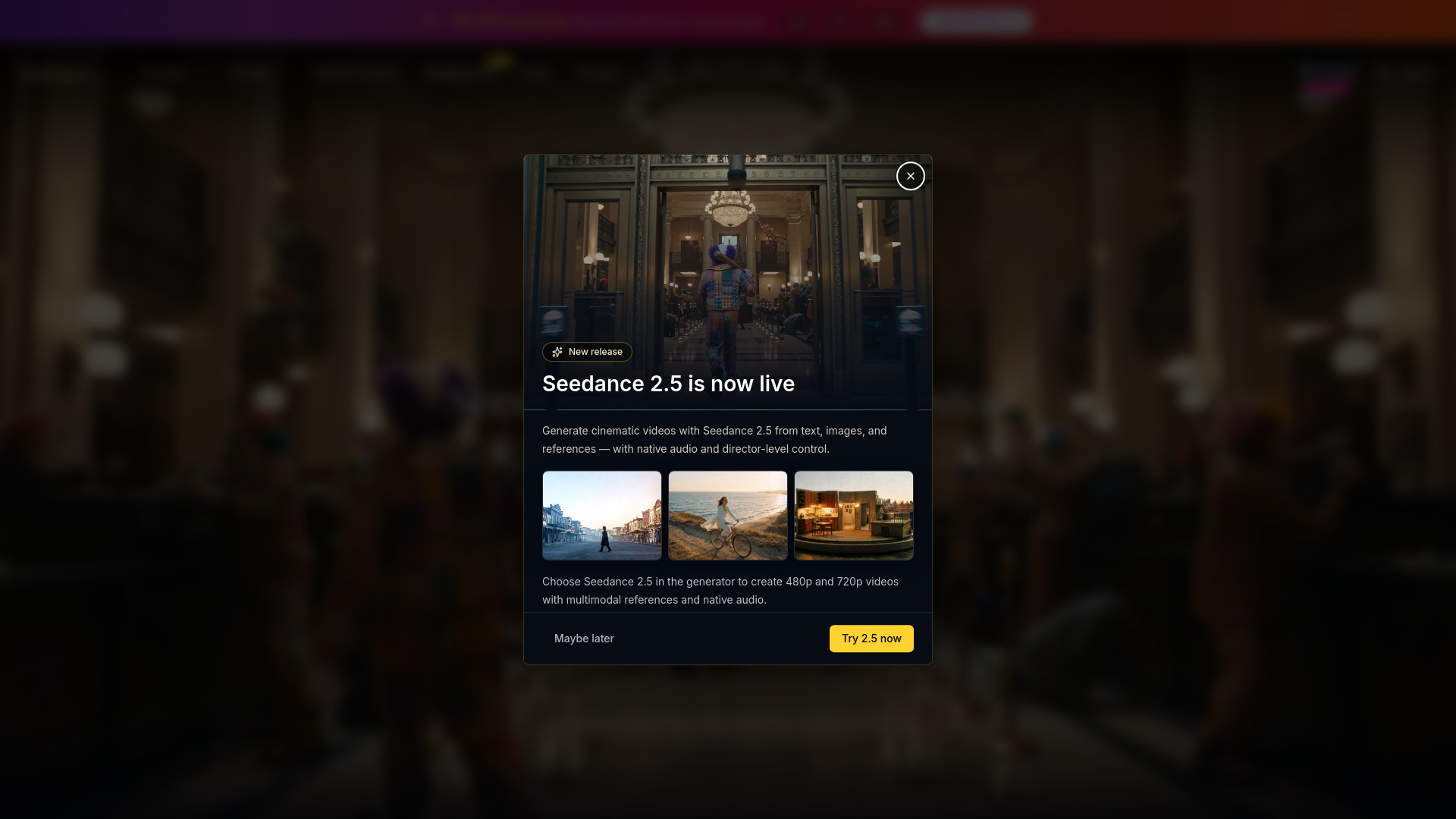
Seedance 2.5 is a multimodal AI video generation platform designed for cinematic content creation. It combines images, videos, audio, and text to produce professional video outputs with precise reference capabilities, seamless video extension, and natural language control. The platform supports text-to-video, image-to-video, and reference-to-video generation modes, offering director-level control over the creative process.
How to use Seedance 2.5 - seadance
- Open Seedance 2.5 Studio: Launch the workspace and select the core video creation flow.
- Add references and guide prompts: Input text prompts, reference images, or video clips. Use @ tags to define creative direction with @Image and @Video references.
- Generate and refine: Adjust settings such as resolution (480p, 720p, 1080p), aspect ratio, audio toggle, duration (4 to 30 seconds), and batch generation (up to 4 variations). Click "Generate Video" to produce the output.
Features of Seedance 2.5 - seadance
- All-in-one reference system with @ tags: Define creative direction using @Image and @Video references to lock in characters, guide camera movements, and build multi-shot sequences.
- Work across text, image, and video: Create from text prompts, animate still images, or transform existing clips without rebuilding the workflow.
- Work across text, image, video, audio: Generate from prompts, images, and clips with optional audio-driven direction, keeping motion, timing, and scene intent aligned.
- Seamless scene extensions: Continue scenes naturally with consistent characters, environments, and motion flow.
- Consistent scenes from start to finish: Generate one-take tracking shots or structured sequences that preserve character identity and environmental details across scene cuts.
- Director-level control across formats: Set first and last frames, guide camera movement, and shape cinematic style.
- Cinematic multi-shot continuity: Create one-take tracking shots and multi-shot sequences with consistent characters, environments, and visual rhythm.
- Advanced scene editing: Extend scenes, insert new shots, and refine footage while keeping projects visually coherent.
- Flexible scene progression: Expand moments, add new beats, and build longer sequences while preserving motion and cinematic flow.
- Audio-visual synchronization: Generate video with synchronized sound and pacing that match your visuals.
Use Cases of Seedance 2.5 - seadance
- Brand teams and content marketers: Create polished campaign visuals, launch videos, and social-ready edits with tighter creative control and faster iteration cycles.
- Filmmakers and video editors: Previsualize scenes, test camera movement, and build multi-shot sequences with stronger continuity before final production.
- Designers and visual storytellers: Turn reference images into stylized motion concepts, explore new looks, and push visual ideas into production-ready directions.
- Social & brand campaigns: Scroll-stopping stories with consistent identity while scaling production.
- Marketing & growth: Cinematic clarity and measurable iteration for leaders who want velocity without sacrificing taste.
- Product storytelling: Turn product narratives into premium visual experiences aligned with positioning and proof.
- Creative direction & film: (Content truncated, but implied use case for creative direction and film production.)
FAQ
What resolutions are supported? Seedance 2.5 supports 480p, 720p, and 1080p resolutions.
What is the maximum duration for a generated video? Videos can be generated up to 30 seconds in length.
Can I generate multiple variations at once? Yes, batch generation allows up to 4 video variations with the same prompt and settings.
Is audio included in the generated videos? Yes, there is an audio toggle that can be enabled or disabled. When enabled, the video includes synchronized sound.
What input types are supported? The platform supports text prompts, reference images, and video clips as inputs.
How many credits does a generation cost? The estimated cost is 130 credits for a 4-second video at 480p with audio enabled. Costs may vary based on resolution, duration, and other settings.