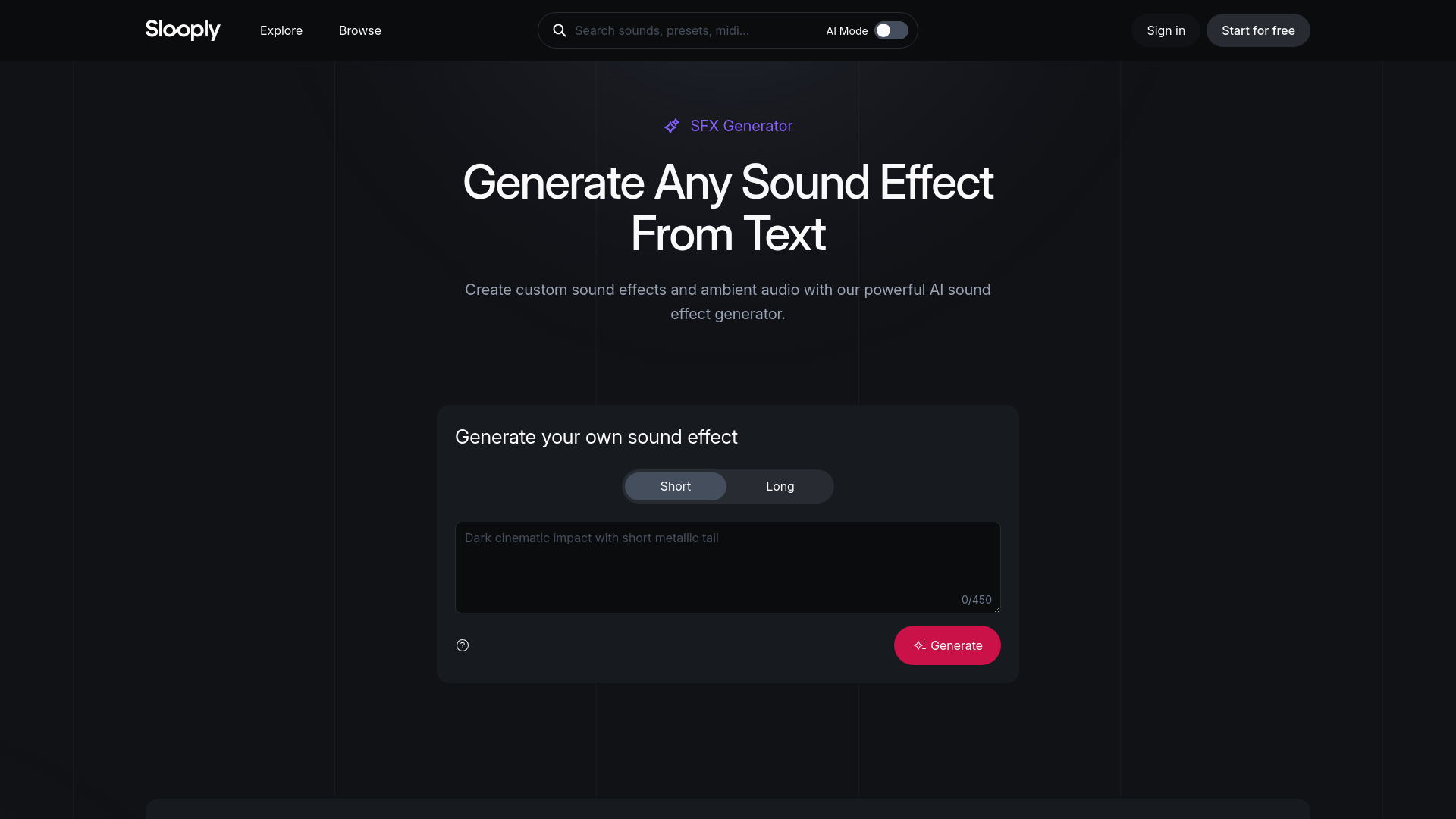
What is SFX Generator - Generate Any Sound Effect From Text
SFX Generator is an AI-powered tool by Slooply that creates custom sound effects from text prompts. It generates unique, royalty-free SFX for music, video, games, podcasts, and other creative projects in seconds.
How to use SFX Generator - Generate Any Sound Effect From Text
- Describe the sound effect you need in a text prompt.
- The AI processes your description and generates a custom sound effect.
- Download and use the royalty-free SFX in your projects.
Features of SFX Generator - Generate Any Sound Effect From Text
- AI-Powered Generation: Creates sound effects from text descriptions.
- Customizable: Generate exactly the sound you need.
- Royalty-Free: All generated SFX are royalty-free for use in music, videos, games, and more.
- Fast: Produces sound effects in seconds.
- Unique: Each sound effect is generated uniquely based on your prompt.
Use Cases of SFX Generator - Generate Any Sound Effect From Text
- Music Production: Add custom sound effects to tracks.
- Video Editing: Enhance videos with tailored audio.
- Game Development: Create unique sound effects for games.
- Podcasting: Add custom audio elements to episodes.
- Content Creation: Generate sound effects for social media, YouTube, and other platforms.
FAQ
Q: What is SFX Generator? A: It's an AI tool that generates custom sound effects from text prompts.
Q: Are the generated sound effects royalty-free? A: Yes, all generated SFX are royalty-free.
Q: How long does it take to generate a sound effect? A: The tool generates sound effects in seconds.
Q: Can I use the SFX for commercial projects? A: Yes, the royalty-free license allows commercial use.