
What is Skillry
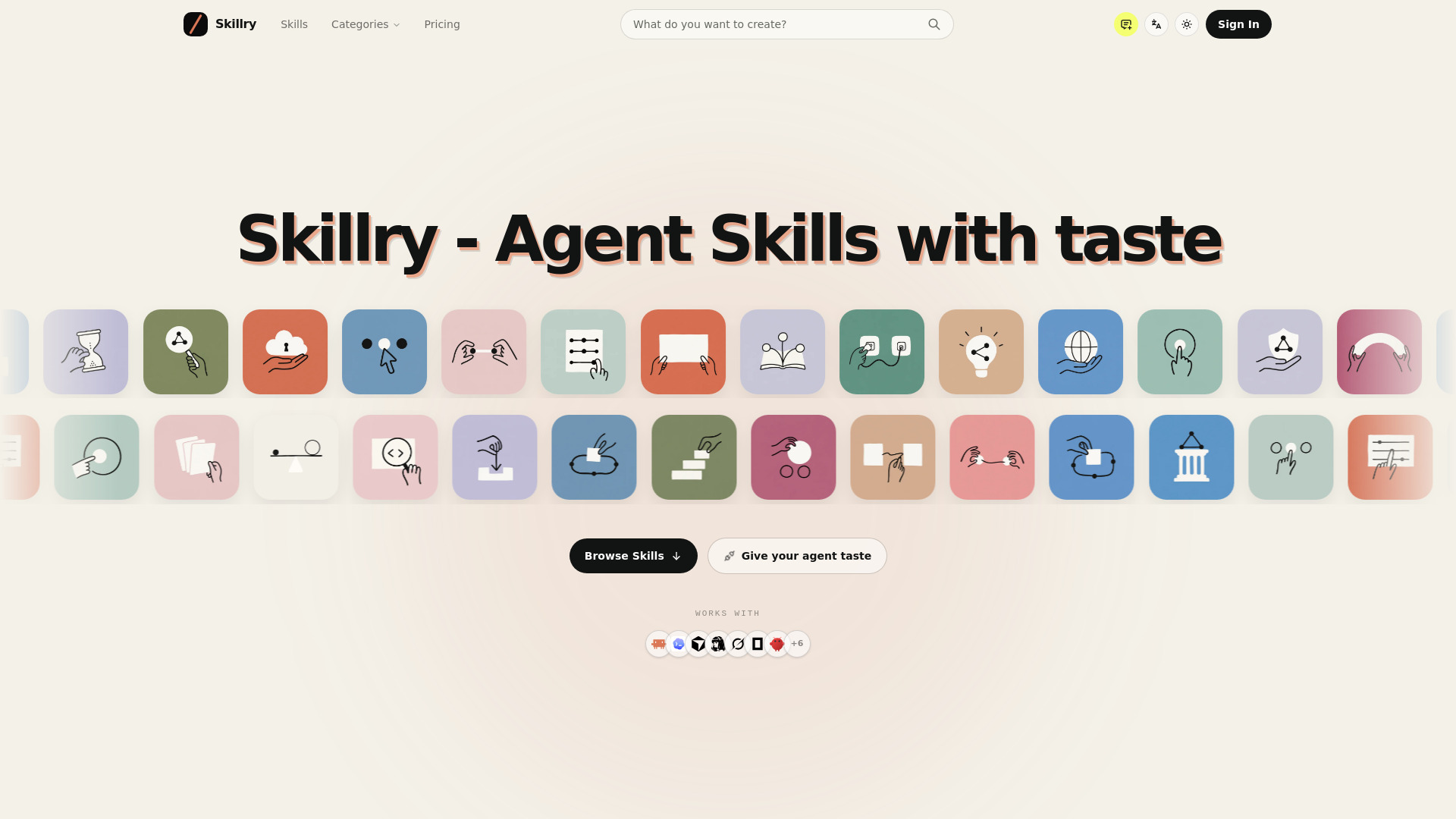
Skillry is a growing library of Agent Skills for AI coding agents. Every Skill carries a specific visual point of view, and you can see exactly what it makes before you install it — so what your agent ships is something you'd actually show. Web pages, slide decks, images and video. Install from the web or your CLI and use it inside Claude Code, Codex, Cursor and more. The taste is ours. The work is your agent's.
How to use Skillry
- Browse the catalog of Skills.
- Choose a Skill that fits your needs.
- Use the install prompt or download its ZIP.
- Your agent follows the included instructions after installation.
Features of Skillry
- Curated library of Agent Skills for AI coding agents.
- Each Skill has a specific visual point of view.
- Preview what a Skill makes before installing.
- Install from the web or via CLI.
- Works with Claude Code, Codex, Cursor, Hermes Agent, Grok, OpenCode, OpenClaw, and more.
- Skills cover focused work across Slides, Web, Images, and Video.
- No API key required; CLI opens browser for authorization and stores a revocable, scope-limited credential in your OS keyring.
- Paid access includes ongoing updates.
Use Cases of Skillry
- Creating web pages with a specific visual style.
- Designing slide decks.
- Generating images.
- Producing video content.
- Enhancing AI coding agents with reusable workflows for creative tasks.
FAQ
What is an Agent Skill? A Skill is a reusable set of instructions and resources that helps an AI agent complete a specific kind of work.
How do I get started? Browse the catalog, choose a Skill, then use the install prompt or download its ZIP. Your agent follows the included instructions after installation.
Will this work with my Agent? The catalog works with agents that can read and install Agent Skills. Start with the supported examples on this page, then follow your agent's normal Skill installation flow.
Do I need an API key? No. The CLI opens your browser for authorization and stores a revocable, scope-limited credential in your operating system keyring.
What kinds of work can Skills help with? Skills cover focused work across Slides, Web, Images, and Video. Each Skill page explains the result it helps your agent create before you install it.
How do I get Skill updates? Open the Skill page again whenever you need the latest package. Paid access includes ongoing updates, while each Skill page shows the current version of its instructions.