Newsletter
Join the Community
Subscribe to our newsletter for the latest news and updates

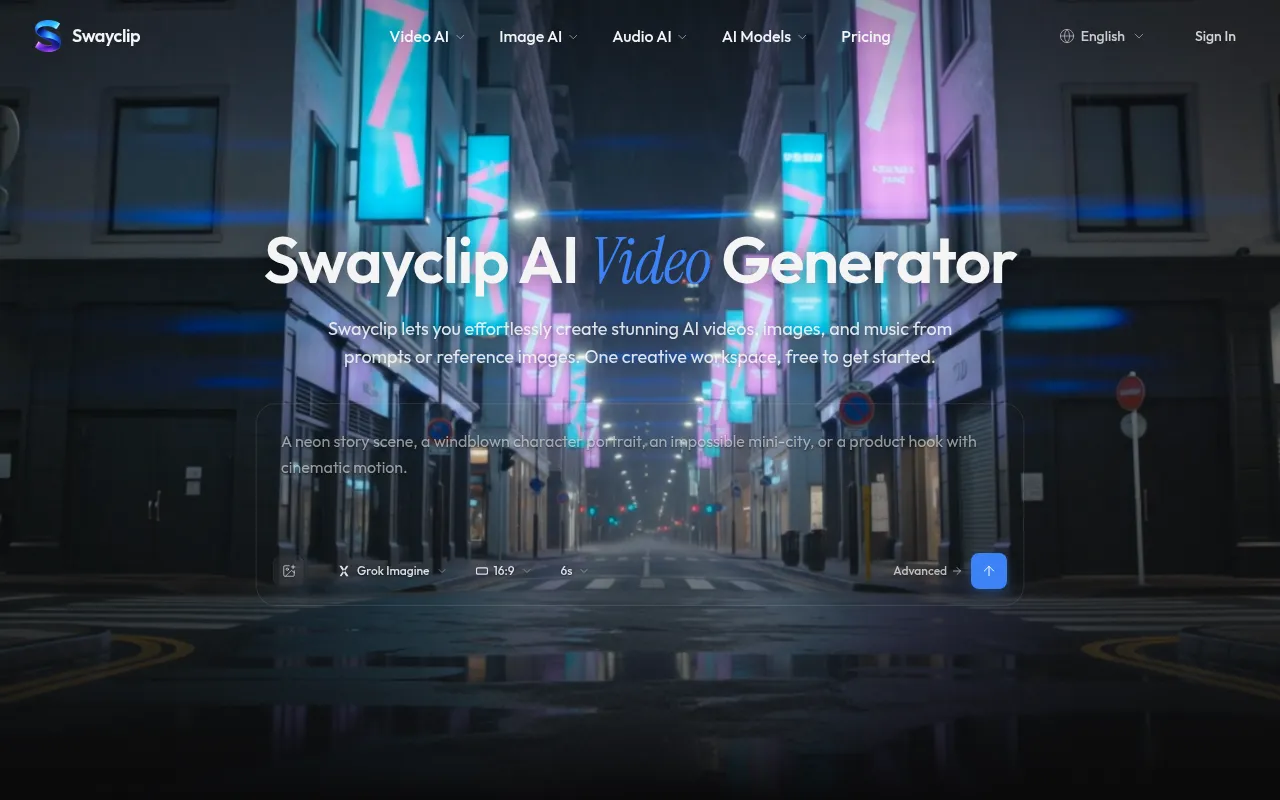
A unified browser workspace for generating AI videos, images and music from one prompt or image.
Swayclip is a video-first AI creator workspace that lets you generate AI videos, images, and music from prompts or reference images. It provides access to multiple leading AI models in a single browser workspace, with model choice and credit costs shown before generation.
Swayclip offers paid plans and Credit Packs. Pricing starts at $19.99 per month (as per schema data). Commercial use is included on paid plans. For full details, visit the pricing page.
What is Swayclip? Swayclip is a video-first AI creator workspace. From a prompt, product shot, reference image, or music need, you can generate and reuse video, image, and audio assets with model choice and credit costs shown before generation.
Which AI models can I use? The workspace covers video, image, and audio generation across multiple leading AI models. Each tool's model picker shows the current lineup, which keeps expanding.
Can I create from both text and images? Yes. Start from a prompt, upload a first frame or product image, or use a reference asset depending on the tool.
What kinds of scenes can I make? Use Swayclip for product clips, social shorts, cinematic scenes, character shots, editorial images, concept visuals, and music for creator workflows.
Can I use Swayclip for commercial work? On paid plans and Credit Pack generations, yes. You keep rights to your prompts and references; outputs follow the underlying model's licensing terms.
How is Swayclip different from other AI video tools? Swayclip is a video-first creator workspace with visible model choice, reusable outputs, credit clarity, and workflow pages that grow with real creator jobs. It is an independent creator tool, not the official site of any underlying model provider.