Newsletter
Join the Community
Subscribe to our newsletter for the latest news and updates

Online AI editor for removing, enhancing, and transforming images
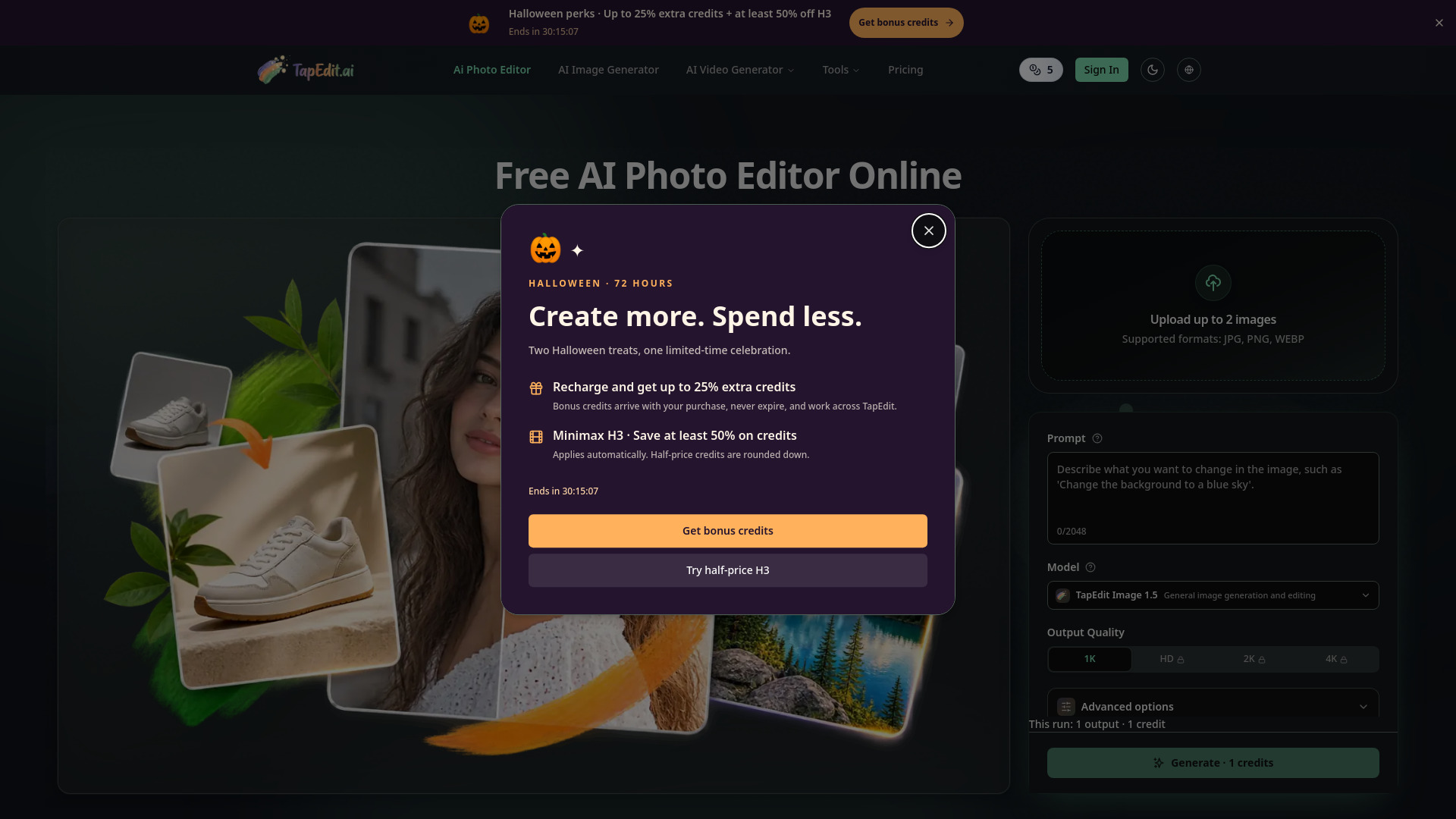
TapEdit is a free online AI photo editor that enables users to remove backgrounds, erase objects, enhance image quality, upscale images, and use generative fill. It combines essential AI photo editing tools in one place, catering to product photos, portraits, and marketing images.
TapEdit offers daily free credits for standard edits. Users can sign in for more credits, HD, 2K, or 4K output. Basic editing tools are free, while advanced generative features are available on a pay-as-you-go basis.
Is TapEdit a free AI photo editor online?
Yes. TapEdit lets visitors try standard AI photo editing online with daily free credits. You can upload a photo, run a standard edit, and see how AI background removal, object erasing, enhancement, upscaling, or generative fill works before paying.
Can I use TapEdit without signing up?
You can try standard edits with the anonymous daily credit allowance. Sign in when you need more daily credits, multiple prompts, PNG export, HD quality, 2K output, or 4K output.
What is the difference between an AI photo editor and an AI image editor?
People use both terms for the same core workflow: uploading an image and letting AI change it. TapEdit supports photo-focused edits like retouching and enhancement, plus broader image editing tasks such as background removal, object erasing, watermark cleanup, and generative fill.
Can TapEdit remove backgrounds with AI?
Yes. TapEdit can remove or replace backgrounds from product photos, portraits, and other images. The AI is designed to preserve detailed edges such as hair, fabric, glass, and small product details.
Can I erase objects or watermarks from a photo?
Yes. Use TapEdit to erase unwanted objects, text, or watermarks from an image. The AI fills the surrounding area so the result looks natural for cleanup, ecommerce, and marketing use cases.
Does TapEdit support HD, 2K, or 4K output?
Yes. Standard edits are available for quick daily use, while higher-quality HD, 2K, and 4K output depends on your credits and account access. The editor shows the available quality options before generation.
Will my photos be used to train your AI models?
Your uploaded images are used to process your request. TapEdit does not use your private uploads to train public AI models without explicit consent, and uploaded assets are handled according to the service privacy policy.
Do I need to know how to write AI prompts?
No. You can start with common tasks such as removing a background, erasing an object, enhancing quality, or changing a scene. For custom edits, describe the result in plain language and TapEdit will help turn that intent into an AI edit.
Can I use TapEdit images for product photos and marketing?
Yes. TapEdit is built for product photos, portraits, ecommerce listings, social posts, ads, and marketing visuals. Make sure your input rights and final usage comply with the applicable terms and policies.
What file formats does TapEdit support for export?
TapEdit supports common image formats for upload and export, including JPG, PNG, and WebP where available. Some export options, such as PNG output, may require signing in.