Newsletter
Join the Community
Subscribe to our newsletter for the latest news and updates

Versatile AI chatbot for writing, reasoning, coding, and image generation.
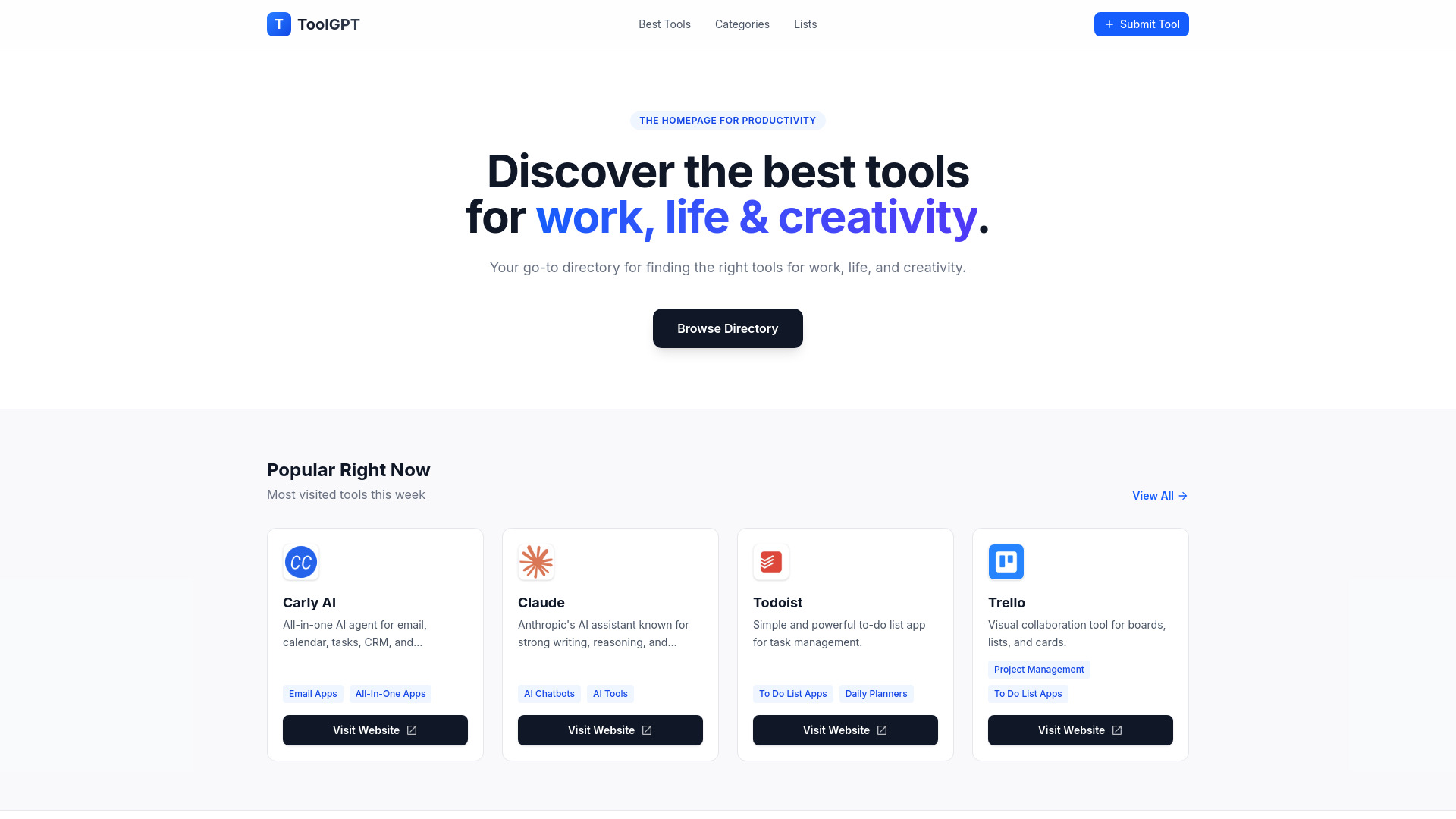
ToolGPT is a curated directory of AI and productivity tools, designed to help users discover the best software for work, life, and creativity. It features over 130 tools across various categories, including AI chatbots, project management, to-do lists, and more.
ToolGPT is a free directory. There is no cost to browse or submit tools.
Q: How many tools are listed on ToolGPT? A: Over 130 curated AI and productivity tools.
Q: Can I submit my own tool? A: Yes, you can submit a tool via the 'Submit a Tool' page.
Q: Is ToolGPT free to use? A: Yes, browsing and submitting tools is completely free.