What is Typevia
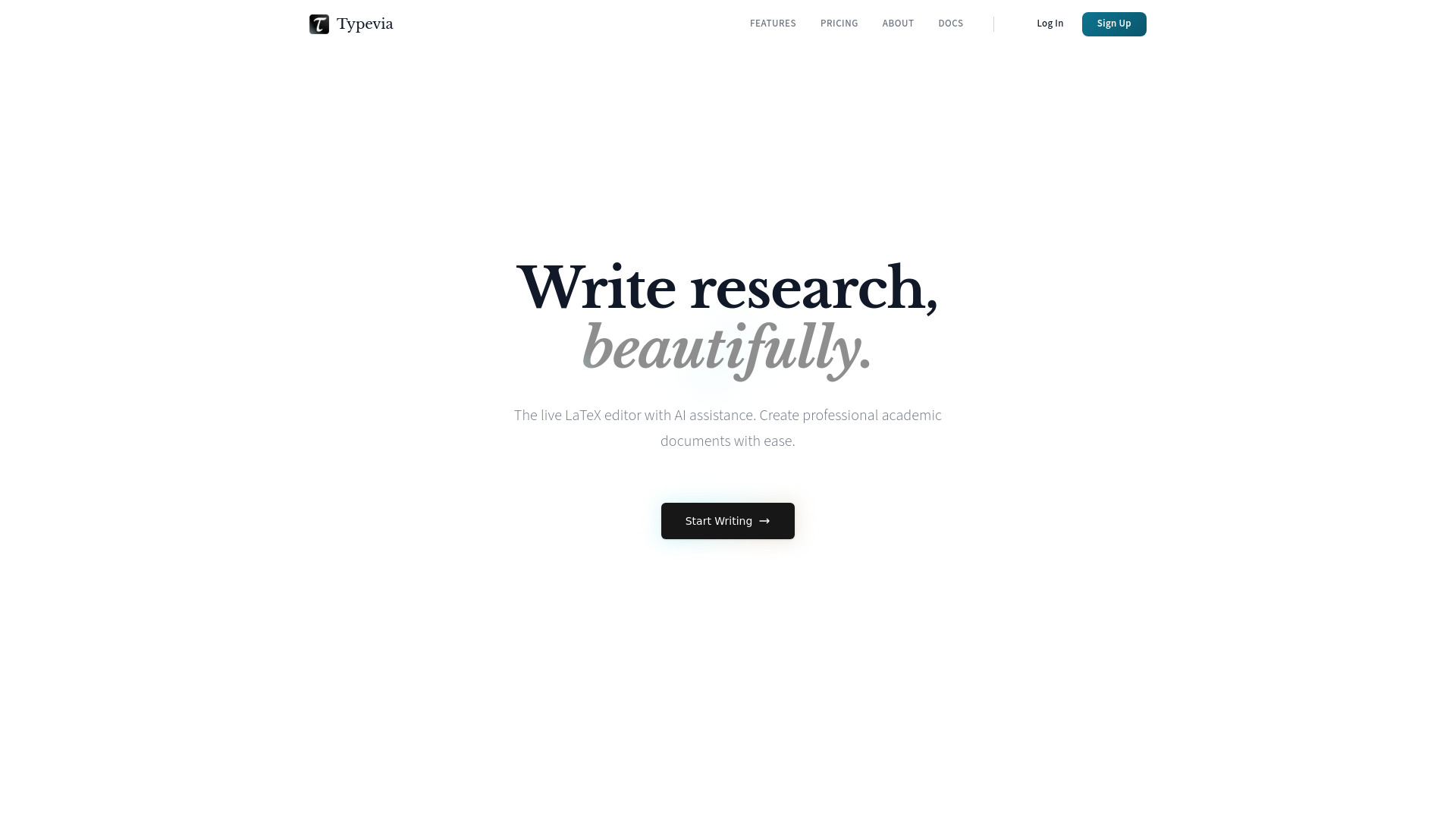
Typevia is an online AI LaTeX editor with live rendering, real-time collaboration, templates, and Python in the browser. It is designed as a modern Overleaf alternative for researchers and academics, offering AI assistance to help write professional LaTeX documents.
How to use Typevia
- Start Writing: Click the "Start Writing" button on the homepage to open the editor.
- Write LaTeX: Use the built-in code editor to write LaTeX documents. The editor provides a live preview of your document as you type.
- Use AI Assistant: Ask the AI chat for help with syntax, formulas, or edits. The AI can generate LaTeX code based on your requests.
- Collaborate: Share your document with others to write together in real time, add comments, and track changes.
- Use Templates: Choose from templates for papers, theses, and talks to skip boilerplate.
- Run Python: Execute Python code directly in the browser without any installations or servers.
Features of Typevia
- AI Assistant: Get help with syntax, formulas, and edits right when you need them.
- Live Rendering: See your LaTeX document render in real time as you type.
- Real-time Collaboration: Write together with others, share, comment, and track every change.
- Templates: Pre-built templates for papers, theses, and talks.
- Python in the Browser: Run Python code directly in the browser with no setup required.
Use Cases of Typevia
- Academic Research: Write research papers, theses, and dissertations with professional LaTeX formatting.
- Collaborative Projects: Work with co-authors in real time on shared documents.
- Learning LaTeX: Use the AI assistant to learn LaTeX syntax and best practices.
- Presentations: Create presentation slides using LaTeX templates.
- Data Analysis: Combine Python code with LaTeX documents for reproducible research.
FAQ
Q: What is Typevia?
A: Typevia is an online AI LaTeX editor with live rendering, real-time collaboration, templates, and Python in the browser.
Q: Is Typevia free?
A: Yes, Typevia offers a free plan. More pricing details are available on the pricing page.
Q: Can I collaborate with others?
A: Yes, Typevia supports real-time collaboration, allowing you to share documents, comment, and track changes.
Q: Does Typevia have templates?
A: Yes, Typevia provides templates for papers, theses, and talks.
Q: Can I run Python code in Typevia?
A: Yes, Typevia allows you to run Python code directly in the browser without any installations.