LogoTopAIHubs
icon of Unbound AI Generator

Unbound AI Generator

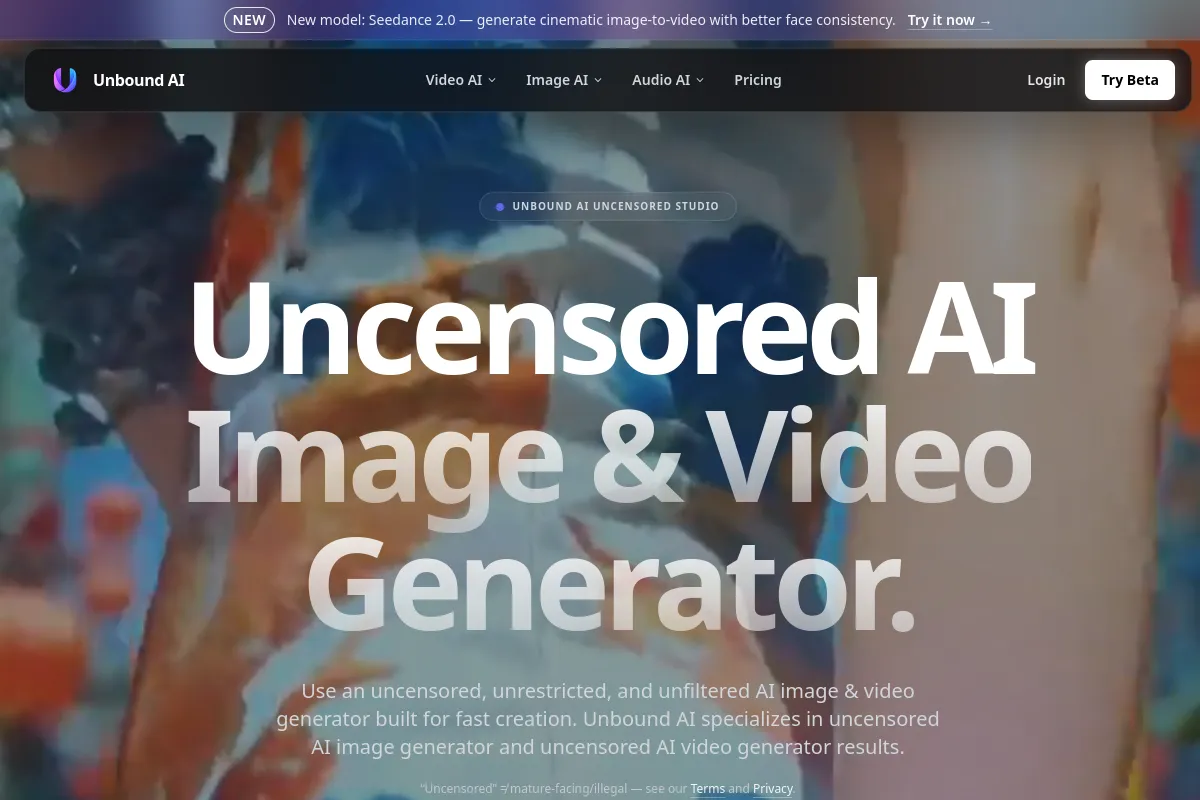
A web-based uncensored AI studio for generating images, videos, and audio from prompts or photos.

Introduction

What is Unbound AI Generator

Unbound AI is a web-based, uncensored AI studio that allows users to generate images, videos, and audio from text prompts or existing photos. It emphasizes creative freedom with unrestricted and unfiltered generation workflows, aiming to provide a comprehensive platform for AI content creation.

How to use Unbound AI Generator
  1. Choose your creation type: Select whether you want to create images, videos, or audio.
  2. Input your prompt or media: For image generation, enter a text prompt or use an existing image. For video, you can use text prompts, images, or extend existing videos. For audio, upload an audio file or provide a URL.
  3. Select models and settings: Choose from various AI models and adjust settings like motion strength, duration, or output size.
  4. Generate and refine: Initiate the generation process and refine the results as needed.
Features of Unbound AI Generator
  • Uncensored AI Image Generator: Create images from prompts or photos with fewer unnecessary restrictions on legitimate, nonsexual creative work.
  • Uncensored AI Video Generator: Generate videos from text prompts, images, or by extending existing video clips.
  • AI Video Extender: Continue existing video clips by providing a prompt for the next scene.
  • Audio Generation Tools: Convert audio to video, generate music from text, or extract audio from video.
  • AI Dance Video Generator: Create dance clips from a single photo.
  • Crystal Horse Effect: Transform a photo into a crystal horse video.
  • Multiple AI Models: Access various models for different generation tasks (e.g., Seedance 2.0, Wan 2.7, GPT Image 2, Kling 3.0).
  • Creative Control: Features like image-to-image editing, prompt refinement, and adjustable settings for motion and style.
  • Free Credits: Offers free credits upon first login and daily login bonuses.
Use Cases of Unbound AI Generator
  • Artists and Illustrators: Create visual studies, mood pieces, character concepts, and style explorations.
  • Founders and Marketers: Draft landing page images, ad concepts, thumbnails, and campaign visuals.
  • Content Creators: Generate thumbnails, social visuals, cover art, and storyboards for short-form content.
  • Design Teams: Explore visual systems, campaign territories, and asset variations.
  • Video Production: Extend existing video clips, create dance videos from photos, or generate videos from audio.
FAQ

What is Unbound AI? Unbound AI is an uncensored, unrestricted, and unfiltered AI image & video generator platform built for fast creative production.

Is Unbound AI free to use? Yes, Unbound AI includes free credits for core AI image and video generation. One-time credit packs unlock higher volume, higher resolution, batch processing, and priority queues.

Can I use generated content commercially? Commercial use depends on your purchased credits, input rights, and terms. You must have permission to use uploaded materials and follow platform policies.

What can I create with Unbound AI? Create uncensored AI videos from text or images, generate uncensored AI image assets, and optionally add audio such as music, voice, and SFX.

How fast is generation? Typical ranges: videos in minutes, images in seconds, and audio in under a minute. Timing varies by workload, model, and current queue.

What does AI image generator fewer unnecessary restrictions mean here? It means fewer unnecessary restrictions on legitimate, nonsexual creative prompts and broader visual style control. It does not mean illegal, exploitative, non-consensual, sexual, or unsafe content is allowed.

What is an AI video extender? An AI video extender takes an input clip and generates new frames that continue the motion and scene, helping you extend video with AI while keeping the look and timing consistent.

What is audio to video? Audio to video converts an audio track into a video by generating visuals that match your prompt and sound. It’s a practical audio to video converter for narration, podcasts, and short clips.
Newsletter

Join the Community

Subscribe to our newsletter for the latest news and updates